
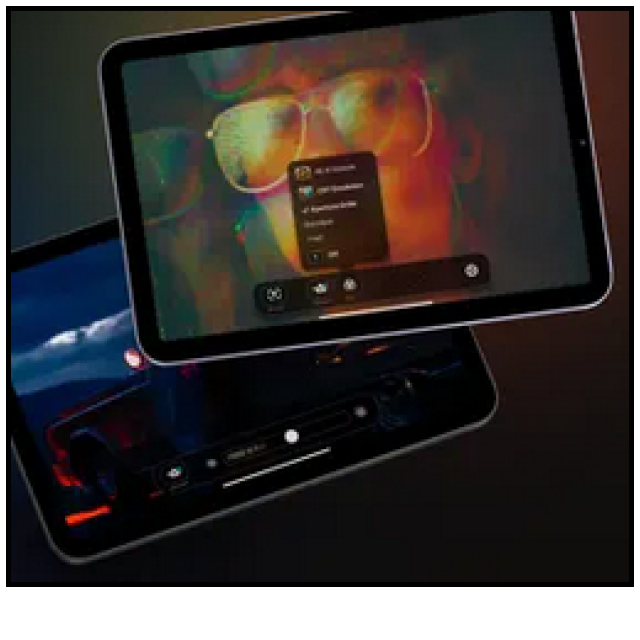
With Orion you can smartly use your iPad as an external display for other devices.
Dennis Gandasoebrata
This way you can use the iPad as a second screen for your desktop, with both Mac and Windows supported. You can also use the app to use the iPad as an external screen for your game console or camera.
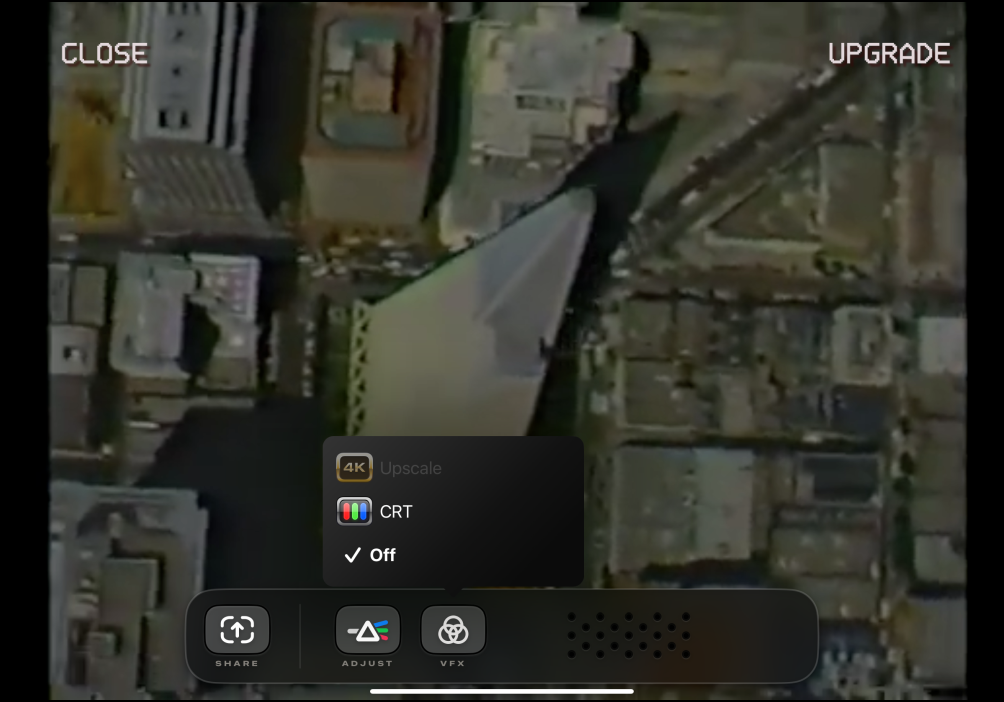
Orion is available in a free and paid version. The paid version offers a few extra options, mainly in the field of image quality. This way you can adjust the brightness of the image, but also use a upscalefunction. The image quality of the source signal (for example HD) is upgraded to 4K quality. The sound is also sent to the iPad via the audio passthrough-function. Furthermore, the app has a few ‘lighter’ functions, including the option to simulate an old TV screen, for example if you connect a classic game console and want to imitate the old times as much as possible. This function is also part of the paid Pro version, for which you pay a one-off fee of approximately 5 euros. You can also get a USB-C from the makers capture card connect, which allows you to convert an HDMI cable to the required USB-C connection for the iPad.
The app is relatively new and the first version was built in just 45 days, according to the makers. The functionality may be further expanded over time.
HDMI Monitor – Orion (https://orion.tube)

Price: Free (includes in-app purchases)
System requirements: iOS 17.0+
Language: English