

Jim’s Toolbox is an app that brings all kinds of advanced system programs together in a well-organized manner.
By: Dennis Gandasubrata
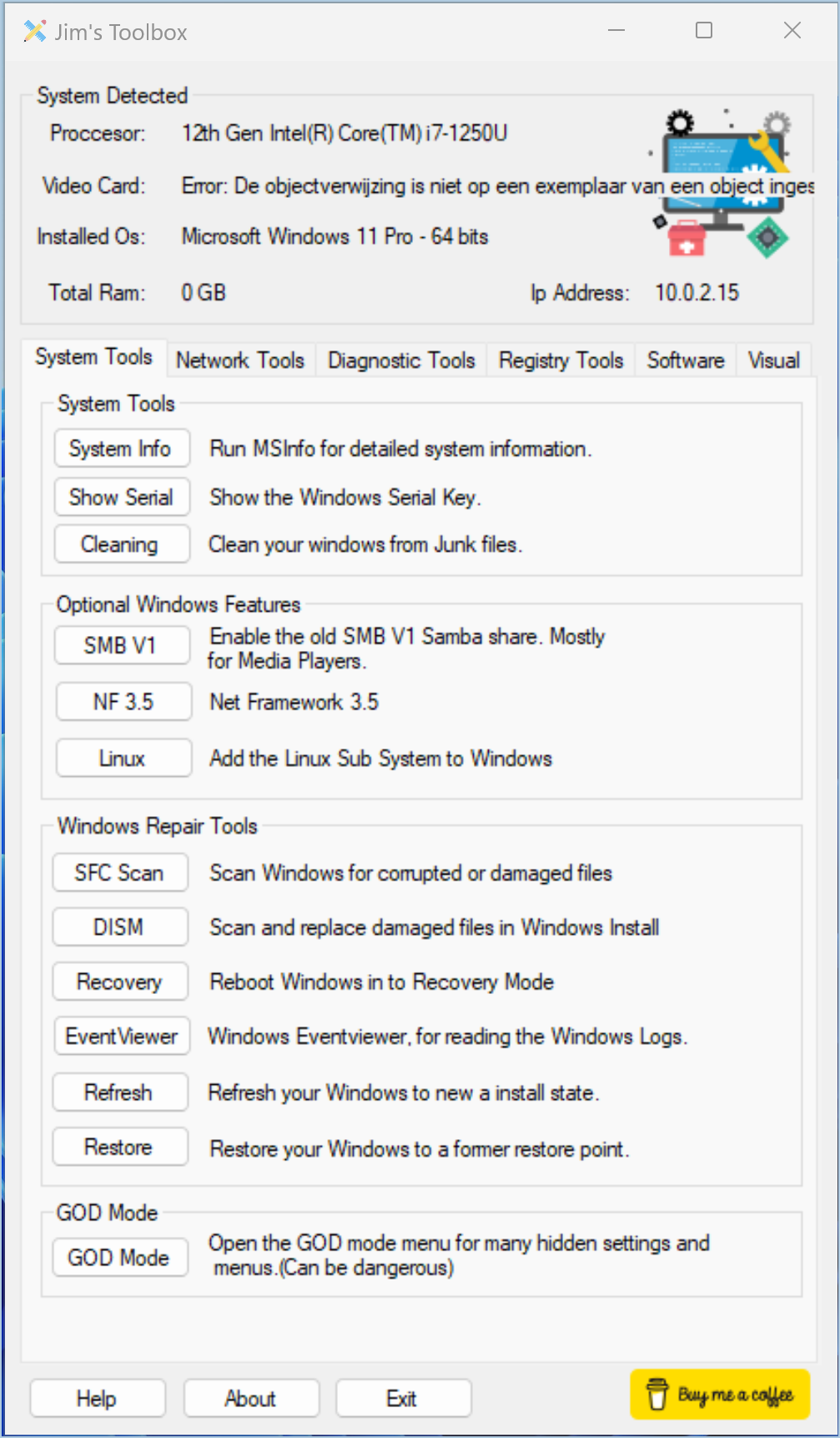
The window consists of six tabs on which the tools are categorized. On the first tab – System Tools – you will find shortcuts to well-known utilities such as MSInfo and scan for damaged system files. The makers have also made direct links here to items that are normally quite hidden. A good example of this is the window to show the Windows serial number or to see all available options at once (the well-known ‘God’ mode).
Anyone who regularly works with the Windows registry will be satisfied with the registry programs. The tab registry tools includes the option to extend the right-click menu with options such as Run as Administrator and Take ownership. You can enable and disable Windows security from the same tab.
These options also indicate who Jim’s Toolbox is for: users who know what they’re doing. In this context, do not expect too much text and explanation: the options are shown without further explanation. It is nice that the makers do not limit themselves to the built-in Windows programs, but also include references to valuable external software. A good example of this are the Sysinternals programs, such as Autoruns.
Product: Jim’s Toolboxhttps://cemiltasdemir.wixsite.com

Platform: Windows
Pros:
* central environment for valuable tools
* external programs also included
Negatives:
* only for 64-bit platforms
* no explanation for individual tools