
Need to structure a large collection bookmarks on your Android device? The free My Link Manager offers a helping hand here.
Dennis Gandasubrata
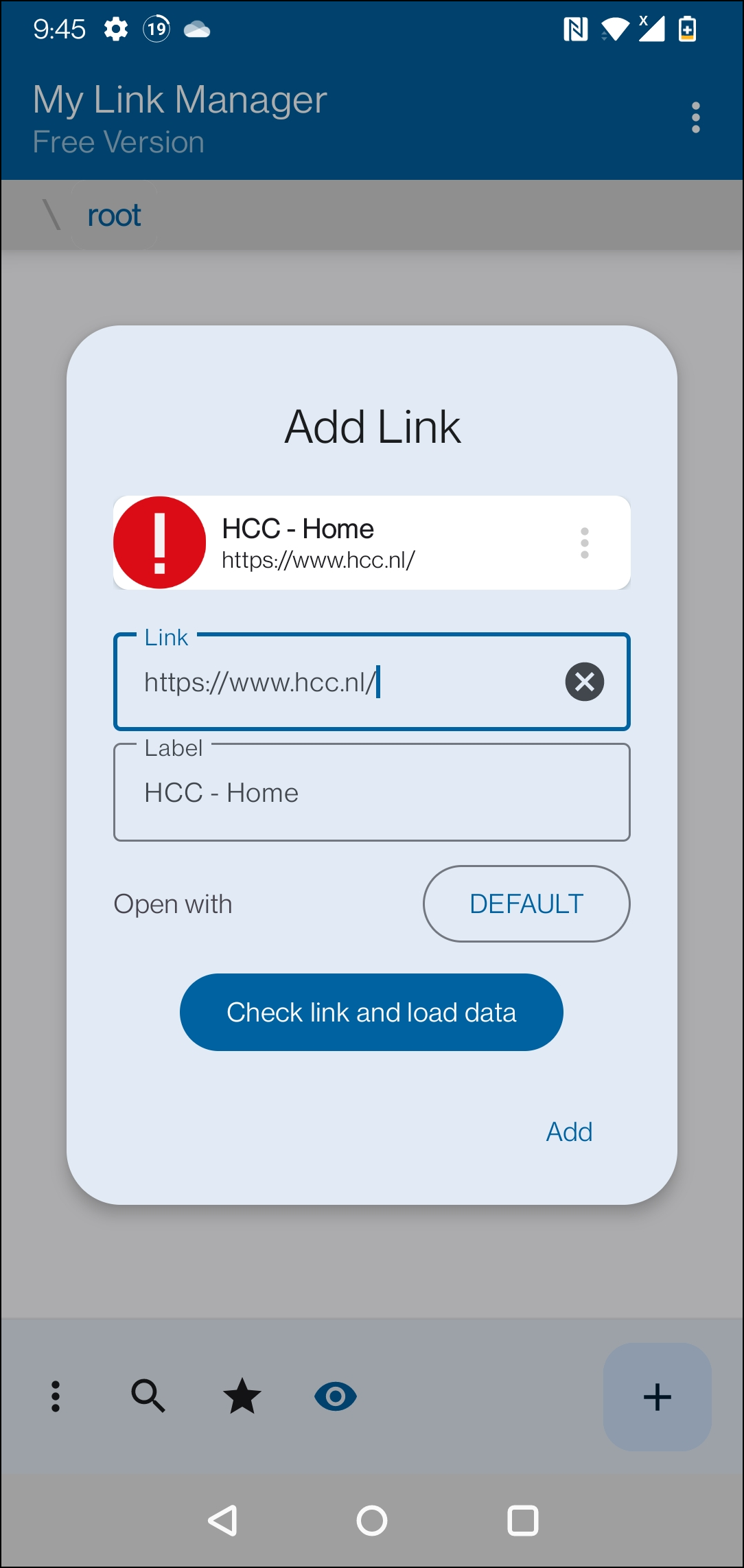
Need to structure a large collection bookmarks on your Android device? The free My Link Manager offers a helping hand here. The app allows you to save and organize bookmarks. You can also make a backup of it. The app is especially useful if you use multiple (mobile) browsers and want to have the most recent list in each app.
You can also use the backup of the favorites list to start using a new phone relatively quickly. For a quick start, you can use the import function, which allows you to load existing lists from, for example, a browser. HTML and JSON file formats are supported here. You can also export My Link Manager lists back to an HTML file at any time. To make the environment more to your liking and to recognize the different links more quickly, you can provide the folders with their own label and icon. In the settings window we find some options to customize the user interface, for example the size of screen elements and hiding parts that you don’t use.
My LinkManager (via Google Play)

Price: Free (includes in-app purchases)
System requirements: Android (varies by device)
Language: English