
Have you shot beautiful photos, but are you still not completely satisfied? Then you can get started with PhotoRoom Studio.
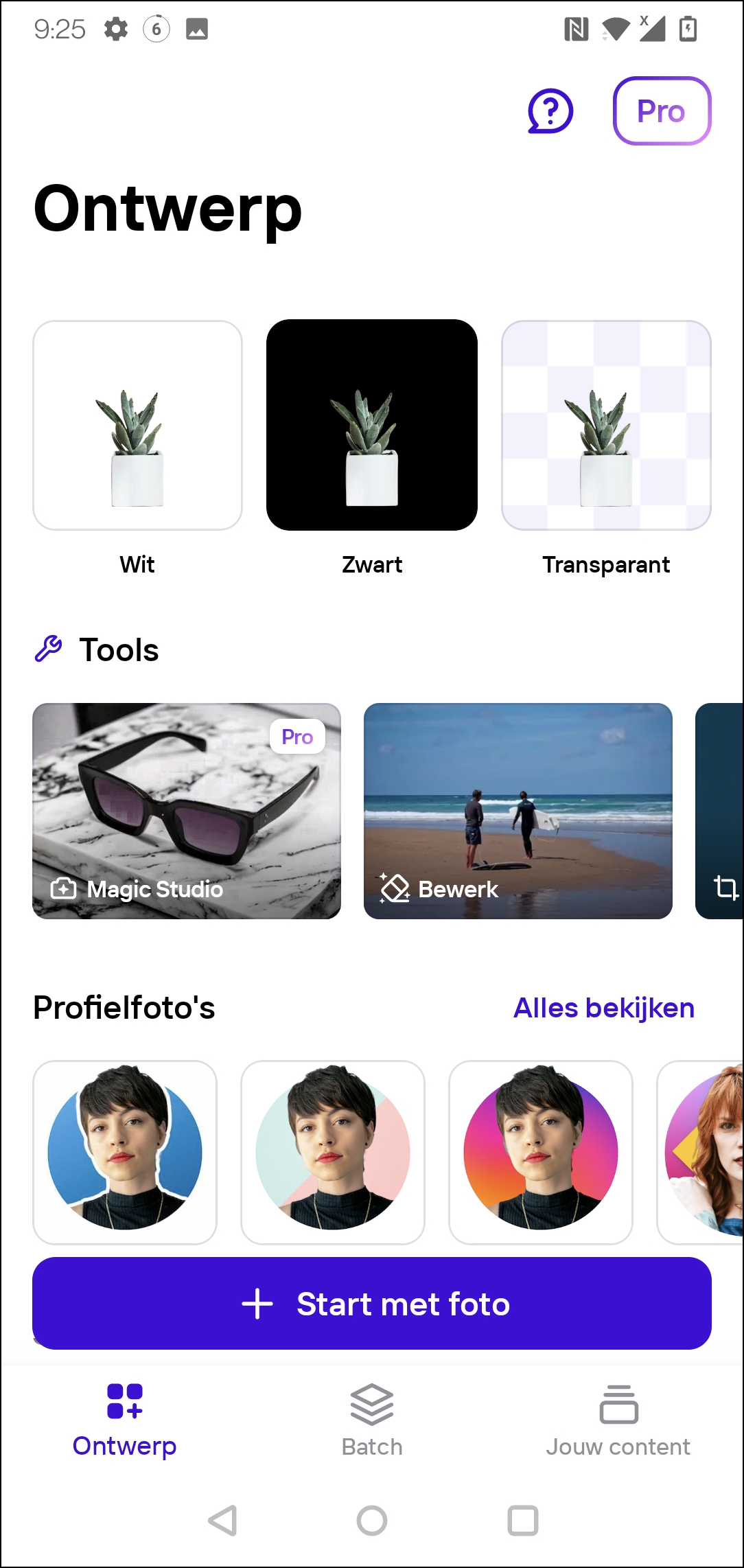
The app is especially useful if you’ve taken photos and want to remove the background in a neat way.
The app is particularly notable for its large amount of templates. You can choose from dozens of backgrounds. In practice, this comes in handy, for example, if you want to create new profile pictures for your social media channels and do not want to have a distracting background in the picture. Even if you put products for sale online, the app helps you take neat photos. If you’re not happy with automatically pulling objects out of your photos, you can also do this manually.
Handy is the option to edit photos as a batch. In addition, you can edit and improve individual objects in your photo (such as a bag), for example by adding a shadow or playing with light effects.
The app has a clear structure and uses tabs. There is a tab to take photos and a tab to edit photos, but we also find a tab on which all saved photo files are housed in an archive.
PhotoRoom Studio Photo Editor (www.photoroom.com)

Price: Free (includes in-app purchases)
System requirements: Android (version varies by device), iOS 15.0+
Language: English, Dutch