
If you have an iPhone and a macOS machine and would like to calibrate your new screen, you can now get started with TruHu.
Dennis Gandasoebrata
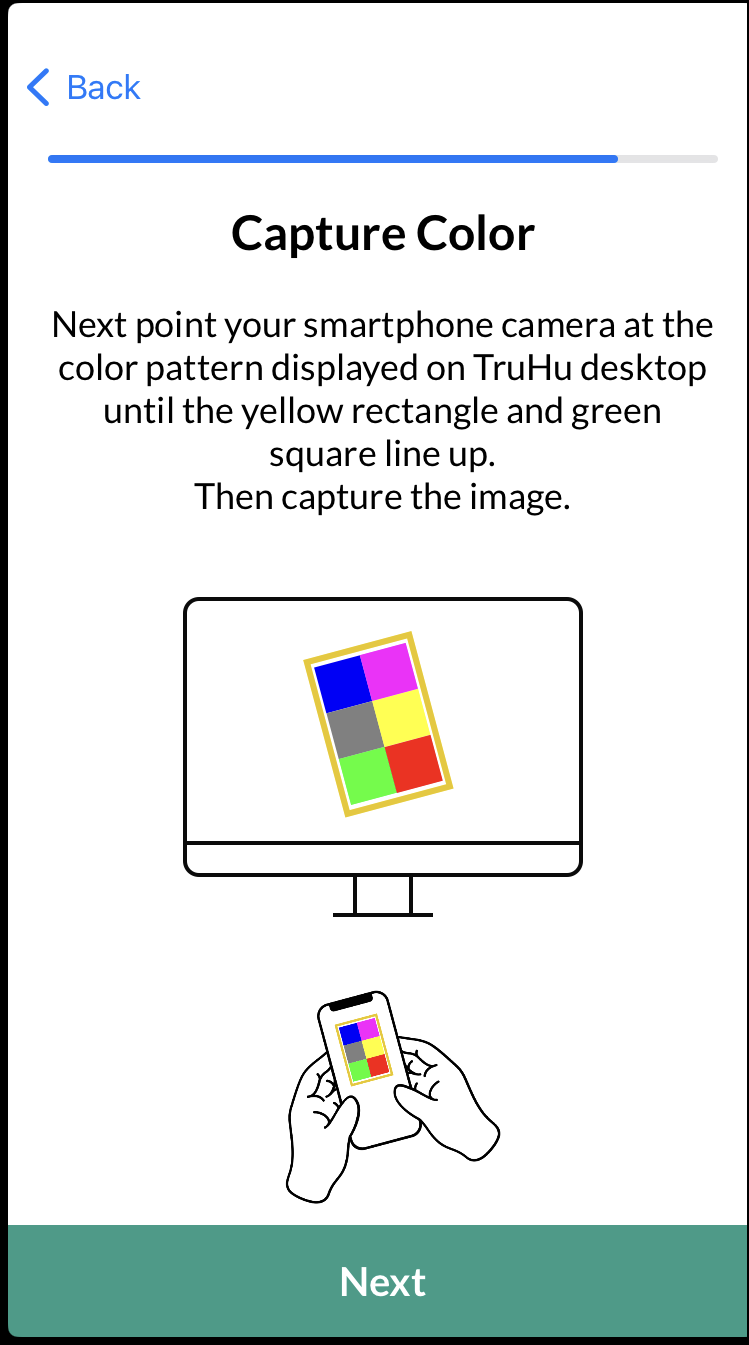
You can install the app from iPhone 7. Normally, color calibration of a screen requires specialized hardware. With TruHu you can go a long way yourself. Once you have installed the app on the phone, you can start the calibration process. You point the phone’s camera at the screen, which shows different images. You can adjust the brightness of the screen yourself, based on your own preference. This clarity then forms the starting point for further calibration.
You indicate when the screen shows white. After the measurements, the software automatically creates a display profile for the screen in question. Then check whether you are happy with the preview of the new profile and only activate it when you are satisfied. Although a version for the Windows platform is not yet available, it is being worked on.
The advantage of a solution such as TruHu is of course the accessibility of the calibration process and the fact that you do not need specialized hardware for it. Although we have not tested this, a specialized calibration may be more comprehensive than this solution. But for those who want to get started quickly and affordably: highly recommended.

TruHu (https://truhu.app)

Price: approximately 30 euros per year
System requirements: macOS 14+, iOS 7.0+
Language: English