
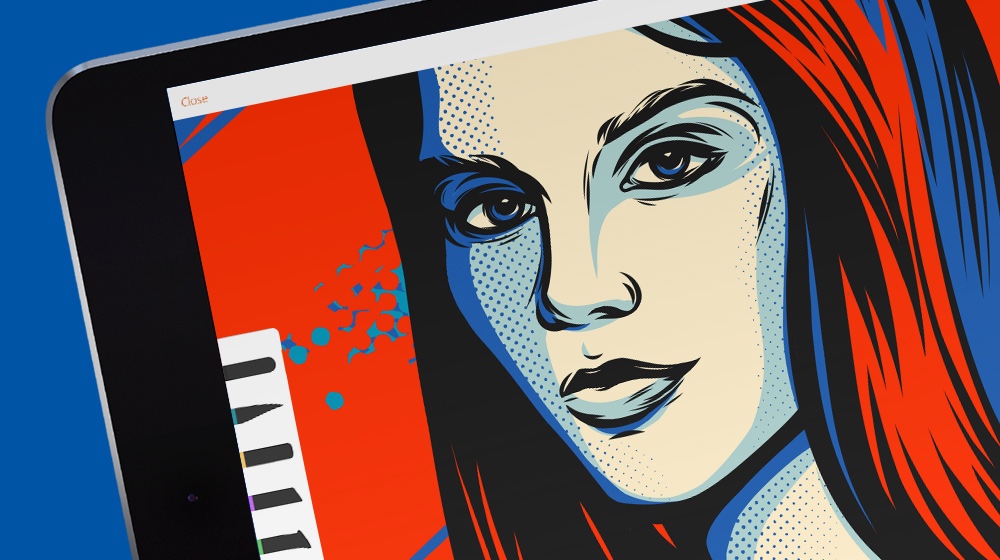
The process of preparing gorgeous illustrations and eye-catching posters is slowly becoming far from what can be associated with hand-crafted activities. Thanks to modern and reliable graphic design tools, even an amateur is capable of creating an amazing project. A step further—why not get trained in vector graphics and level up your layouts more? To make this dream come true, the choice of the best vector drawing app has to be well-thought-out.
The first decision is to give your preference either to Mac or Windows software. As practice shows, the first option is more beneficial in terms of productivity and image clarity. Once this step is done, what’s next? Stay tuned to check which professional tools for Mac users are rocking.

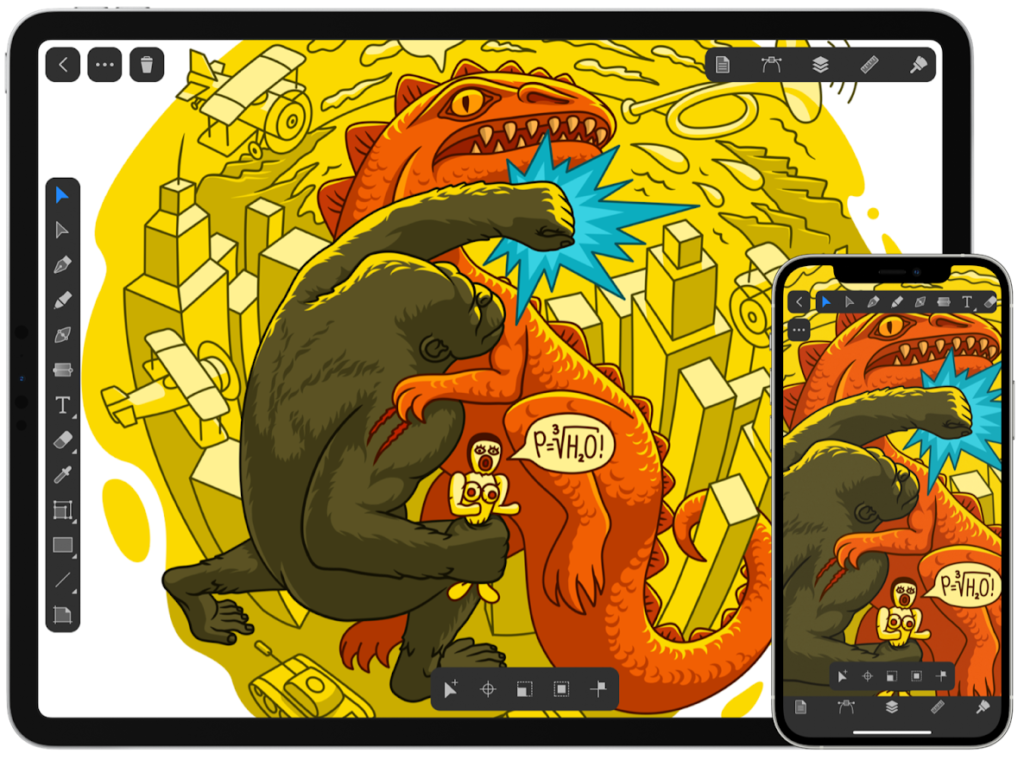
Amadine
Although Amadine was established not long ago (in 2019, to be more exact), this vector graphics application has gained its audience and momentum. The convenient one-time payment lets you acquire this solution once and forever.
With its Mac, iPhone and iPad compatibility, the program under consideration makes you maneuverable enough to choose when and where you would like to work. Additional advancements like Core Image, Autosave, Apple Pencil, etc. turns your time within the application into a breeze.
Adobe Illustrator
The pricing policy is divergent, and the cost of a monthly subscription depends on the tariff chosen and whether there are any appropriate discount offers for you. When it comes to functionality, there are few people who don’t know this is a perfect sample of advanced tools for designers. Unfortunately, it will take a lot of time to master it completely—the learning curve is challenging.
CorelDraw
Another pioneer in the field, this solution for Mac will make you invest more than desired. In turn for your spending, the functionality at your disposal is second to none. The range of formats to work with includes both traditional and rare files. Unique features will help you stand out, but be ready to get accustomed to the CorelDraw user interface.
Affinity Designer
If you are looking for all-in-one applications, Affinity Designer is a wonderful option to go for. The level of accuracy offered is something extraordinary—just imagine how powerful your efforts would be with its one-million-percent zoom. The grid panel to implement in your project layouts is another feature to add more control at customers’ end.
Some users claim this program doesn’t have the advanced features of Adobe Illustrator. But there are still a lot of abilities to check—only the mentioned features will level up your potential growth as a graphic designer.
Vectornator
When it comes to printing your work results, the product under consideration offers various important export options. With the functionality matching both lettering and UI design requirements, you can get enough powers to shine bright in the market. However, this tool will work best for customers who are artists at the same time—Vectornator is gorgeous for iPads and pencil tools.
Graphic
Although this application won’t let you be overly flexible (there are some issues with making custom plugins), it doesn’t mean it is useless. On the contrary, its abilities to work with multiple layers and a wide variety of text and graphic tools let you gain more practical experience than what some other alternatives can really offer.
Sketch
One of the best things is an opportunity to test this application for thirty days during the free trial period. It will not only let you understand whether the further investment is worthy. It is also a perfect opportunity to get acquainted with the user interface properly and without stress. The Mac program’s templates are recommended to check first to get a clear understanding of which projects can be done with Sketch.
Conclusion
More applications are going to appear in the market in the future, that’s for sure. So it is important to consider which strategy is more beneficial—to select a new vector graphics app or wait for updates from your favorite provider. Any way is chosen, don’t forget to keep your projects trend-appropriate and investigate which parameters are must-haves for your vector images.