
Taking good care of your device (and the internal battery) ensures that it lasts a long time and that you can take a lot of photos and videos.
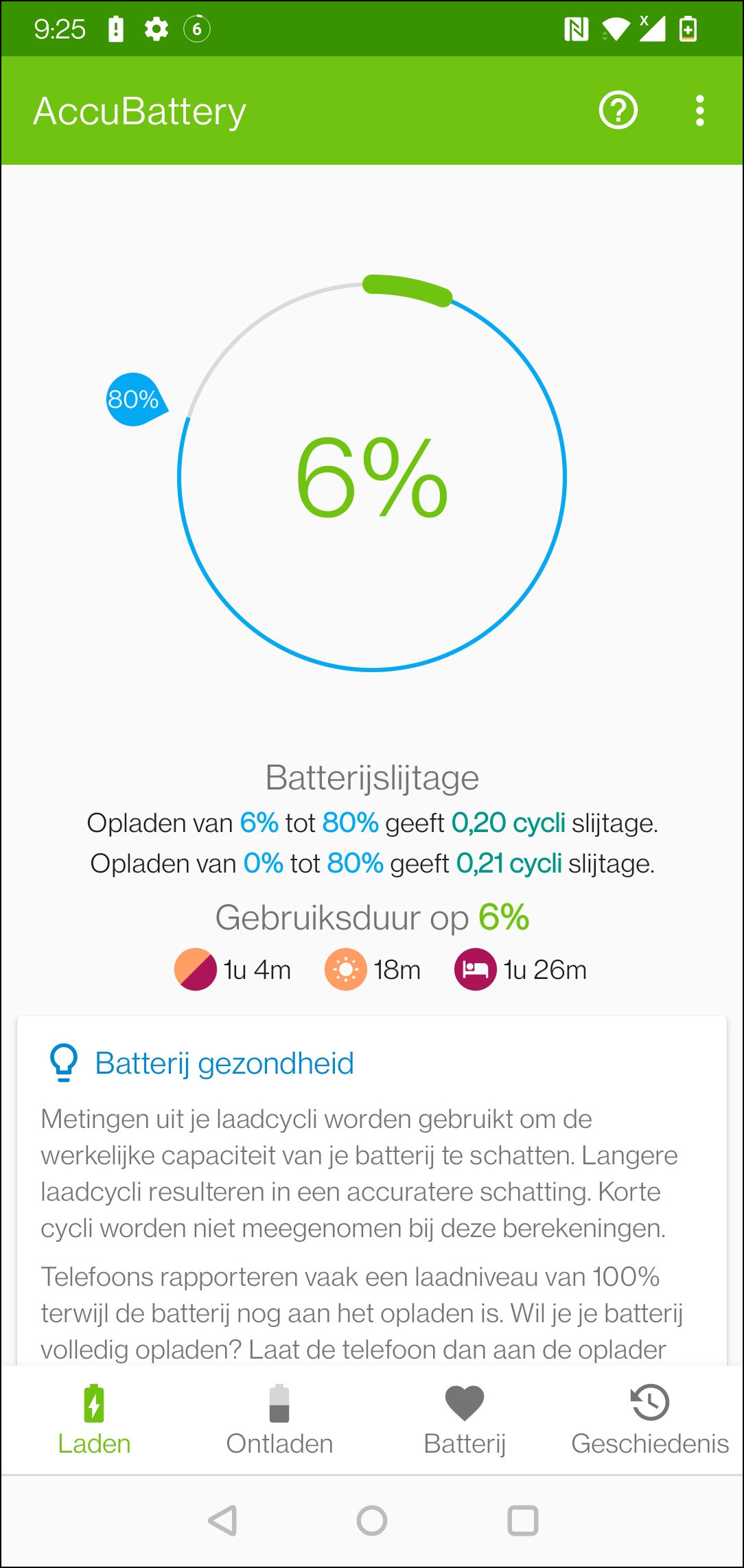
If you want more insight into the status and health of your battery, you can make smart use of AccuBattery for an Android device.
The app shows how ‘healthy’ the battery is in a graph. You can see, among other things, how often it has been charged, for what capacity the battery was originally developed and what capacity is now being achieved in practice. You can also see how the battery usage is per app. The app shows an overview of used apps and shows in a percentage what use is made of the total battery capacity. You can also see – depending on the support of the specific device – how warm the battery is and what voltage is currently applicable.
If you are curious about other information, you can request detailed battery statistics. This way you can see how long the screen has been active, when you last charged the battery and how much time the device has been in a deep sleep mode.
The app consists of a number of tabs. A separate tab is reserved for historical information: this shows how the health of the battery develops over time.
AccuBattery (https://accubatteryapp.co)

Price: Free (includes in-app purchases)
System requirements: Android (version varies by device)
Language: English, Dutch