
Sometimes you forget to read a message on WhatsApp, perhaps because you didn’t see it among all those messages. Luckily, there’s an easy way to filter your chat list for unread messages.
Almost every week, WhatsApp releases or announces new features, such as more secure voice messages and a secret code for chat lock. But there are also plenty of features and tips that you may not know about yet, but that have been there for some time. From now on you can also read them every week on pcvactive.nl. For example: do you, like me, have at least 10 WhatsApp messages every day and sometimes up to 50 in one day? Then it can happen that you miss a WhatsApp message. With the filter Unread for the chat list you can quickly view all your unread chats. To filter for unread chats, you need a recent version of WhatsApp on your device.
(article continues below image)
Versions
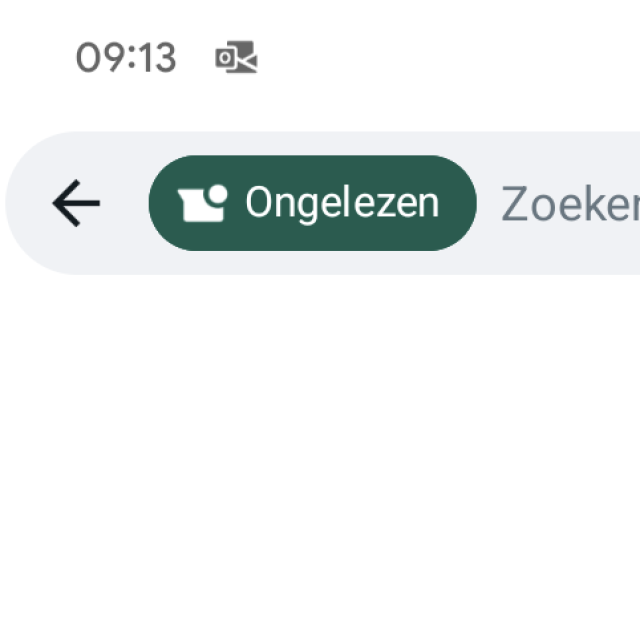
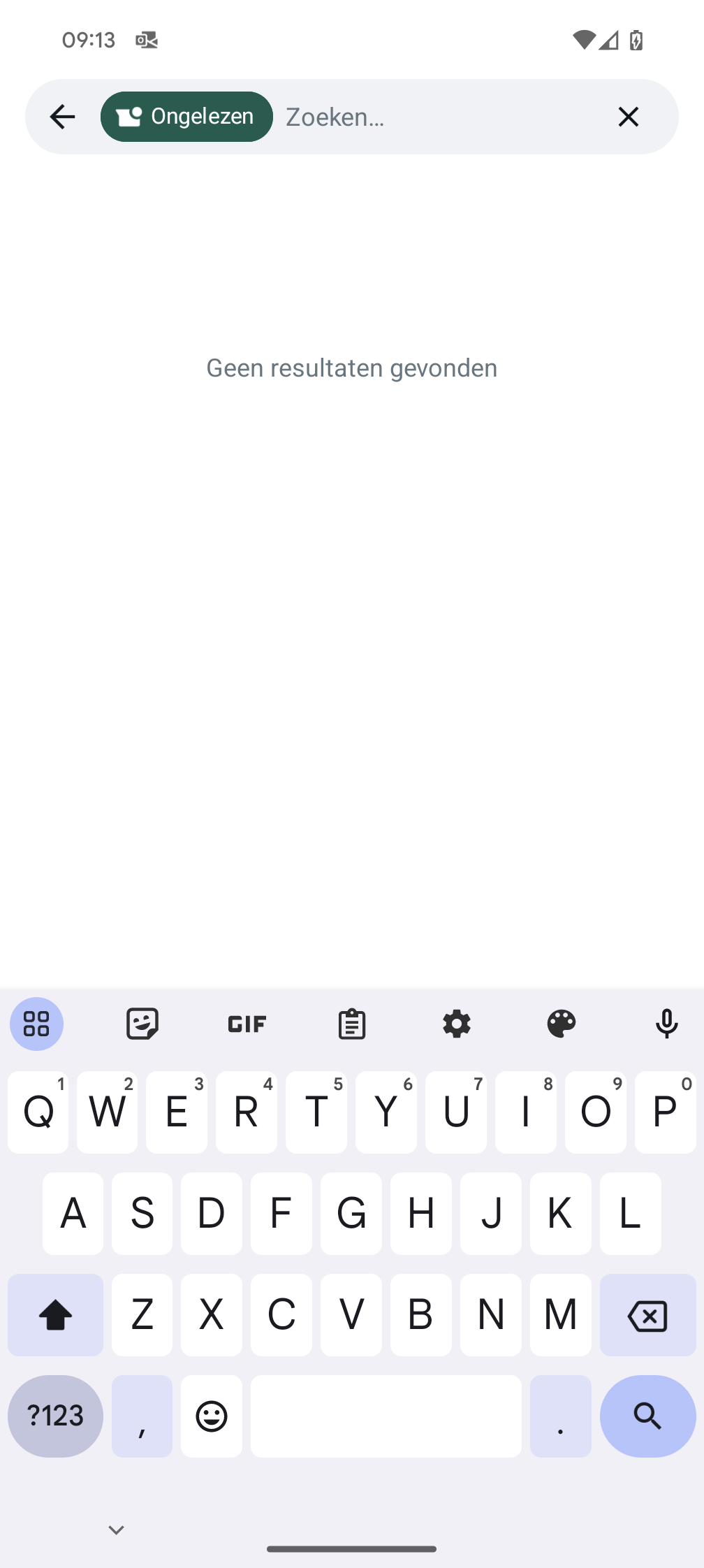
In Android: Tap the search bar and press Unread. To disable the filter, tap X or the delete key on your Android keyboard.
On iPhone: Scroll down the list of chats to open the search bar. Then tap the filter symbol. Tap the symbol again to disable the filter.
On Web and Desktop: Click on the filter symbol on the right side of the search bar. Click the symbol again to disable the filter.
On the WhatsApp Business App for Web: Click on the filter symbol on the right side of the search bar and then on Unread chats. Click the symbol again to disable the filter.
Note: This feature is not available for WhatsApp Business for iPhone.