

Windows Update is the seasonal theme at HCC and for good reason. The brand new Windows 11 23H2 update has more improvements and innovations than ever. Where can users find good information? The answer is HCC!windows, the Interest Group of HCC!
Walter Wijnhoven
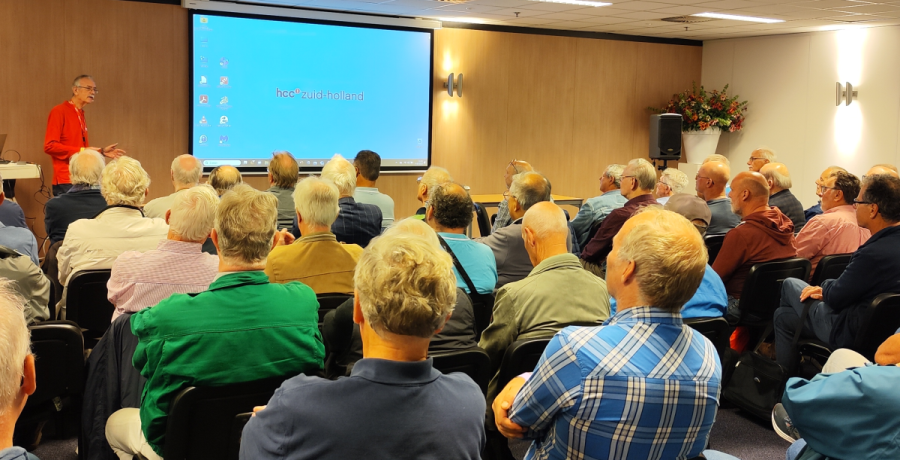 |
| A well-attended Windows presentation |
HCC!windows has been offering the many thousands of Windows users among HCC members maximum support for more than 30 years in the use of the various Microsoft Windows operating systems and any derivatives and/or successors thereof, and assistance with problems with software running under these operating systems. .
Presentations and meetings
How does HCC!windows facilitate this? A good question for Gjalt Zwaagstra, chairman of the HCC!windows Interest Group and of the HCC!almere Region. Gjalt is also a professional Windows specialist who has rolled out Windows servers and desktops at various companies. He is now rolling out various meetings at HCC. “Because we also organize regional meetings in Almere, we are available on the first Saturday of the month in Huizen, the second Saturday of the month in Almere and every Tuesday afternoon in Lelystad. Other members of HCC!windows are active in the South Holland region and in Friesland and Groningen at their regional meetings.”
There are also more and more digital options. “We have a Discord forum for support questions: https://discord.gg/ygXyCThZWs. And recently there is a WhatsApp group where we work on projects: https://chat.whatsapp.com/CabA2qHPFAQJ1noRQTClLF. Physical or digital; everything is completely in line with our vision: open, cozy and educational. Welcome to HCC!windows!”
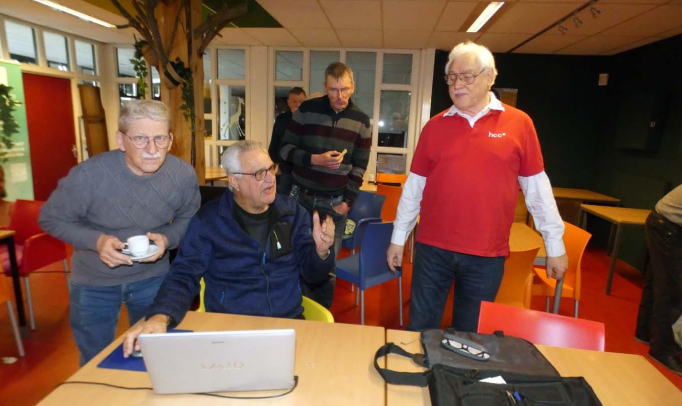 |
| Gjalt helps members with problems with computer programs |
Meeting in Almere
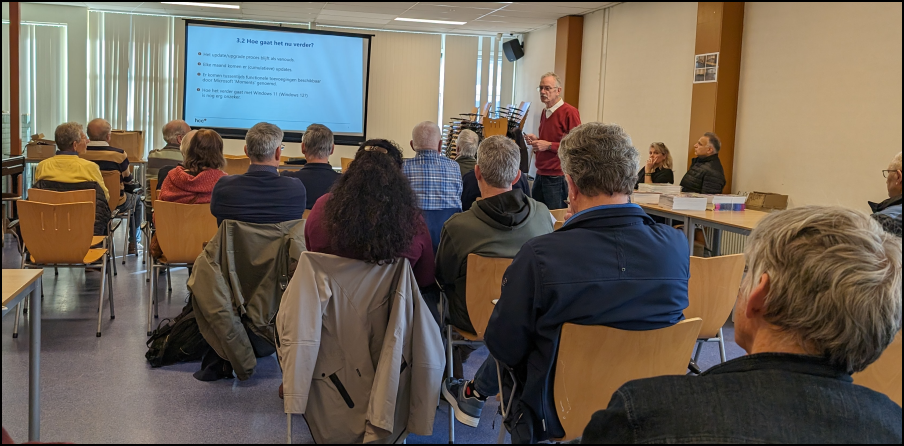
A recent example of a successful meeting was last month in the De Wieken Community Center in Almere with the theme Windows 11 Update 23H2. Gjalt: “The presentation of the theme revealed Microsoft’s new strategy. We have seen that it is no longer a major update at once, but continuous improvements. The Edge browser and Microsoft Office now have their own update mechanism whereby users who purchased Office 2016 in the past can immediately use Office 2023, to which many options have been added. Windows will be quietly updated to the new version from September 2023. You will notice it booting twice if you have done the Windows updates. The last update you get is a small one that changes your version number.” Would you also like to attend a presentation about Windows Update? Visit hcc.nl/agenda for presentations throughout the country.
Feel free to ask
During meetings such as those in Almere, the necessary questions arise. For example, people are regularly asked about the difference between Microsoft 365 and Office 365. Gjalt explains: “Microsoft 365 and Office 365 are two different products from Microsoft.”
Office 365 is a cloud-based service consisting of a range of business applications such as Exchange, Office apps, SharePoint and OneDrive 1.
Microsoft 365 is Office 365 with Windows 10 (OS) and the Enterprise Mobility Suite (of security and management apps).
“Microsoft 365 is a subscription service that gives you the latest modern productivity tools from Microsoft. There are Microsoft 365 plans for home and personal use, for small and medium businesses, large enterprises, schools, and nonprofits. Microsoft 365 home and business plans include the robust and familiar Microsoft 365 desktop apps like Word, PowerPoint, and Excel. You also get additional cloud storage and cloud-connected features that allow you to… real time can collaborate on files. With a subscription you always have the latest features, fixes and security updates and ongoing technical support, at no extra cost. You can choose to pay for your subscription monthly or annually.”
| |
|
|
Working groups
Questions are fine, but they also need good answers. HCC!windows is therefore starting a number of working groups in which advanced users can participate. Especially people who are active in IT and want to know everything will get their money’s worth here. Gjalt: “We notice that knowledge of TCP/IP is often insufficient and that installing Windows on an ’empty’ system causes problems. Virtualization and other techniques such as management and the use of Linux with Windows are now more common than additional functionality. Windows is increasingly managed by Linux and Linux is already a part of Windows. In the new year we will start with webinars about Proxmox, Hyper-V and WSL, among other things.”
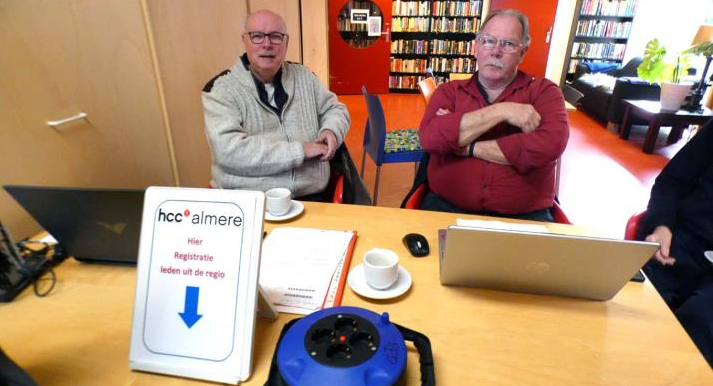 |
| Loyal executives Ron and Kees register visiting members during the HCCalmere meeting |
Webinars
Virtualization techniques will play a greater role now that energy prices are rising, Gjalt knows. “A number of members often have more than one system running, for example a Raspberry PI, a NAS and a second laptop. We are preparing a webinar on how to virtualize all these systems on a NUC. NUC stands for Next Unit of Computing and is a small mini computer, easy to hold in one hand and available with the same specifications as a regular desktop. For the home user, you only need one computer that can run NAS, home automation, Windows and Linux, which you can then work on at the same time. Apart from the webinars, we can provide tips and hints for your personal situation on our Discord and WhatsApp channels.”
| |
|
|
|
Knowledge Day March 30, 2024
In addition to webinars, there are also physical events to inform members and non-members, such as the periodic Knowledge Days. The last HCC! knowledge day took place on March 30, 2024 at the Expo in Houten, packed with presentations, workshops, discounts on specials and much more. On a Knowledge Day, many Interest Groups, including of course HCC!windows, are ready to inform and entertain visitors. During a Knowledge Day, for example, you will learn how to make your home smarter and you will be introduced to the latest flight simulators and drones. In addition, by popular demand, there are also products for sale in the field of computers, consumer electronics and books/magazines. Upon presentation of the HCC pass you will receive free access to the HCC! knowledge day and the presentations. One of the many benefits of HCC membership! Non-members are also welcome and pay admission. Visit hcc.nl/kennisdag for current information.
Copilot
There is a lot to say about the Windows 11 23H2 update, not only at webinars and Knowledge Days. In PC-Active 333 we presented a number of interesting innovations to the readers. Some parts are already available, but other parts are not yet available, such as Copilot. European legislation means that Microsoft cannot launch the AI chatbot in its current form. Gjalt: “Copilot is only integrated into the Edge browser in the Netherlands. If you also want to enable Copilot for other programs such as Paint and Word, you must set your system to ‘US’ otherwise you will not get those options. So you can use it, but you have to do some tricks. It is unknown when it will be fully released in the Netherlands, but it may be that Copilot will ‘just’ be included in the next Windows update.” You can always check to see if a recent update adds the feature. Because from the moment the operating system has finished installing the software, the AI assistance icon will automatically appear on the taskbar.
Artificial Intelligence
You could describe Copilot as a kind of Bing (Microsoft’s search engine) with ChatGPT technology, which can arrange all kinds of things for you within the Windows operating system. Because in addition to searches, Copilot can do much more, because it is ‘artificially intelligent’. Gjalt: “AI opens up a lot of possibilities. AI is going to change our lives. For example, a presentation can now be given by a virtual guest speaker who gets his knowledge from the internet. Controlling everything via voice is one of the new options. Photo editing can soon be voice-controlled, explanations can be generated with a few keywords. Programming new functions will soon also be possible via speech. Windows 12 is expected in October 2024, complete with AI integration. AI is wonderful, but we need to know more about it soon so as not to fall victim to shady services. Behind the scenes, we ensure that members of HCC!windows remain digitally skilled in this area. Our many volunteers help with this!”
 |
| Loyal executives Ron and Kees register visiting members during the HCCalmere meeting |
Volunteers welcome!
Like any association, HCC also stands or falls with the efforts of the many active volunteers who form our framework. They ensure that all activities of the Regions and Interest Groups and of the association as a whole are well organized and run smoothly.
Gjalt: “We are mainly looking for young people who want to learn the Windows system and explain it to the members. Most older HCC members are mainly ‘just’ consumers of what is offered. Our goal is to teach everything possible with Windows. And that ranges from streaming to AI and being digitally resilient.” To complete this further, we are looking for new volunteers. Are you an experienced user of Windows or apps that (also) run under Windows and would you like to help others with this, please contact: bestuur@windows.hcc.nl
Future plans
What are the future plans of HCC!windows? Gjalt: “The members determine the future and volunteers are needed to further answer the members’ questions about the future. We plan, among other things, to organize an OS day in April with many hints and tips about the Windows operating system. With our workshops and other meetings we delve deeper into the topics than other teaching organizations. In addition to attention to Windows, attention is also paid to everything that runs under Windows. As a knowledge center for Windows, HCC!windows is interesting for both HCC members and non-HCC members.” However, becoming a member offers many benefits. Want to know everything about Windows and Windows Updates? The answer is HCC!
| |
October 5th another knowledge day,
|
|