
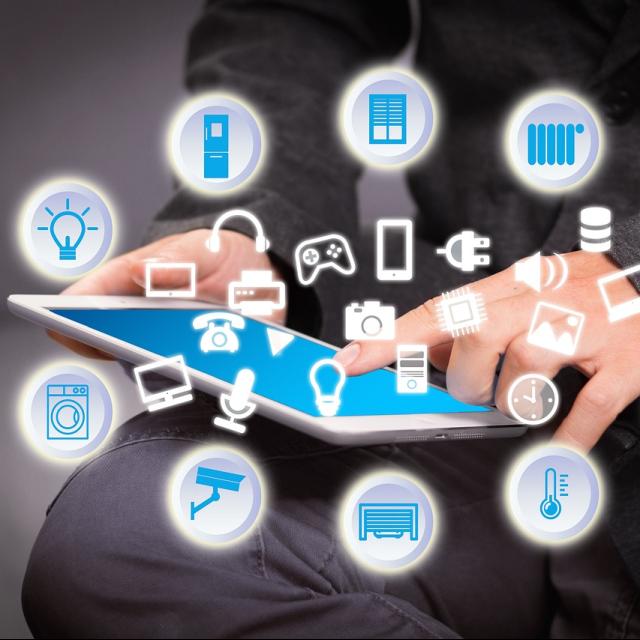
A Smart Home offers convenience, comfort and security. From smart lighting and thermostats to security cameras and entertainment systems; everything in your Smart Home needs a reliable network. Here we discuss the benefits of different network cables, such as a Cat7 cable and why they are perfect for your smart home.
Why wired internet is so important
In a smart home, devices are constantly connected to each other and the internet. These devices therefore need a stable and fast connection. Wireless connections are convenient and easy to connect, but can be prone to interference and slow for many devices. Wired connections are more reliable and a lot faster. The last thing you want is a security camera that doesn’t record anything because the wifi is down, or because a burglar with a network jammer comes by during your vacation. That’s how easy it can be to hack into a wireless connection.
Cat7 cables: reliable and fast
Cat7 cables are ideal for most applications in a smart home. They support speeds up to 10 Gbps and have a frequency range of up to 600 MHz. With extra shielding against external interference, they offer a stable and reliable connection. This makes them suitable for devices that require a lot of bandwidth or must always function stably, such as a wifi repeater, security cameras and smart TVs.
Cat8 cables: a future-proof connection
For devices that require higher speeds, Cat 8 cables are the best choice. They support speeds of up to 40 Gbps and have a frequency range of up to 2000 MHz. Like Cat7 cables, Cat8 cables also offer excellent protection against electromagnetic interference, but to an even higher degree.
All of this makes the cables perfect for 8K streaming, advanced security systems and data-intensive applications. Although most current devices do not yet support these speeds, they offer a future-proof solution. This means you do not have to replace your cables again and again when they become too slow.
Planning your Smart Home network
Before you install your network, you should map out the locations of all your devices. You do this to get an idea of how many meters of cable you need and whether you need to purchase internet boosters, for example. Always place your router centrally for optimal coverage. When installing cables, avoid other devices, thick walls and sources of interference, such as microwaves and power cables, as much as possible.
Maintenance and configuration of your network
After installation, you need to configure your network properly. Log in to your router, via your computer, and set up the network settings. Make sure you have a strong password and set up security protocols, such as WPA3, to protect your network. Connect each device to the network and check if they are working properly and have a stable connection.
A well-maintained network remains reliable. Keep the firmware of your router and all Smart Home devices up-to-date and change your passwords regularly. In case of connection problems, check the cable connection and restart the router. Also check for any cable breaks.
The right network cables are essential to the success of your smart home installation. Different types of cables provide the speed and reliability needed to keep your devices functioning optimally.
This article was created in collaboration with Kabelshop.nl