
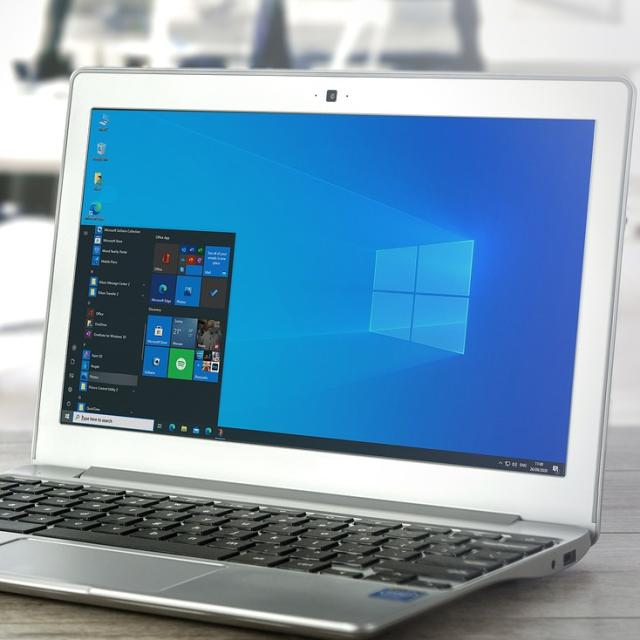
I still have a computer with Windows 10, but the free support stops after October 14, 2025. What can I do? Henk H.
There are still many computers with Windows 10 as a operating system. Although Microsoft initially indicated Windows 10 after October 14, 2025, Microsoft does that anyway. Read that option here and also two other options that you have for your computer with Windows 10 and for which you No new computer has to buy.
1. Switch to Windows 11
Check whether your computer meets the minimum requirements by typing on your computer in the Settings search window and on Enter to print. Choose there Privacy and security and then for Windows update. If your computer can upgrade from Windows 10 to 11, you should see an option in Windows Update to upgrade for free to Windows 11.
2. Switch to Linux
If it is not possible to switch to Windows 11, you can install Linux on your computer. On Pcactive.nl you will find many articles about Linux Mint, such as Linux Mint Cinnamon 21 and Linux Mint and Backup.
Moreover, HCC! Linux regularly organizes presentations and workshops in the country, such as on the HCC! Kennisdag on March 22 in Expo Houten.
3. Windows 10 continue to use, but for a fee
Yes, there is still the possibility to continue to use Windows 10 as a consumer/private individual, but against payment. Microsoft offers an extended security updates (ESU) program of one year to protect your Windows 10 device for around € 30. ESU is a paid program that ensures that eligible computers receive essential and important security updates after the support for Windows 10 ends. The program therefore delivers essential and important security updates, but no other types of updates or technical support.
In response to my questions about, among other things, when ESU becomes available, Microsoft was unfortunately only able to indicate that as October 2025 gets closer, more information would be available and you can register in time. We will of course let you know immediately.