
Rabobank offers contactless payment with Google Pay. With this payment service you don’t have to enter a PIN code and you no longer have to insert a debit card into a card machine. So you can leave your physical cards and cash at home and pay with your Android phone or smartwatch. Do you also want to pay contactless with Google Pay? Here you will find a complete explanation of how you can use the digital card as a Rabobank customer.
What is Google Pay?
Google Pay has been available in the Netherlands since 2020. You can see it as a digital card that you can use at a payment terminal to pay contactless. This way you can pay quickly with your phone or watch that you always have with you. This digital card is linked to a payment account of your bank. Until now, Rabobank, ABN AMRO, Bunq and Revolut, among others, have supported this payment service from Google.
Can I use Google Pay with Rabobank?
Yes, from May 2022 Rabobank customers can pay with Google Pay via their Android phone or smartwatch. You must be 16 years or older and have a private or business checking account with Rabobank.
Where can I pay with Google Pay?
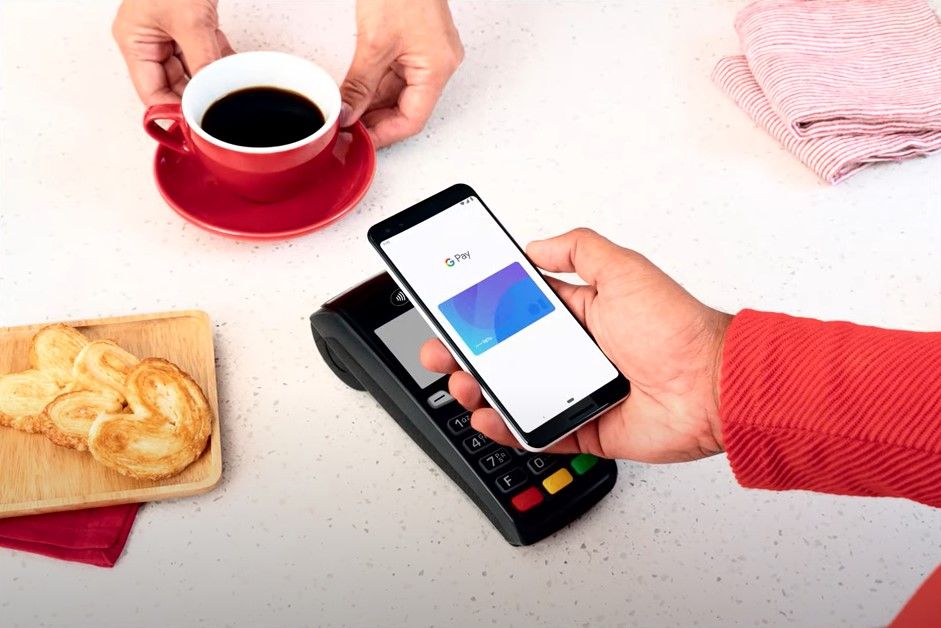
Wherever you can pay contactless with your debit card, you can also pay with Google Pay. It is not yet possible to use Google Pay with your credit card or for online payments. Rabobank is working on making this available as soon as possible.
What do you need to use Google Pay?
To use Google Pay at Rabobank you need the following:
- A payment account with debit card at Rabobank
- The most recent version of the Rabobank app
- A Google account with Google
- The Google Pay app and you can download it here in the Play Store
- An Android phone with NFC and Android 7 or higher or a smartwatch with Wear OS 2.0 or higher
Does Google Pay cost money?
No, Google Pay does not cost anything extra. You can use this for free with a payment package from Rabobank.
Add Google Pay as a payment method
Want to get started with Google Pay? Then follow the steps below to add the payment service.
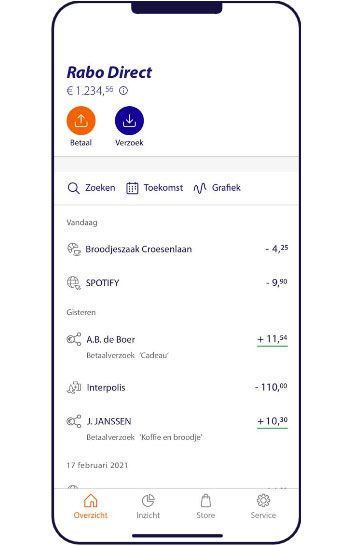
- Open the Rabobank app
- Tap the gear with Service bottom right
- Tap Payment methods and then on Links
- Select Google Pay
- Link the debit card(s) or credit card you want to use
- Read the terms and conditions and tap agree.
This is how you pay with Google Pay via your Android phone
Contactless payment with Google Pay works on the basis of NFC (Near Field Communication). This technology allows your Android phone or smartwatch to communicate with the payment terminal. Paying with Google Pay works as follows:
- Make sure your Android phone is on
- Select the card you want to pay with and keep your Android phone within 10 centimeters of the payment terminal
- A check mark on your screen shows that you have paid
You can pay up to three times in a row in this way. After this you can only pay again after you have unlocked your Android phone in the way you set, for example a fingerprint, pattern or access code. For amounts above 50 euros, you must also unlock your phone first.
This is how you pay with Google Pay via your smartwatch
- Unlock your smartwatch the way you set it up (e.g. via a passcode).’
- Then open the Google Pay app on the smartwatch and select the card you want to pay with
- You pay by holding the smartwatch h within a radius of 10 centimeters from the payment terminal
Will you use Google Pay as for contactless payments? Let us know in the comments.

– Thanks for information from Androidworld. Source