
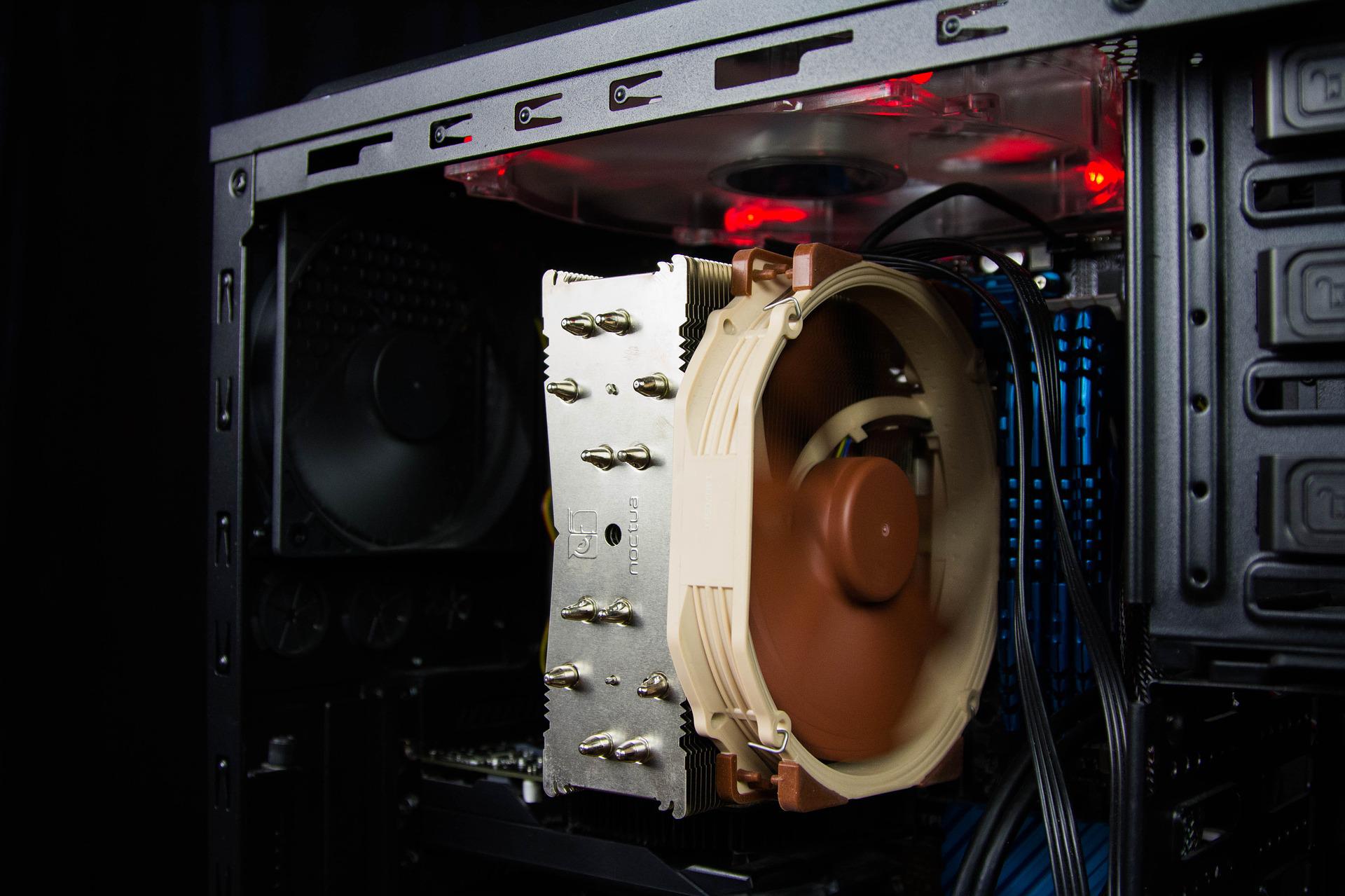
The heat wave was on our doorstep last month and now it is coming back for a few days in France. Like you, your PC can suffer from heat, here are some tips and advice to preserve it.
Under normal temperatures and even more so during a heat wave, our PCs – laptops and desktops alike – suffer from the heat. And some of the advice that we give to human beings to avoid suffering from it also applies to our machines. Please note, the following should not be used as arguments to present to your employer for not working on your PC (or Mac)!
1. Spend time in a cool place
Our machines are made up of a multitude of small electronic parts that produce heat and release calories. Internal PC fans are there to expel them. To limit this heating, it is best to use your PC in a room whose temperature does not vary much, between 22 and 26°C. Thus, the fans or orifices responsible for bringing fresh air into the machine draw in a flow at a constant temperature. This lightens the work of the internal probes responsible for regulating the rotation of the blades to maintain the mercury within seasonal norms.
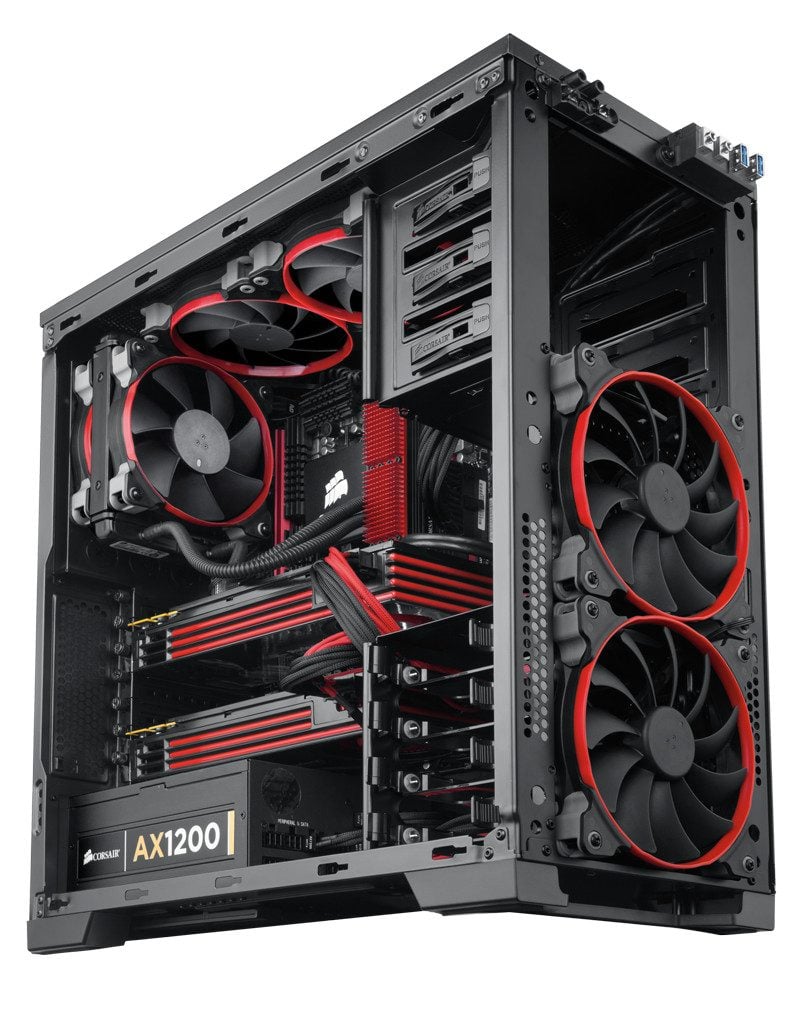
Contrary to what one might think, opening the left wall of your desktop PC isn’t much use when it’s hot. On the contrary. You let in dust (it’s bad, we’ll come back to this) and you create an air depression, thus upsetting the circulation of the flow worked out by the creator of your case. You risk seeing the mercury go down for a while and then go back up better.
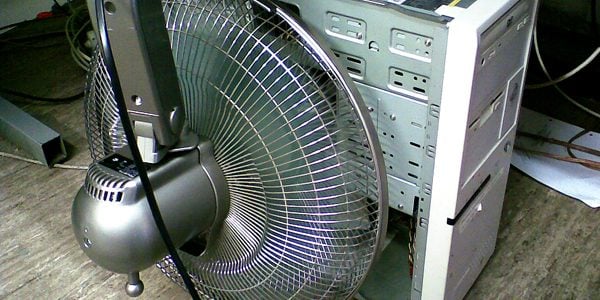
Also aiming external fans directly at the case is not good. Because in this case, you send a mass of more or less fresh air, loaded with particles, which will be distributed mainly on the chassis and of which only a small percentage will be sucked in by the fans on the front. So back to our first tip: maintain a stable ambient temperature in the room.
For desktop PCs built into furniture, take them out if possible and place them on the floor where the air is cooler. If your PC is on the floor or on the desk and you’re working in an exposed location, try moving it so the sun doesn’t hit it. Very often, the cases are black: this color is known for its appetences in terms of heat conservation. Thus, by side effect, the temperature will rise in the case, slowly but surely. If you can’t move it, make it a sunshade out of a piece of cardboard. It is not aesthetic, but in exceptional circumstances, exceptional means.
For laptops, elevate them a few degrees forward, using a book or phone charger. This will facilitate the circulation of cool air under the machine and the hot air will be expelled a little higher, allowing it to diffuse more quickly into the atmosphere of the room. In this position, you could even gain in working comfort. If you feel like a do-it-yourselfer… indulge yourself and make yourself the support of your dreams.
Read also: Five apps and services to face the heat wave
2. Avoid strenuous activities
It might be common sense to some, but in these hot days, it’s best not to ask your PC to do a three-hour 4K encode in a 34°C room. Or worse, in the sun or under the parasol, on the terrace. Moreover, remember that using your PC (or smartphone) in direct sunlight is not recommended.
No big computing tasks in an office the size of a closet and therefore poorly ventilated. Because on the one hand, you will increase the mercury in the room and, on the other hand, if the temperature of the components or in the case exceeds the tolerated limit, you risk seeing them lower their working speed. In the most extreme cases, they can even go so far as to be deactivated to guard against any fatal degradation.
What applies to encoding also applies to video games. For gaming sessions in rooms with little or bad ventilation, it is in the morning before noon and, if the room temperature allows it, after 6 p.m.
If it is not recommended to play sports when it is hot, it is first of all to preserve our heart system, but also our small lungs. Same thing for our machines. To prevent them from getting too hot and hyperventilating or suffocating, remember to regularly dust their bronchi, their fans and internal radiators.
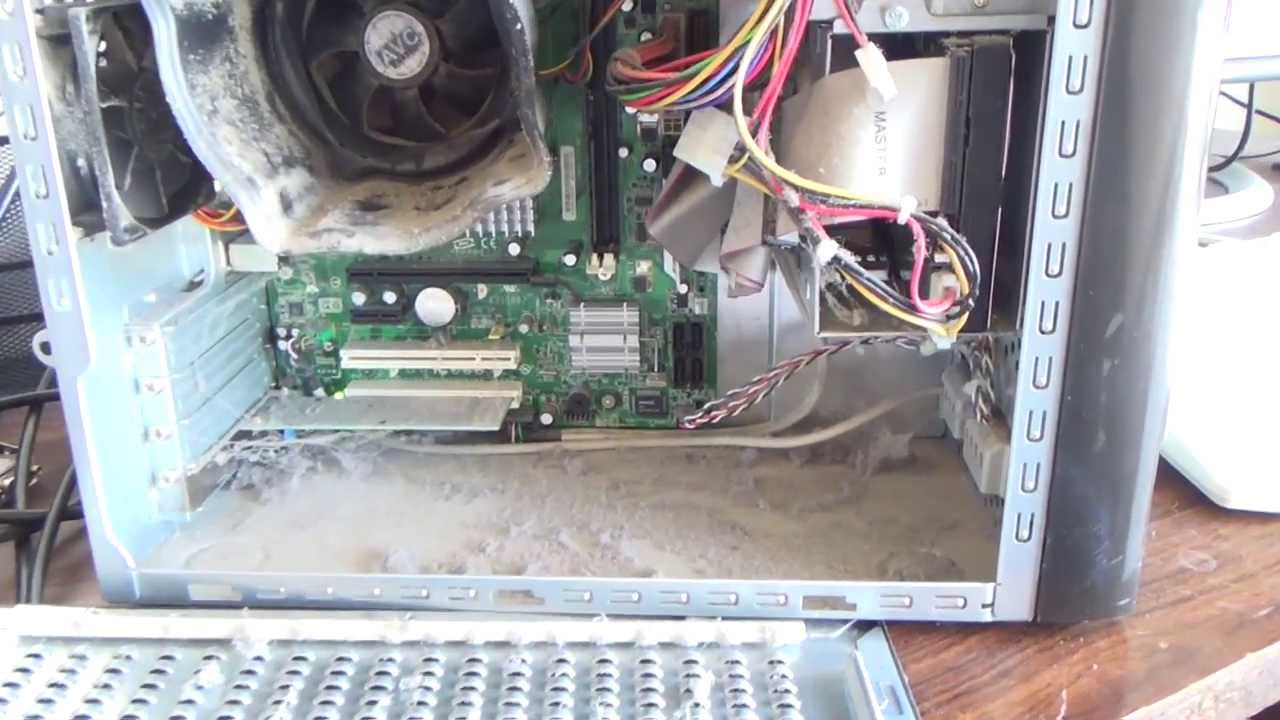
There’s nothing worse than dust for retaining heat. A few blows of dry air canister in strategic places, when the machine is off and well cooled, can save you a lot of trouble. Especially when it’s hot.
If you have a desktop PC, you can do a major cleaning more easily than on a laptop by opening the case. For mobile PC users, a bomb hit in the radiators will already be a good start. Bonus, unscrew a few hatches under the machine to slide the plastic pipette in and spray.
Read also: Remember to protect your Boxes from the heat wave
3. Remember to check in on fleas
Depending on the type of machine you have, you can find preinstalled software that can tell you about the temperature of your PC’s components. This is particularly the case on gaming machines and professional PCs for creatives. If you don’t have one, there are a few reliable, historical, and free ones you can download to keep an eye on the internal thermometer of the various machine chips.
Among those that we use at the Lab, there is HW Monitor, a real control tower, with a slightly outdated interface, which has little incompatibility with all the hardware on the market. We will also mention HWInfo64, more selective in its compatibilities but also effective.

GPU-Z and CPU-Z are also equipped with probe tools to take the temperatures of the graphics card for the first and of the processor for the second, in real time and even to log them in a text file.
Download HWMonitor for Windows (Free)
Download CPU-Z for Windows (Free)
Download GPU-Z for Windows (Free)
Download HWInfo64 for Windows (Free)
4. Final Recommendations
Finally, here are some jumbled up tips to reduce the consumption (and therefore the release of calories) of your computer, especially portable. Do you mainly do office automation and navigation? Set the Windows power slider to the middle or even low position, especially if you only plan to do some typing for the next few hours and you are connected to the mains. The power supply will generate less heat, even if it still has to charge the machine.
Also lower the brightness of your screen so as to maintain enough visibility, you will thus limit the heating of the backlighting system of the panel. And so the consumption of the machine.
Also remember to do a small restart from time to time in order to free up the RAM, and therefore work space, to ventilate the cooling device a little stronger (always at startup) for a short time. A little saving break that will give you the opportunity to refresh yourself and stretch your legs.