
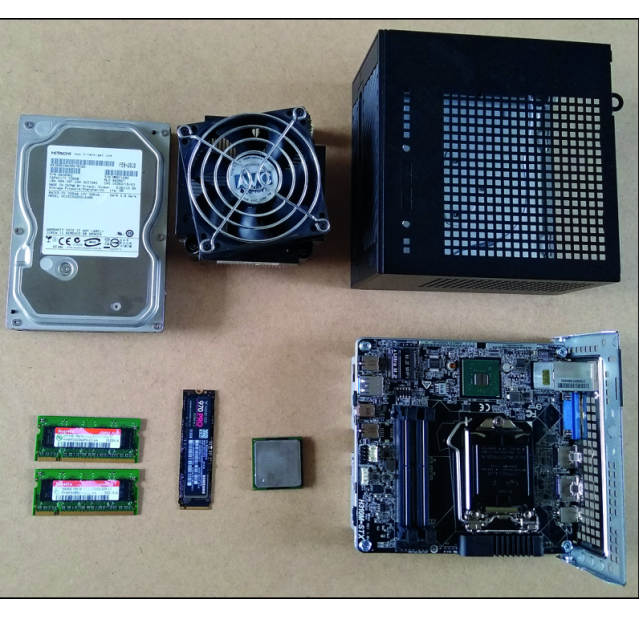
The system requirements of the new Windows 11 throw a spanner in the works for those who have a system that is older than about three years. Read in this article which obstacles you may encounter and how you can solve them.
Dennis Gandasoebrata
Windows 11 has arrived and that is good news for those who own a computer system that proves to be compatible. The road to the computer future is open, but first a warning: wait quietly until the upgrade via Update and Security offered. Then you know for sure that no problems are lurking and you have the best chance of a perfectly working machine. Are you more adventurous? A manual upgrade is of course also possible.
 |
 |
COMPATIBLE OR NOT
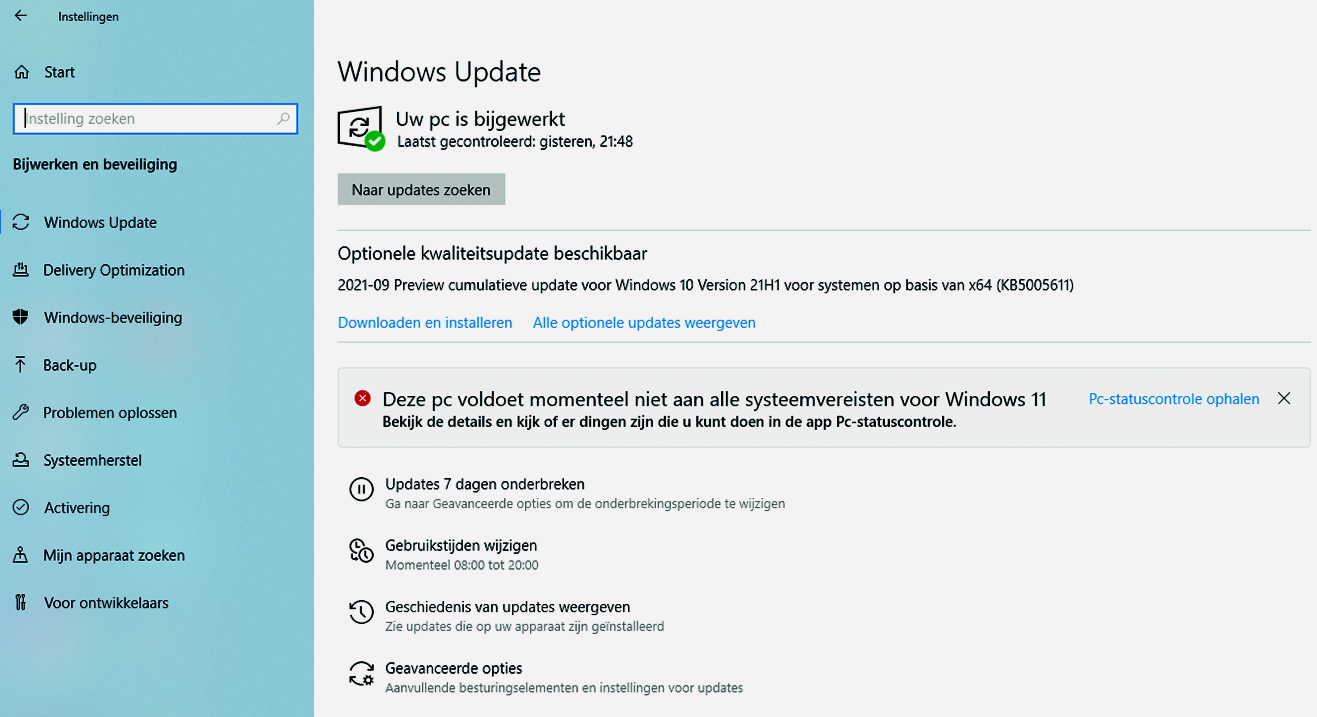
However, quite a lot of Windows 10 users will get the message that the system appears to be incompatible. Windows then reports: This PC currently does not meet all system requirements for Windows 11as shown above.
Are the hardware requirements that high? No, basically the same requirements apply as for Windows 10, but additional requirements are the presence of TPM (Trusted Platform Module) version 2.0, secure (UEFI) boot and a 64-bit processor. There will be no Windows 11 32-bit version. The lack of the right Trusted Platform Module will often be the stumbling block. This TPM chip can often be found on business systems, but usually not on consumer machines. Such a module can still be added to a small number of motherboards. So that’s the solution, I hear you think. Unfortunately, the availability of the modules is deplorable and prices have exploded since the announcement of this precondition for Windows 11.
Fortunately, all Intel processors from the 8th generation and all AMD processors from the 2000 series have a baked-in TPM chip. This often still has to be activated in the BIOS. You can learn more about that in the Windows 11 presentations that HCC is hosting around the Windows seasonal theme. One more reason to attend this presentation.
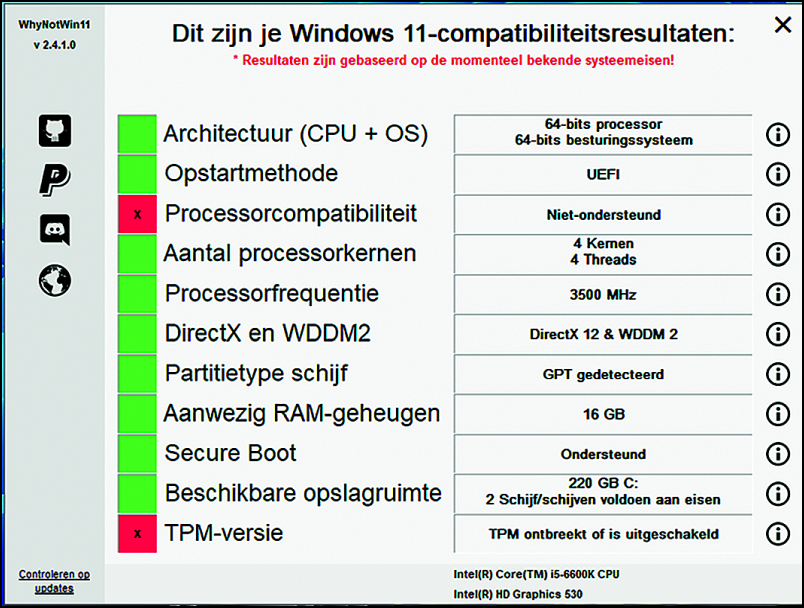 |
| Unfortunately, no TPM on board and the processor is also not compatible |
OTHER OPTIONS
If you have a system that is roughly three years old or older and the requirements cannot be met, then there are only a few options left:
- Purchase new hardware;
- Work with the current machine until the end of Windows 10 support (October 2025) and then purchase new equipment;
- Find out if the current hardware can still be upgraded/adapted.
As said before, that’s going to be a tough decision. New hardware is the simplest, fastest and at the same time the most expensive solution. Due to corona, we not only have a chip shortage in the (automotive) industry, but also in the computer world, which is reflected in the prices and availability. And not everyone can easily conjure large amounts of money out of their back pocket. Postponing it until the end of 2025 might be a better option, then you can save for a while. Finding out whether the machine can still be adjusted is perhaps the most difficult option for many. To clarify things, I describe here my quest to make an incompatible system suitable for Windows 11.
TEST, TEST
This incompatible system is an sff machine (small form factor) which is affectionately called Obelix in our home. It is a barebone (bare machine) in which I have placed a processor, memory, ssd, hard disk and operating system. This computer is everyone’s friend and is used extensively as a media server, light game machine, general PC and test PC. The Insider or test versions of Windows are tested on this, including those of Windows 11.
‘Hold on a minute’, I hear the reader think now, ‘you just said that the machine is not compatible, but you are still testing Windows 11, how about that?’ That’s how it is: the current test versions of Windows 11 do not (yet) set the TPM chip as a hard requirement. However, that will change in the near future and then the fun will be over.
BIOS
After performing the Windows Compatibility check, Obelix indeed indicates that no TPM chip is present, that the processor is not compatible and that all other requirements are met.
I check whether there is a connection for a TPM chip on the motherboard… not so. Then maybe a processor upgrade is a solution. The current processor is a 6XXX series (6th generation), placed in a 1151 socket. A processor of the 8th or 9th generation should therefore be possible. A processor from the 10th or 11th generation will certainly not work, they use the 1200 socket and will therefore not fit.
Before I run to the store, I investigate whether TPM (also called PTT) can be enabled in the BIOS. That does not appear to be the case. Then take a look at the motherboard manufacturer’s site to see if a new BIOS is available … and yes.
Downloading and to flash luckily it goes smoothly and well, because this is always an adventure: if it fails, you will be left with an unusable machine. Now let’s see if the TPM chip is accessible and yes, it can be switched on and off. Fine, one bump taken.
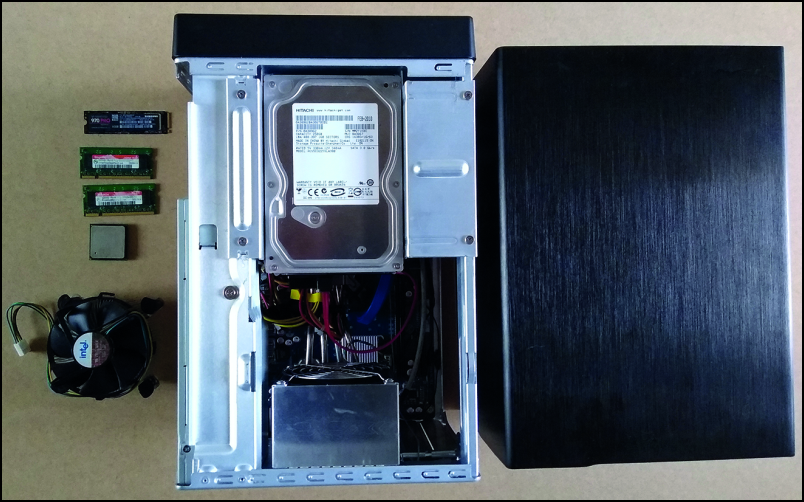 |
| The Dismantling of Obelix |
SUITABLE PROCESSOR
Then look for a suitable processor. The supply of 8th generation CPUs appears to be limited, so it will be an Intel i5 from the 9000 series. The processor socket (1151 socket) is correct, are there any other obstacles? It turns out that the architecture of the processor has been adjusted since the introduction of the 8th generation. A more modern chipset is required and Obelix does not have it. This means that the upgrade path now comes to a dead end.
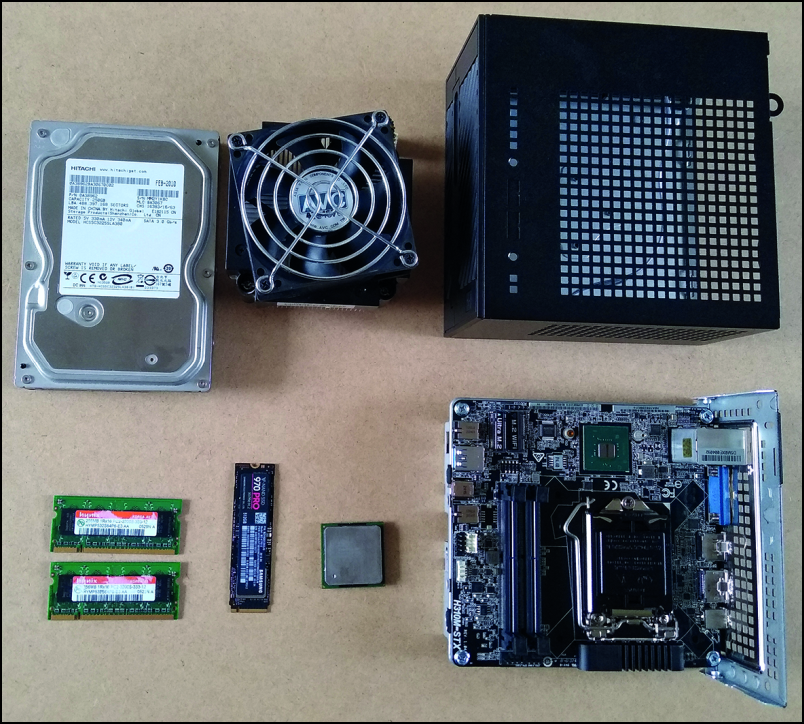 |
| The new barebone under construction |
NEW BAREBONE
Since I’d rather not buy a whole new system, a new barebone is a good solution. After some searching, my eye falls on an AsRock Deskmini A310 with the right chipset. The memory, ssd and hard disk can be transferred. Together with a new processor, the whole will be a bit more expensive, but still a fraction of the price of a new system. The investment is now about 300 euros against otherwise more than 800 euros. The barebone arrives quickly and assembling is a fun job. Then Windows 11 installed and Kees is ready. Saving a lot of money, that was of course the approach, I hear you think. Yes, that too. But Windows 11 will also cause a pretty big run on new hardware, with the added negative effect that the electronic waste mountain will increase exponentially in the coming period. I’m glad that by redeploying most of the hardware, I was able to do my part to prevent this from happening.
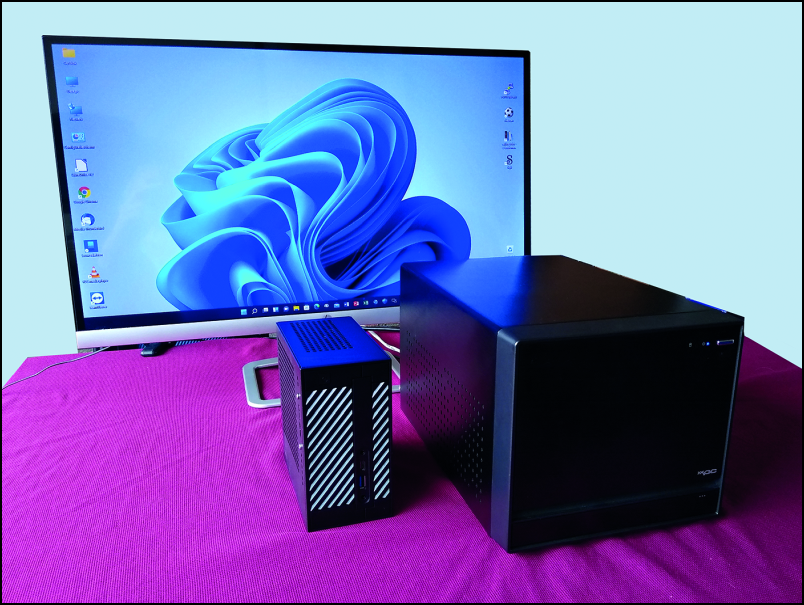 |
| Asterix (the little one) and Obelix brotherly next to each other |
ADVICE
The new system is now running like a charm and to everyone’s satisfaction. In this example, the system turned out to be technically adaptable and the investment did not run wild. In many cases this will no longer be possible. A limitation could be that the knowledge for the conversion is lacking. My advice is: visit one of our many HCC locations and gather information, we may also be able to assist with the process.
If the price for the adjustment is higher than about 300 euros, then it might be wiser to save up for a completely new system. Then run a little longer with Windows 10 and start looking for a replacement in mid-2025. An additional advantage of this: then you also have a system with the latest state of affairs, because who knows what kind of technical innovations have been added in the meantime. Oh yeah, there’s a new name for the system too. Asterix, you know, that little smart one. And Obelix…, I transformed him into Nas and he does his job spinning.