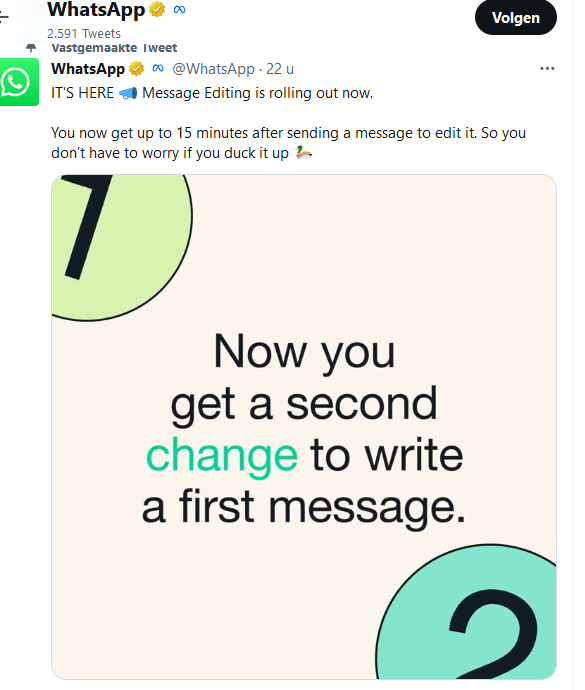
Everyone has sent a message via Whatsapp that contains typos, missing words or unclear information. You can edit a sent message, but there is a catch.
Many people use Whatsapp to quickly send a message. Some messages are teeming with typos, words are sometimes missing or information is so unclear that the recipient does not understand it or misunderstands it. You certainly want to avoid the latter, of course, and then it is nice and handy that you can quickly edit that message. In a beta version of Whatsapp you could already edit sent messages, now it will be available to everyone soon.
Edit sent message: this is how you do it and catch
WhatsApp announced that this new feature is being rolled out and will be available to everyone in the coming weeks. This allows you to correct your typo, add missing words and change information after you have sent a message via Whatsapp. This does not apply to photos and videos, which you cannot adjust.
You can adjust such a message as follows: press the message to be edited for a longer period of time, after which you press the three vertical dots. Select the edit option here. Incidentally, the recipients will not receive a notification that the message has been modified, but Edited will appear next to the message.
There is a catch: you have to change the message within 15 minutes after you have sent your Whatsapp message. After that it is no longer possible to edit your message.