
Google Maps recently introduced a smart new feature in the iOS app that you probably can’t live without.
Google Maps has a smart new feature
The Google Maps iOS app only recently got the smart new feature. So you may have to update the app first before you can actually use this new feature. Find the app in the App Store and tap ‘Update’.
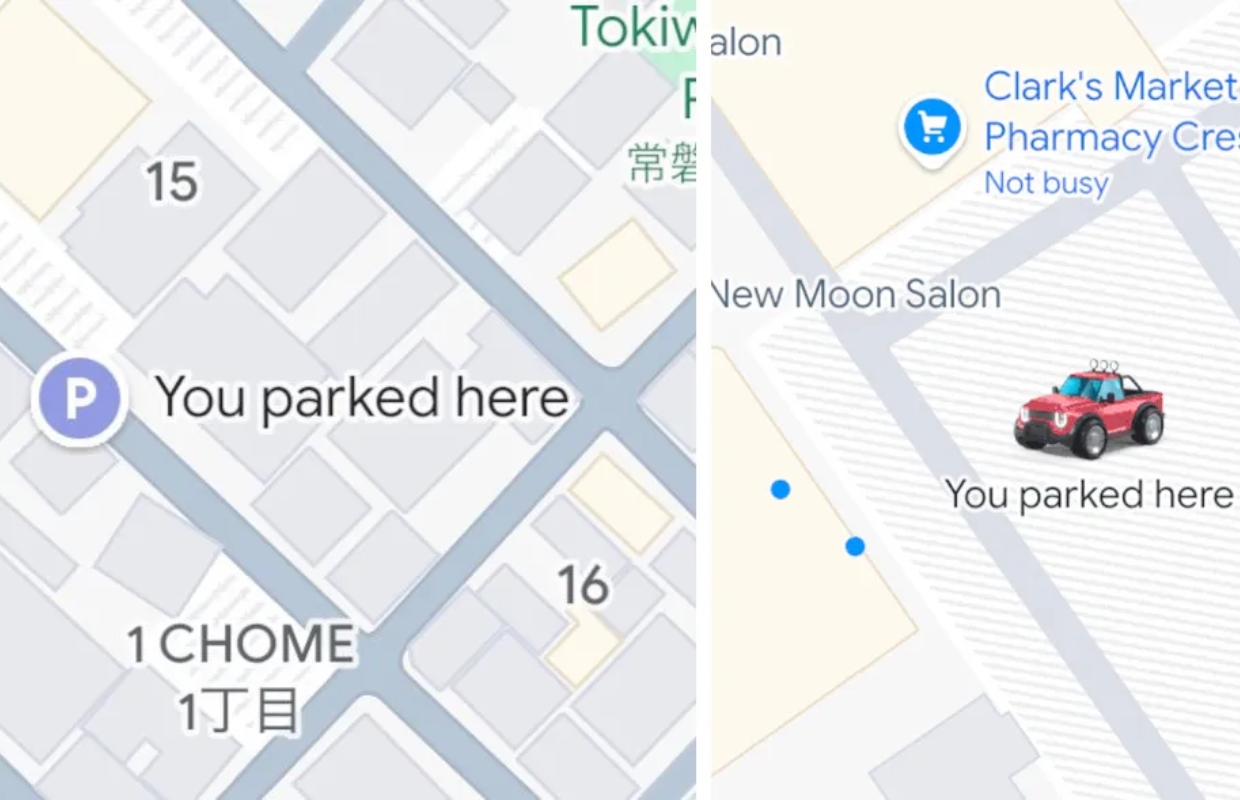
The smart Google Maps feature we’re talking about helps you remember where your car is. From now on, the app automatically detects where you parked your car and saves that location. This location will therefore be displayed with a custom icon.
Completely automatic
The ability to save a parking location in Google Maps is certainly not new. Over the years this has taken various forms, including a button on Android Auto that appears when you reach a destination. Yet it has not been automatic until now.
The new smart feature in Google Maps now ensures that the app detects when you have parked at a location. The app automatically saves this location and only deletes it when you start driving again. The feature works when you get into a car with Google Maps and connect to your car via USB, Bluetooth or CarPlay. On one support page Google explains it as follows:
“To help you find where you left your car, Maps automatically saves your parking location. It stays saved for 48 hours unless you remove it or start driving.”
“To help you find your car, Maps automatically saves the parking location. It will remain stored for 48 hours unless you delete it or start driving again.”
Only on iOS
On Android you still have to save your parking location manually and it is not clear when this automatic option will become available there. On iOS, the automatic setting has been around for a while, but it is now enabled by default.
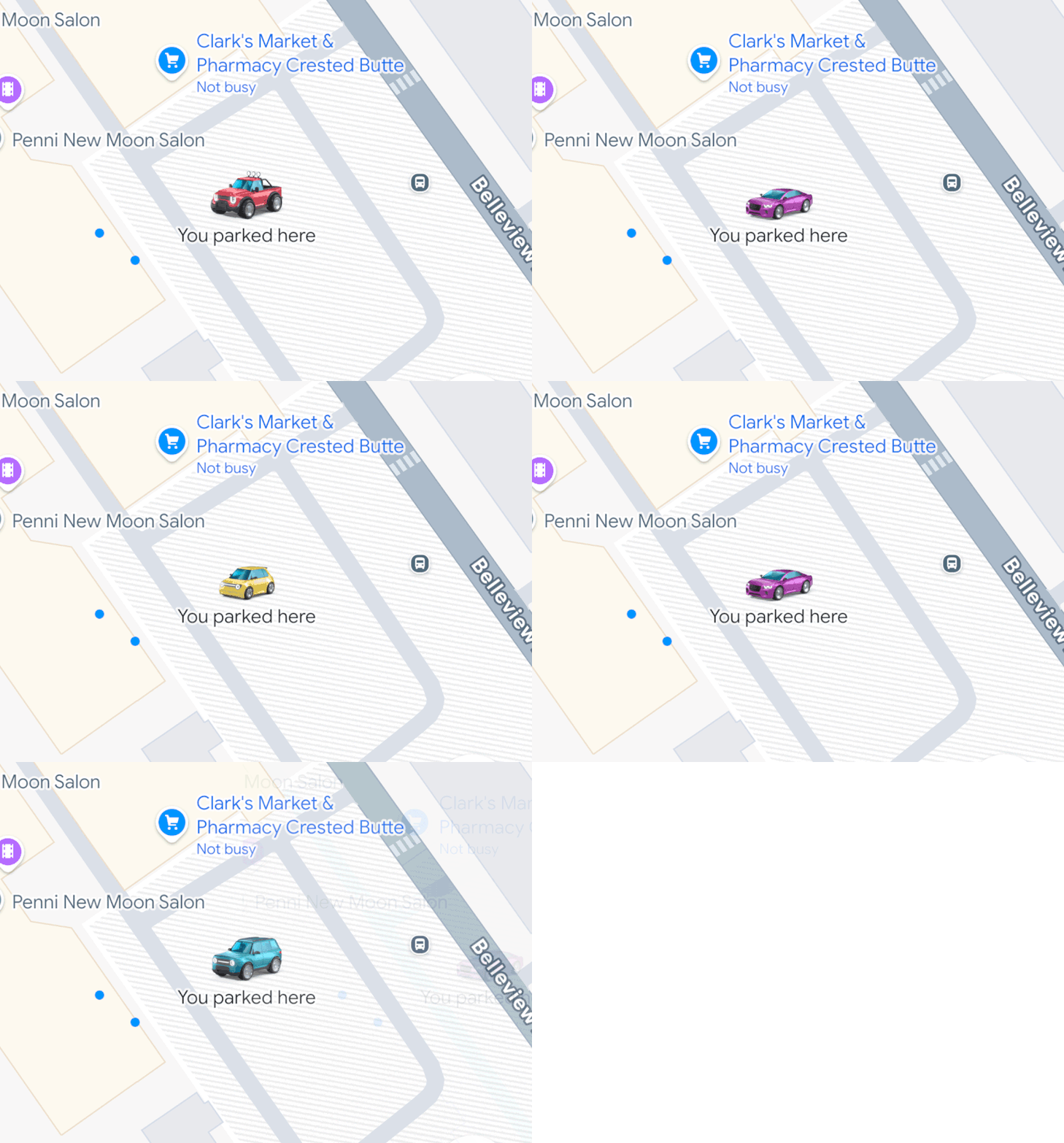
Automatically saving parking locations appeared on iOS about a month ago. A newer feature now available is Google Maps using your car icon as the parking icon. Normally the parking icon is just a ‘P’, but now your (customized or otherwise) car icon is used for that.

Download the iPhoned app
