
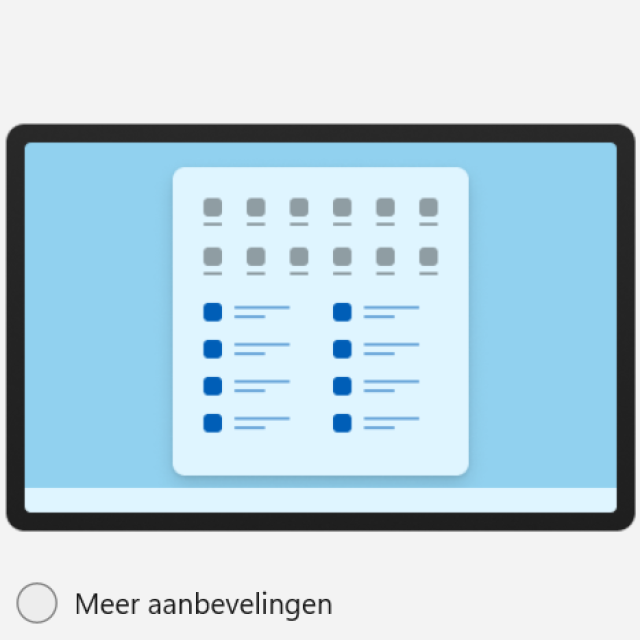
The Windows 11 Start menu constantly shows all kinds of ‘recommendations’. I don’t like those recommendations at all. How do I get rid of it? Jeroen de K.
Yes, no one wants Windows 11’s recommendations. Right? And especially not if those recommendations are in the Windows 11 Start menu. Anyway, go to Institutionsselect Personal settings and then Start menu. Then choose the section Layout for the option More pinned items. It’s not exactly how you want it to be, but it certainly makes a difference in the necessary recommendations…
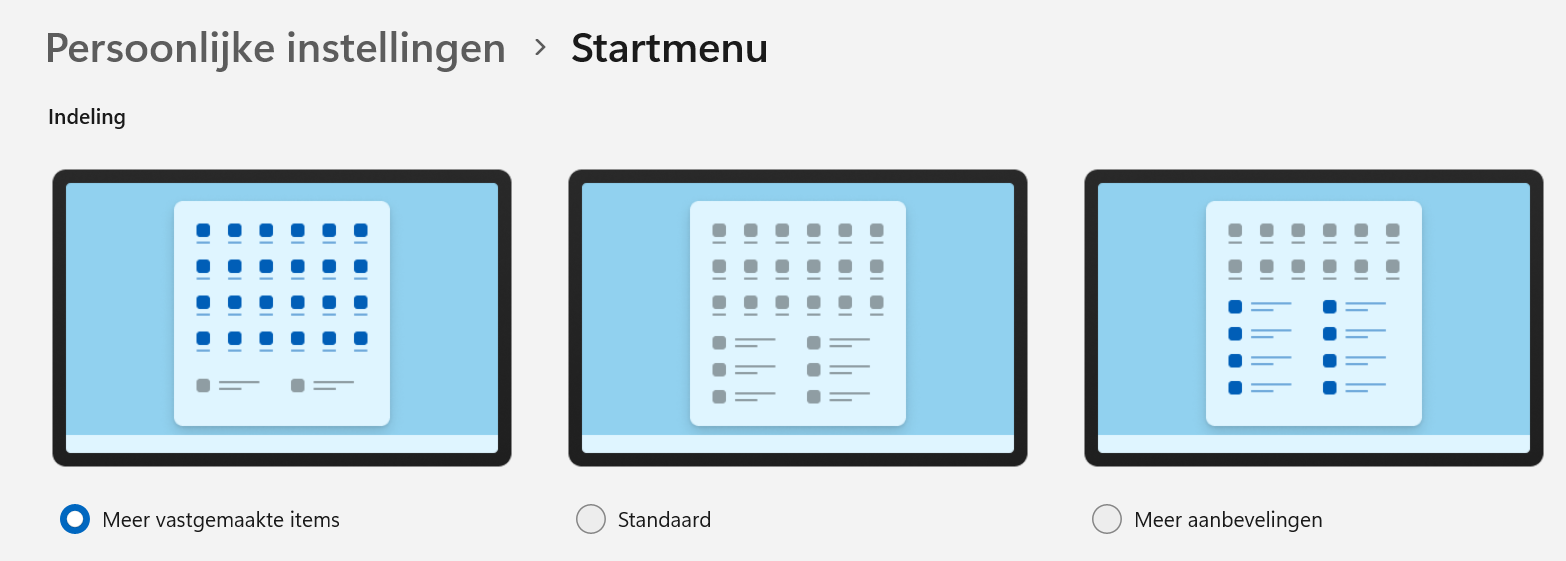
Choose a different Start menu layout to anticipate the recommendations…