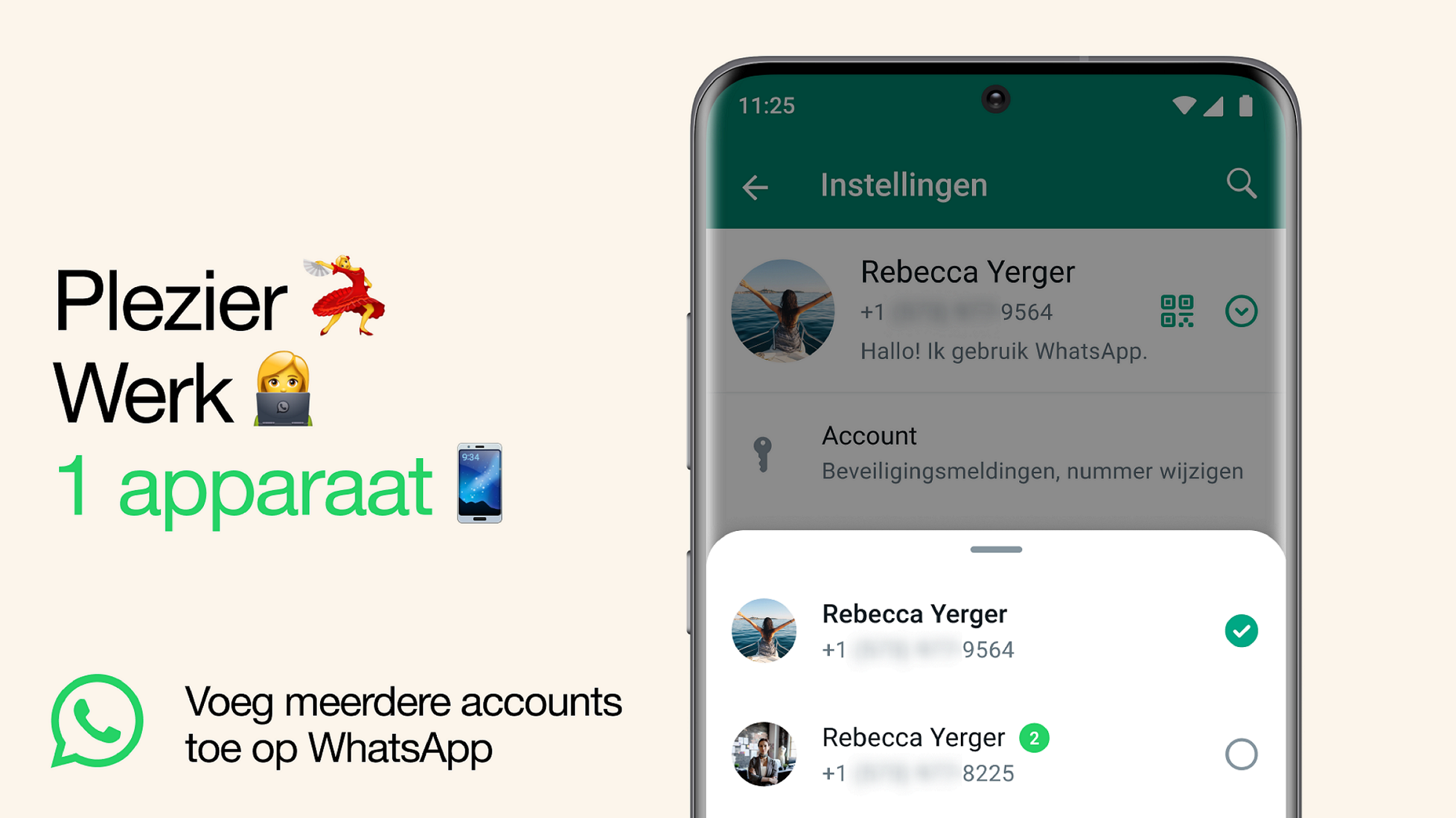
WhatsApp announces that it will be possible to use 2 WhatsApp accounts simultaneously on an Android smartphone. This is useful if you need to switch between accounts, such as a work account and personal account. Now you don’t have to log out every time, carry 2 phones or worry about sending messages via the wrong account.
Megan van der Wagt
WhatsApp regularly announces new features. After the announcement of the WhatsApp Channels, for example, WhatsApp is not sitting still. It will be possible to use 2 WhatsApp accounts simultaneously on 1 Android smartphone. This is useful to keep things separate, but still have them in the same place. To keep work and private matters separate, many people still use two mobile phones: a work phone and a private phone. Due to the new function of WhatsApp, this is no longer necessary, because you can combine it with the new function of WhatsApp.
Set up
To set up a second account, you’ll need a second phone number and SIM card or a phone that accepts multi-SIM or eSIM. Then open WhatsApp Institutions by clicking on the 3 vertical dots at the top right and then clicking Institutions. If your device has had the update of this new WhatsApp feature, you will see an arrow next to your name. Then click on the arrow next to your name and choose Add Account. You can set the privacy and notification settings for each account yourself.
You must use the official WhatsApp app for this, because only then are your messages secured and private. There are also imitations or fake versions to use more accounts on your phone. WhatsApp does not mention whether iPhones with iOS will have this WhatsApp function, we will keep you informed.