
Do you regularly close all apps on your smartphone? It is better not to do that, because it has more disadvantages than advantages. That’s how it is!
Force close apps
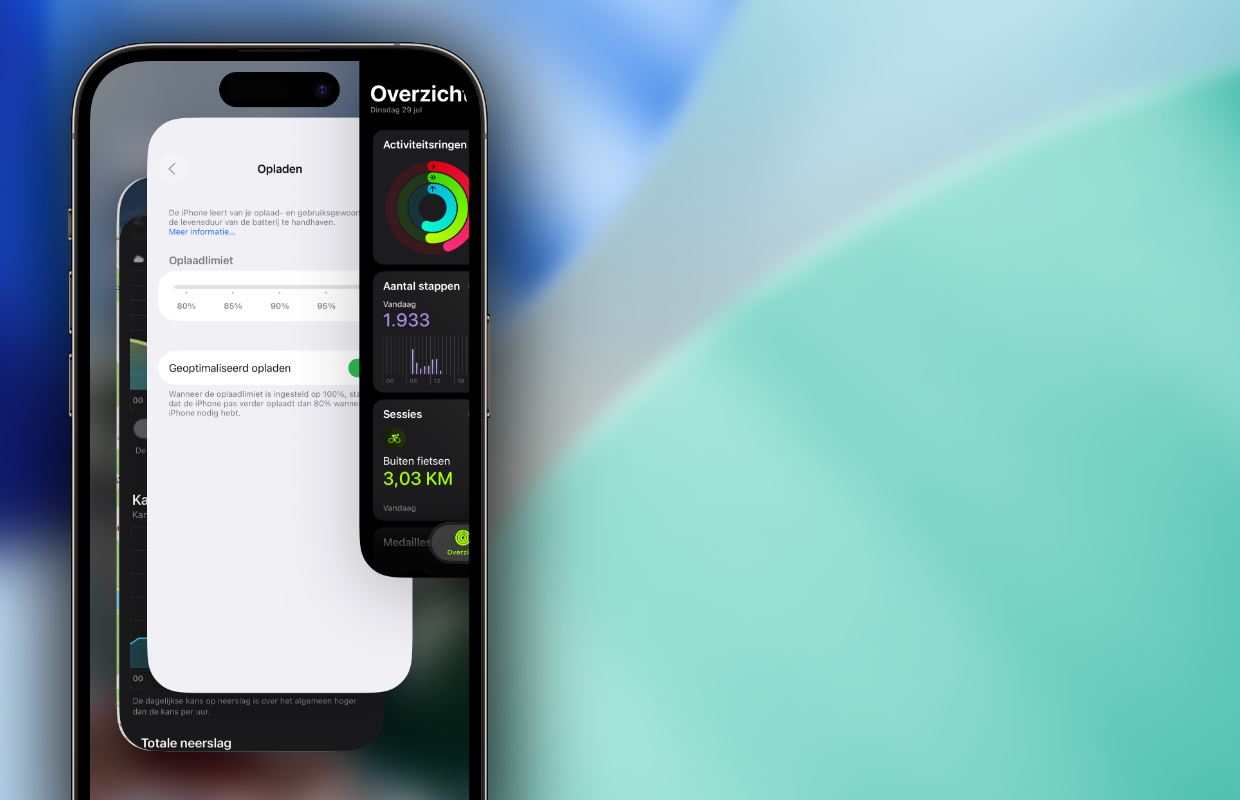
Do you ever swipe up on your iPhone to see which applications you’ve used recently? You can force close these apps on the iPhone and almost all smartphones. On the iPhone you do this by swiping all apps up in the overview, they are closed immediately. The way you can force close apps varies per smartphone. Many users do this almost every day, even though it is not recommended at all.
Forcefully closing applications has more disadvantages than advantages. Contrary to popular belief, apps do not continue to run in the background. When you no longer use an app, it is, as it were, frozen. This way, applications running in the background consume virtually no power, so there’s no need to shut them down if you want to save your battery. In fact, your smartphone will run out of power faster if you continuously close all apps.
More disadvantages than advantages
Have you forcefully closed all applications on your smartphone? In that case, they will have to be completely restarted when you use them again. That is the big difference with inactive apps in the background, your smartphone remembers where you left off. Will you open these applications again? In that case, the software does not need to be restarted, but you can often continue with what you were doing.
If you have forced an application to close, it must then be completely restarted. This places greater demands on your smartphone’s battery, because all data must be reloaded. It takes much less energy to restart a ‘frozen’ app in the background. Do you regularly close all apps on your smartphone? So it’s better not to do that, because it actually causes your phone to run out of power faster.

Sometimes beneficial
Do you want to prevent your smartphone from dying too quickly? Do not force close all applications, as they will then have to be restarted completely. In some cases it may be wise to force close a single app. When an app crashes or does not work properly, it is smart to close the software completely. You often solve errors by restarting software, so it can be useful to stop the app for a while.
Forcefully closing a single application can do no harm, but don’t do this with all apps. This does not depend on the operating system or the smartphone you use, either Androiddevices such as iPhones, applications running in the background consume virtually no power. The software systems are designed for this purpose, which actually have more difficulty restarting apps each time.
Did you find this tip useful and would you like to know more? Then sign up for our daily or weekly newsletter so you get more out of your smartphone!

Download the iPhoned app
