
With the iOS 26 update, your AirPods have been given a useful feature. You just have to turn it on yourself.
New AirPods feature fixes an annoying problem (as long as you enable it)
With the iOS 26 update, a handy option has been added for everyone with Airpods. This new feature solves an annoying problem and that is of course a bonus.
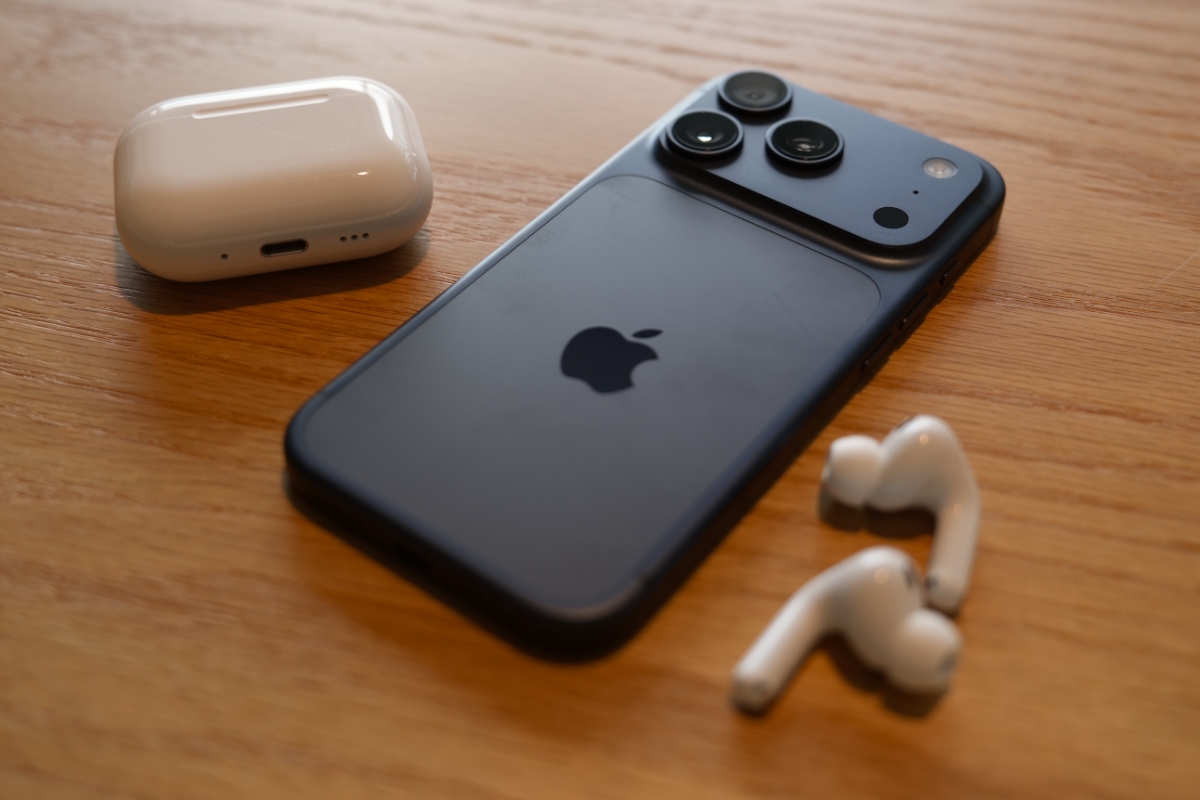
If you often switch between different devices, you know how unpredictable Bluetooth can sometimes be. For example, if you get into the car while listening to a podcast, the infotainment system automatically takes over the connection. Or when you turn on a speaker at home (for someone else), the audio on your AirPods switches and you suddenly hear your music blasting out of the speakers.
Sometimes this can be useful, but if you wanted to listen undisturbed through your AirPods, it is not nice if the sound changes. Fortunately, that problem has now been solved with the AirPods in iOS 26. Apple has added the ‘Keep Audio in Headphones’ feature. If you turn on this feature, the sound will remain in your AirPods. Even when another Bluetooth device tries to connect.
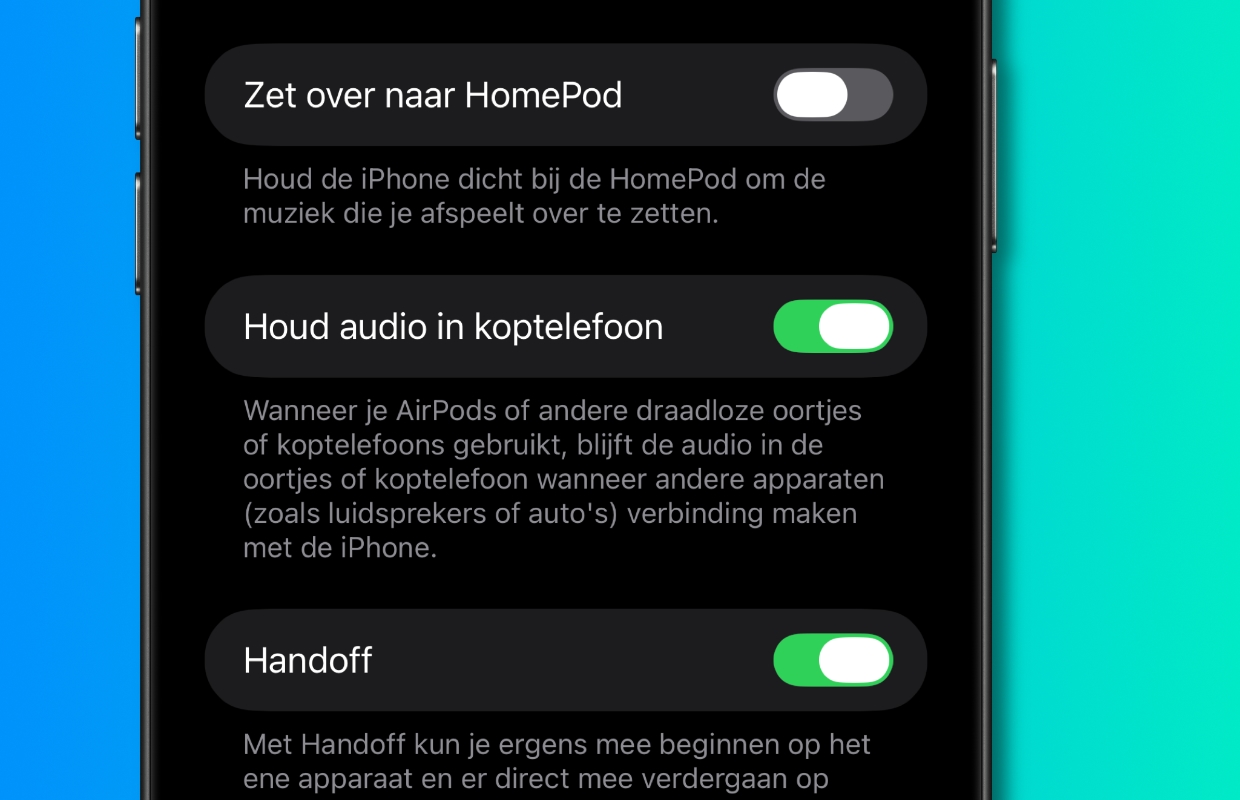
The feature is off by default. To adjust the setting, follow the steps below on your iPhone:
- Open the ‘Settings’ app;
- Choose ‘General’;
- Tap ‘AirPlay and Continuity;
- Turn on the ‘Keep audio in headphones’ function.
The useful thing is that this feature not only works for AirPods in iOS 26, but also on other Bluetooth headsets. Whether you use sports earphones, a luxurious over-ear headset or a cheap wireless variant. The function prevents devices from getting in each other’s way. This function can be extremely useful, especially if you regularly have multiple speakers and smart devices turned on at the same time in your home.
Do you always want to stay informed of the latest Apple news? Then sign up for our daily or weekly newsletter!

Download the iPhoned app
