
If you’re a gamer, you know the struggle of recording your gameplay. You want to capture the moment, but it’s hard to use multiple tools.
Well, we’ve got just the thing for you! These tools are what you need to record your gameplay. With one simple click, you can start recording your gameplay and share it on social media or save it to your computer.
With these recording tools, there’s no more having to switch between multiple tools to get the job done. You can do it all in one place!
These tools are compatible with all of the top games, either online or offline games, so if you want to show off how well you can do in some of the most popular games out there, these are the tools for you.
1. VEED Screen Recorder
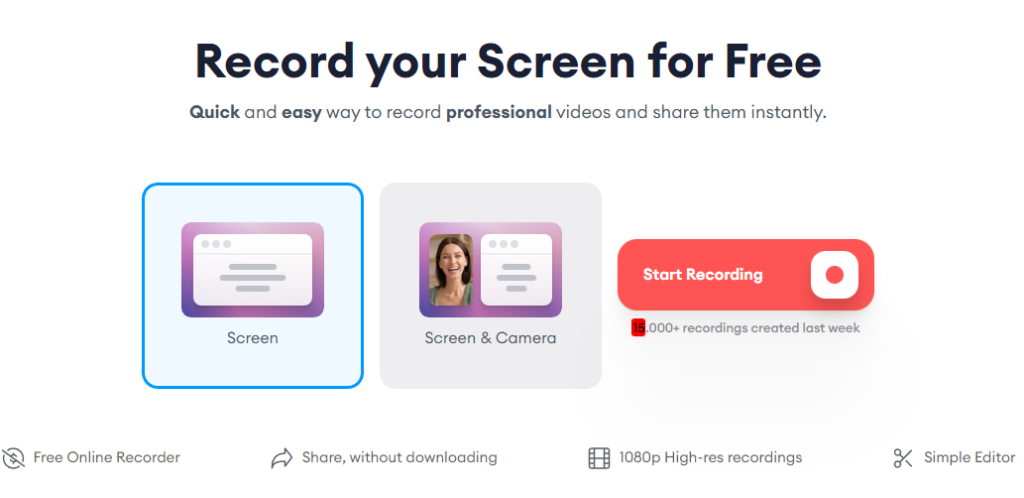
VEED is the most user-friendly screen recorder on the market. It’s easy to use, it’s free, and it’s reliable.
VEED screen recorder captures your screen in high definition, so you can capture your game play, your business presentations, or whatever else you want to record in crystal clear resolution. You can also record audio and video together with VEED, so you can create videos of yourself doing something or talking to someone while they’re watching what happens on their own computer screen.
When you’re done recording, save your video in one of three formats: AVI (for Windows), MOV (for Mac), or MP4 (for iPhone/iPad). Then share it with friends and family via email or social media!
For heavy streaming gamers, Video files can be huge. They take up space on your hard drive and they take a while to load. It’s better to have them compressed with a reliable video compressor.
2. OBS Studio
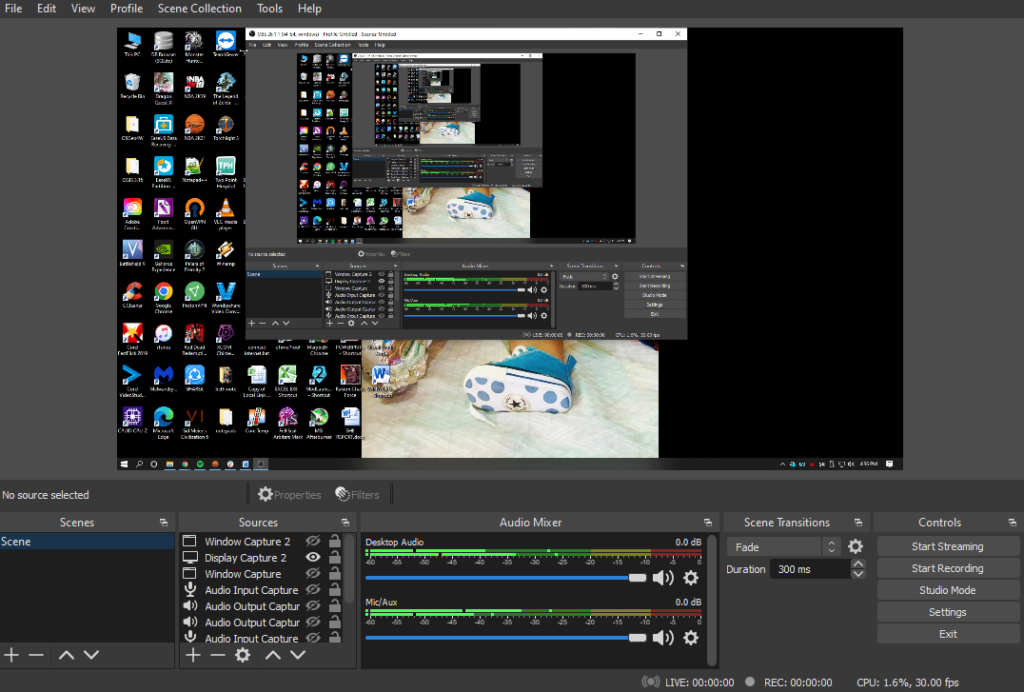
OBS Studio is a screen recorder that captures your computer’s video and audio output and saves it as a movie file. You can use OBS to create tutorials, record video calls and live streams, create game highlights, or just show off your latest creations in a fun and engaging way.
OBS Studio also includes a powerful video editor with all the tools you need to fine tune your videos. You can add text, images, effects and transitions with just a few clicks of the mouse. And if you’re looking for more advanced editing options, OBS Studio has that covered too—you can use third-party plugins to get access to hundreds of special effects, filters and transitions.
3. Screencast-O-Matic
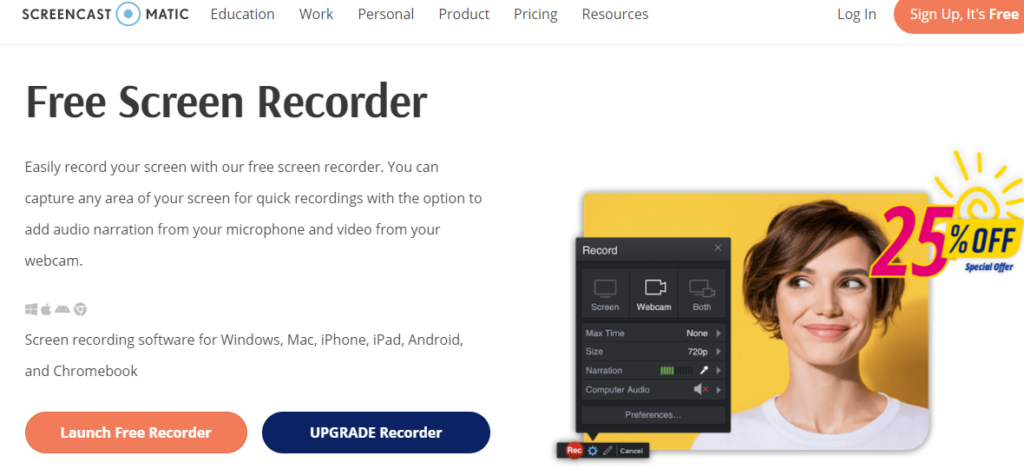
Screencast-O-Matic is a screen recorder that lets you record your screen and create tutorials or visual demonstrations of your software. It is a web screen recorder that can be launched directly from a web browser. You can also use it for live streaming, making it easy to share what’s on your screen with an audience.
With Screencast-O-Matic, you can capture anything on your screen—from video games to business presentations—and record it as either a video file or an animated GIF. You can also record sound from your microphone during the recording process to add commentary or music. The resulting videos are high quality, so they’ll look great when uploaded to YouTube or other platforms.
Recording gameplay of your favorite video games can be a fun, engaging way to share your experiences with others. These gameplay videos can also help new players learn from the strategies used by experts, whether it is for an older game or a newer one. If you want to get into game broadcasting, these tools make the recording process more convenient and easier to do on a regular basis. In the end, you’ll be well on your way towards creating quality video game content for YouTube or any other video sharing site!