
A-Scanner proves that apps don’t have to be extensive to be useful.
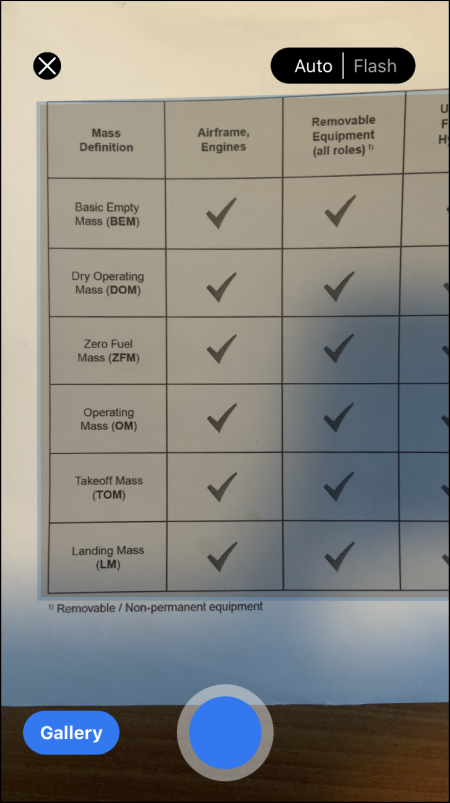 This app for iOS uses the device’s camera to scan documents. Documents are saved as a PDF file. In addition, you can convert scanned text to typed text. You can protect confidential documents with a PIN code via the app. The app supports the use of multiple folders so that you can better organize the scanned documents.
A-Scanner further helps make your environment paperless with options that eliminate the need to print and rescan documents. This way you can digitally sign documents. You can also mark parts of text and make drawings on scanned documents. If you have scanned several separate files, you can combine them into one file via the Merge function. If you do not want the documents to be stored only on the local device, you can copy them from the app to cloud locations, such as Dropbox and OneDrive. You can share files in different file formats. In addition to the aforementioned pdf, A-Scanner also supports jpg and txt files.
The makers use a subscription model, but that is not mandatory if you do not need the more advanced functions within the app.
A-Scannervia Apple App Store

Price: Free (includes in-app purchases)
System requirements: iOS 13.0
Language: English