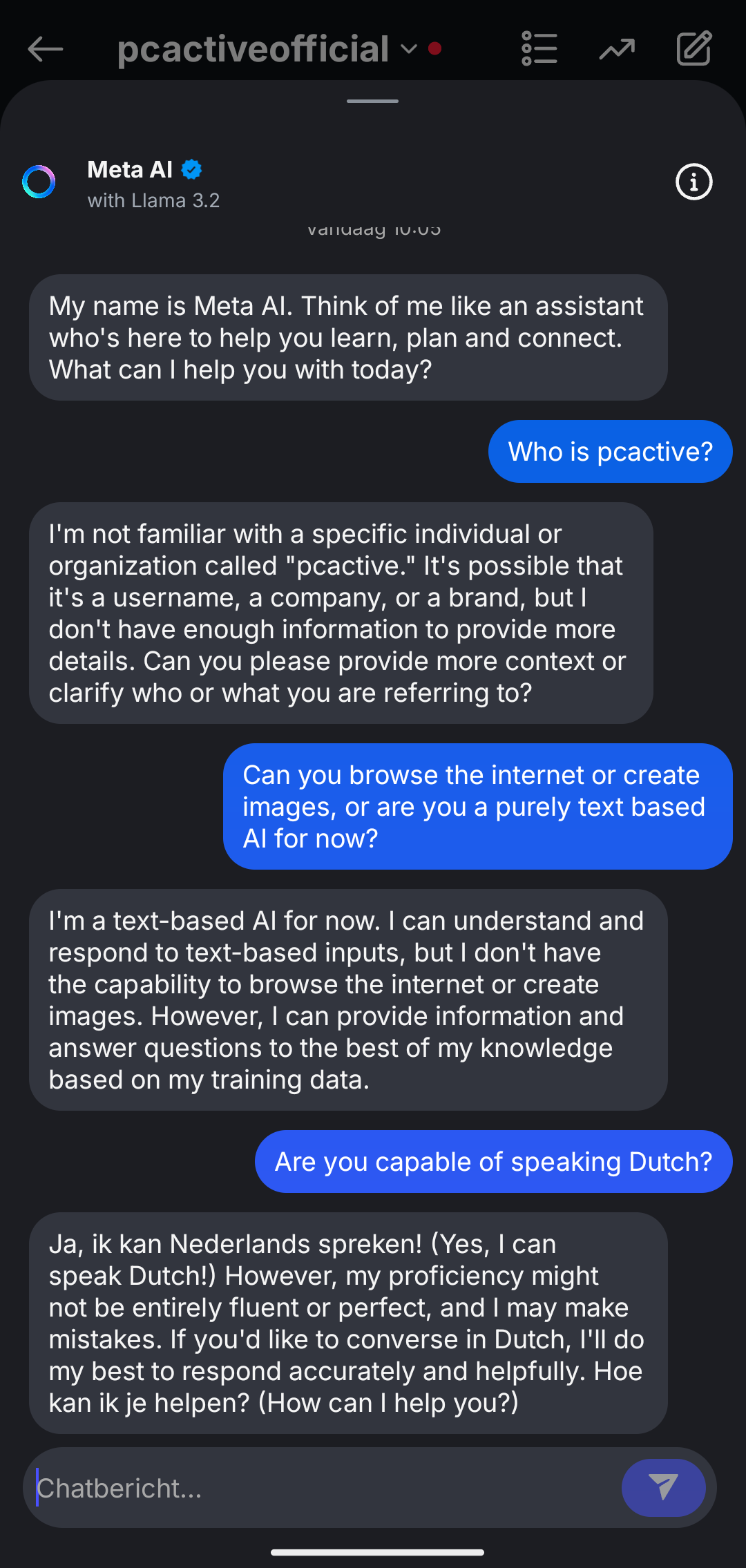
You can now use Meta AI in Instagram, but what is it, where can you find it and how do you use Meta AI? Read here how you can use Meta AI yourself in Instagram.
Quinten Jochems
Meta is the parent company of Facebook, Instagram, WhatsApp and Messenger and has now added Meta AI to Instagram. Earlier, Pcactive.nl wrote an article about Meta AI in WhatsApp and what you benefit from it. Read in the article below where you can find Meta AI in Instagram and how you can use it. Don’t have an Instagram yet? Read here how to make an Instagram account and here how to use Instagram.
Step 1: Go to your direct messages
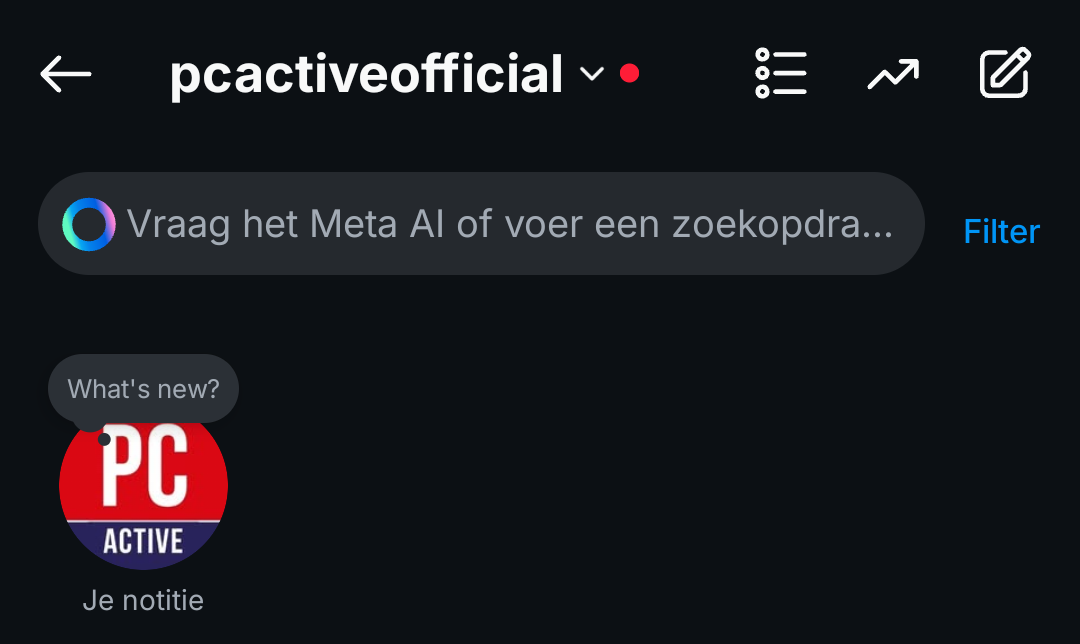
Open Instagram first and go to you Direct Messages In other words, you DM ‘s. For this, wipe left on the homepage to get to your messages. Look at the top of the search bar where Ask the meta ai or feed a search … State and press on it to open the search window.
(Text continues under the image)
Step 2: Look at your contact list
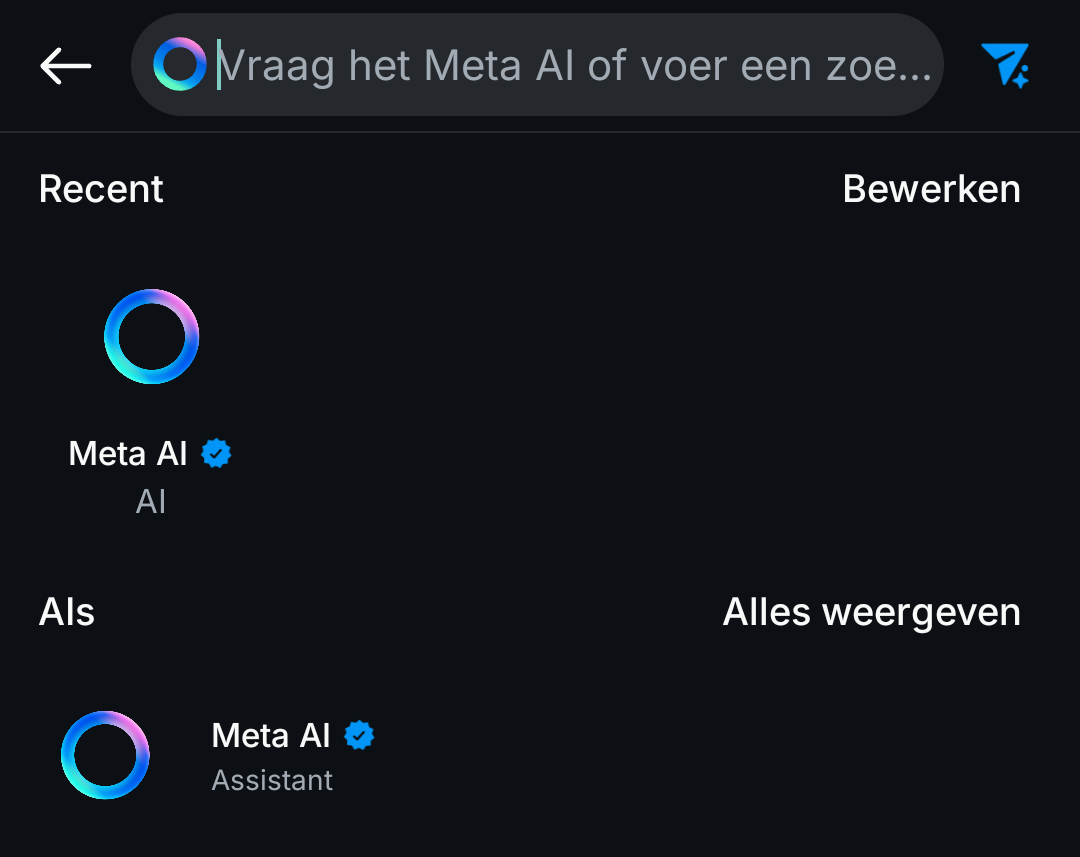
At the top of your contact list is Meta AI. If not, you may not have the update yet. To know for sure, search Meta Ai in the search bar. If it is there, press Meta Ai to start a chat with Meta Ai. To return quickly to your conversation with Meta AI, it is also in your list Recently.
(Text continues under the image)
Step 3: Give your prompts to Meta Ai
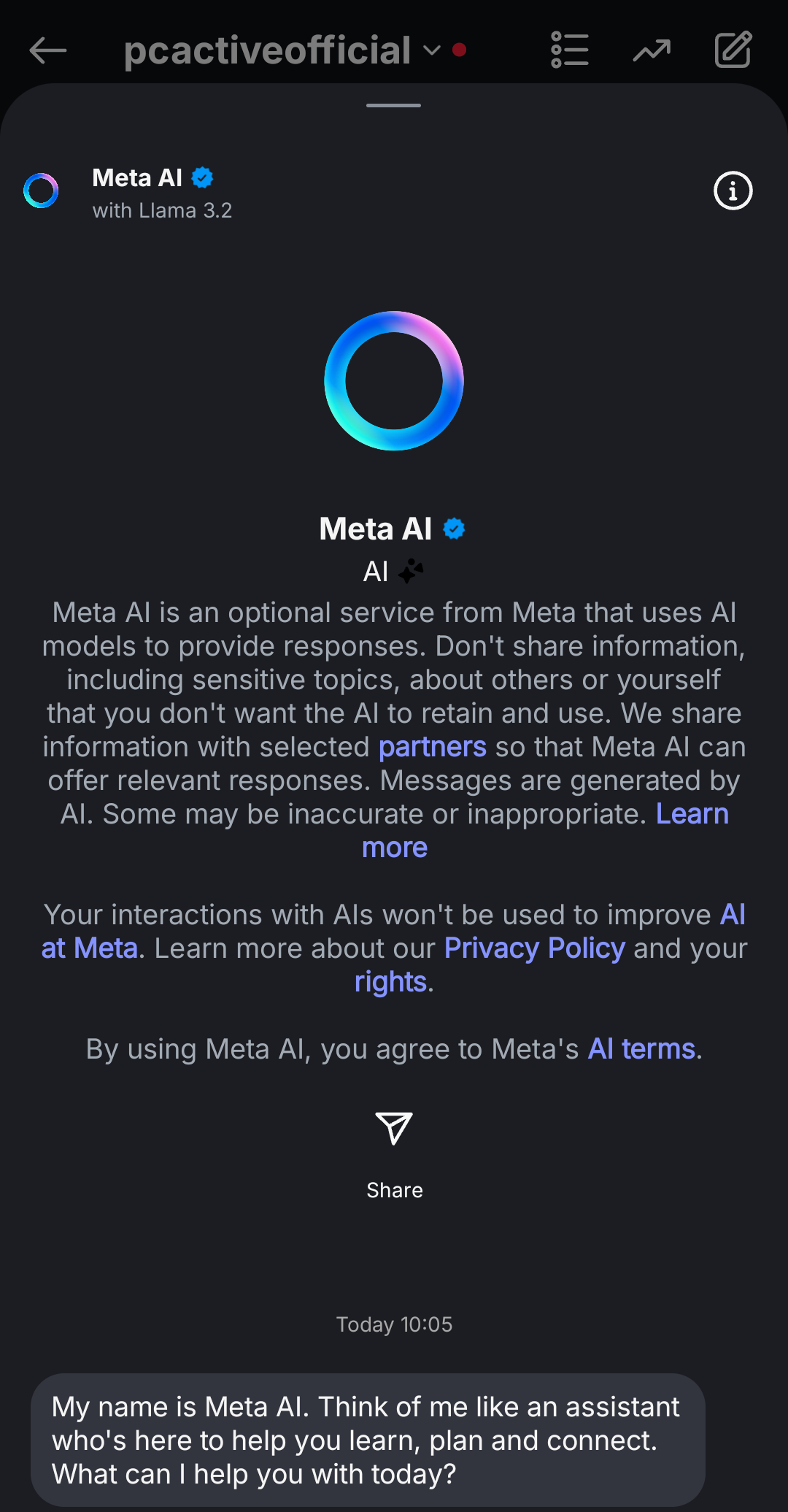
Now you have started a conversation with Meta AI and you soon see a warning at the top that you should not share personal information with Meta AI. It also says that your conversations with Meta AI are not used to improve AI at Meta. Finally, it says that if you use Meta AI, you accept the terms and conditions.
(Text continues under the image)
For the time being, Meta AI is only on text -based AI: there are no functions for generating images or exploring the internet for any prompts that you set.