Do you want your data such as photos on Facebook and Instagram to be used to train AI models from Meta? Then you can submit an objection and how you do that, you can read below.
Quinten Jochems
Pcactive.nl has already written about the use of Meta AI in WhatsApp that has recently been available there. The use of this function is optional, but the button always remains visible in the app and you cannot hide it.
Meta AI is also used on Facebook and Instagram and unfortunately you cannot eliminate that on Instagram and Facebook. What you can do is submit an objection so that your data is not used to train their AI models. At WhatsApp it is not yet possible to submit an objection. Do you want to object on Facebook or Instagram? Read on here how you do that.
Submit an objection on Facebook and Instagram
Then you do that via the privacy center in the institutions of the app. On Instagram you tap the bottom left of your profile photo, after which you press the three horizontal lines at the top right to open the menu. Choose there Settings and privacy. It works similar to Facebook: open the app, tap the three lines at the top right and go to Settings and Privacyfollowed by Institutions. In both apps you then type in the search bar at the top of the settings menu Privacy center.
(Text continues under the image)

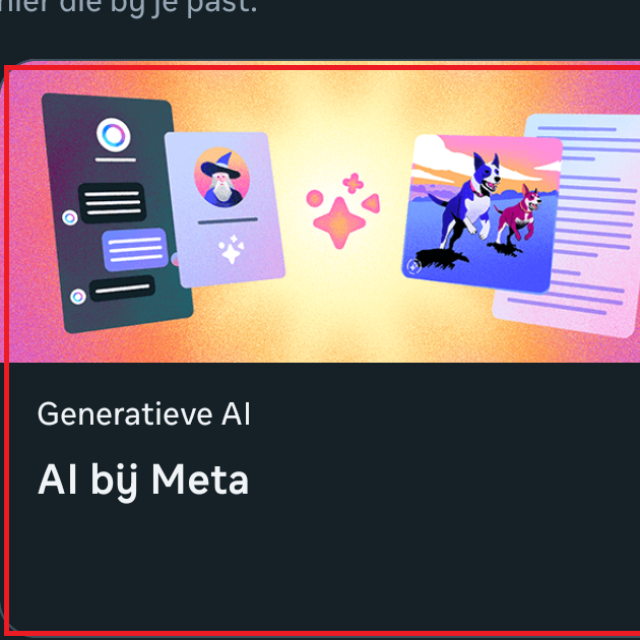
When you open this, scroll down until you have the part Privacy topics sees. Tap there AI at Meta To continue to the page where you can object.
(Text continues under the image)

At the bottom of this page is the heading Submit a request for objection. There you choose the option Information that you have shared in meta products. In the screen that follows, enter the e-mail address with which you are logged in to your Facebook or Instagram account. Then press Send to submit your objection.