Microsoft will soon end support for Windows 8.1 on January 10, 2023. Read here exactly what that means and what options you have if you still have Microsoft Windows 8.1 on a computer.
Earlier we reported that the operation of Whatsapp stops on no fewer than 57 models of smartphones. This applies to both iPhones and Android phones, including Samsung, LG, Huawei and Sony. Soon Microsoft will stop supporting Windows 8.1 and you can read exactly what that means in this article.
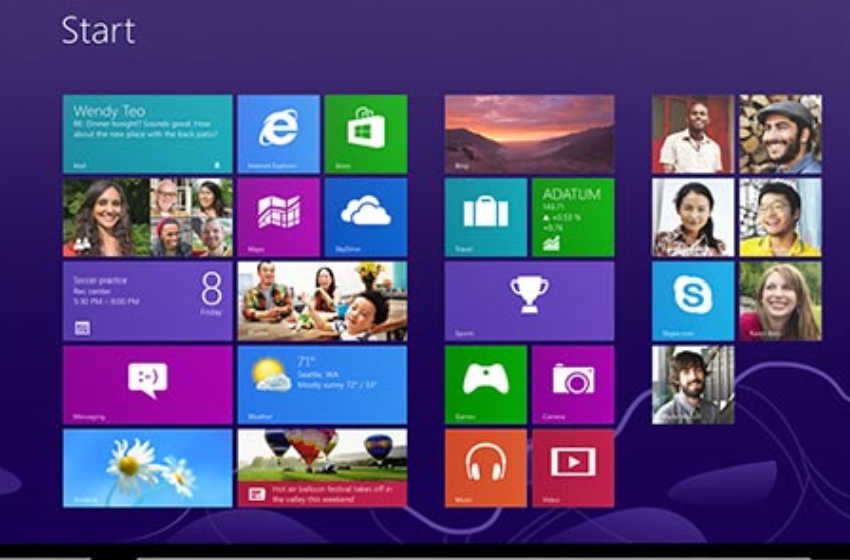
Windows 8.1 was released in 2013 as the successor to the unpopular Windows 8. In Windows 8, the Start button was removed from the menu and this operating system was also focused on touch control. Apparently users were not waiting for that and those changes were therefore largely reverted in Windows 8.1.
Nearly 10 years later, computers running Windows 8.1 still work, but as of January 10, 2023, Microsoft no longer offers the following:
* Technical support for any problem
* Software updates
* Security updates or fixes
Will my Windows 8.1 computer still work as of January 10, 2023?
Yes, only support for Windows 8.1 will be discontinued, but the software will continue to work. However, after January 10, 2023, your computer running Windows 8.1 will no longer receive security updates. In addition, Microsoft customer service is no longer available for Windows 8.1 technical support. Your computer is therefore at greater risk of viruses and malware.
What options do I have?
There are a few options for using a supported version of Windows:
* Installing Windows 10 on your current PC: Windows 10 is still available and supported until October 14, 2025. You can check if your current PC meets the minimum system requirements for Windows 10. If so, you can buy a full version of Windows 10 Home or Windows 10 Pro and download. You can also contact retailers to see if they still offer Windows 10 for sale.
* Install Windows 11 on your current PC: You can also see if your current PC meets the minimum system requirements for Windows 11. PCs running Windows 8.1 probably don’t meet these requirements, but if they do, you can get a full version of Windows 11 Home or Windows 11 Pro or purchase from a retailer. If you choose this path, you will need to reinstall your apps (in some cases a newer version is required) and take steps to transfer files, data, and settings, as the installation will overwrite the contents of your existing storage drive. It may be easier to upgrade to Windows 10 first (see the previous option) and then upgrade to Windows 11.
* New PC with Windows 11: Windows 11 is the most recent version of Windows. If you have an older PC, you can upgrade to Windows 11 by buying a new PC. Hardware and software have improved a lot since Windows 8.1 was released, and today’s computers are faster, more powerful, and more secure.
* Switch to Linuxas you can read in this workshop about Linux Mint.
Can I continue to use the apps and games I installed from the Microsoft Store on my Windows 8.1 computer?
You can install new apps and games on a Windows 8.1 PC from the Microsoft Store until January 10, 2023, and you can continue to use apps and games installed on a Windows 8.1 PC after that date. After January 10, 2023, you will no longer be able to make new app purchases or in-app purchases. Installed apps and games will receive publisher updates through June 30, 2023 (or later if support is independent of the developer). After updates are no longer available, the quality and usability of the app may decrease. Users moving to a Windows 10 or Windows 11 computer can use and reinstall previously purchased apps and games on their new or upgraded PC.
You can read more information here