
The change Google Maps is currently making is actually a redesign of an existing element – here’s what it will look like.
Google Maps is coming with a big change
The element that gets this new design is the app icon. However, the new icon has not changed completely. It is still a pin or pin, but the shape has become a bit more modern. The top ring is considerably thinner and the inner circle has become a lot larger.
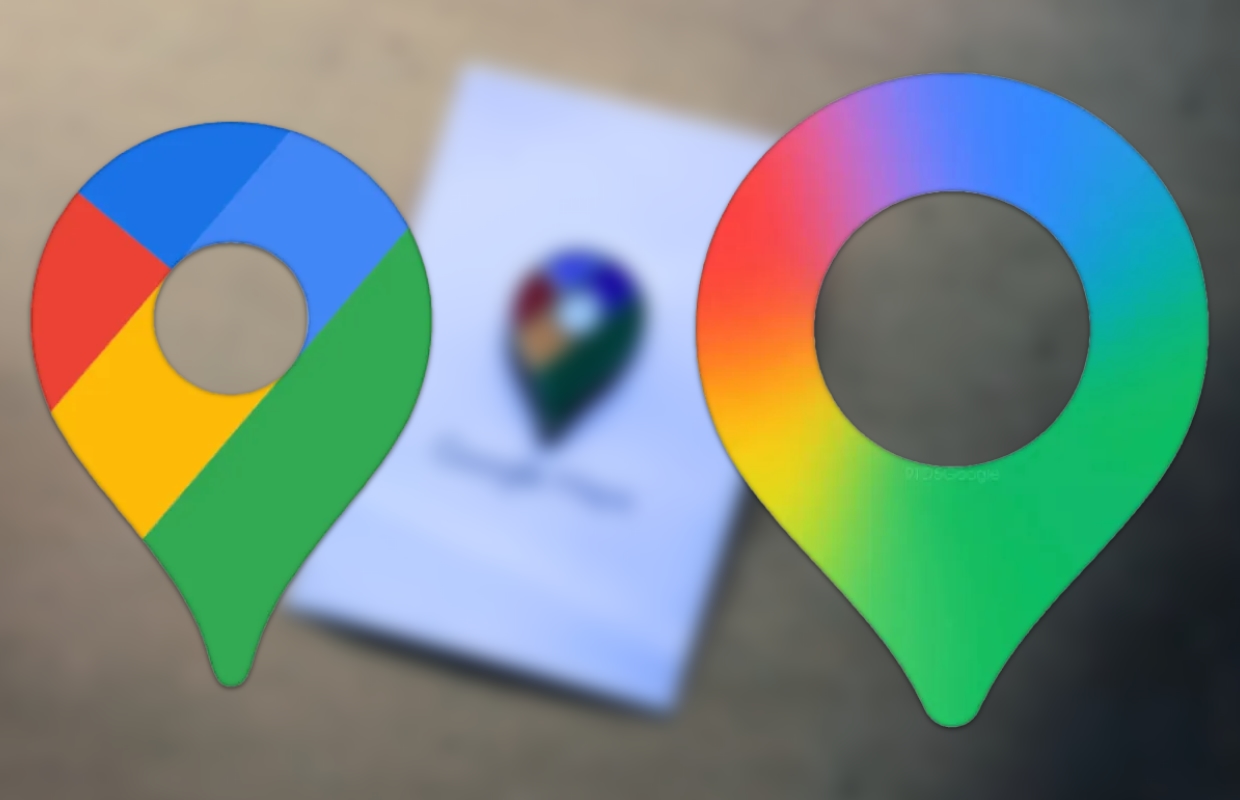
The icon is still recognizable, but the diagonal dividing lines with two shades of blue and the line between red and blue have disappeared. The colors now blend much more smoothly. This redesign is introduced with version 26.09.5 from the Google Maps app.
In recent months, Google Maps has added a number of new Gemini integrations. The most notable is the conversation-oriented navigation that replaces Google Assistant. Google is also adding Gemini to Google Lens in Maps, but that feature is not yet available in the Netherlands. With the change to the new gradient icon, Google Maps joins other Google apps such as Photos, Home, Gemini and Search in appearance.
Update Google Maps
To get the updated icon on your iPhone, you’ll probably need to update the Google Maps app first. You do this as follows:
- Open the App Store app;
- Tap the search bar at the bottom and type ‘Maps’;
- In the search results, tap ‘google maps’;
- Tap ‘Google Maps’ and then ‘Update’.

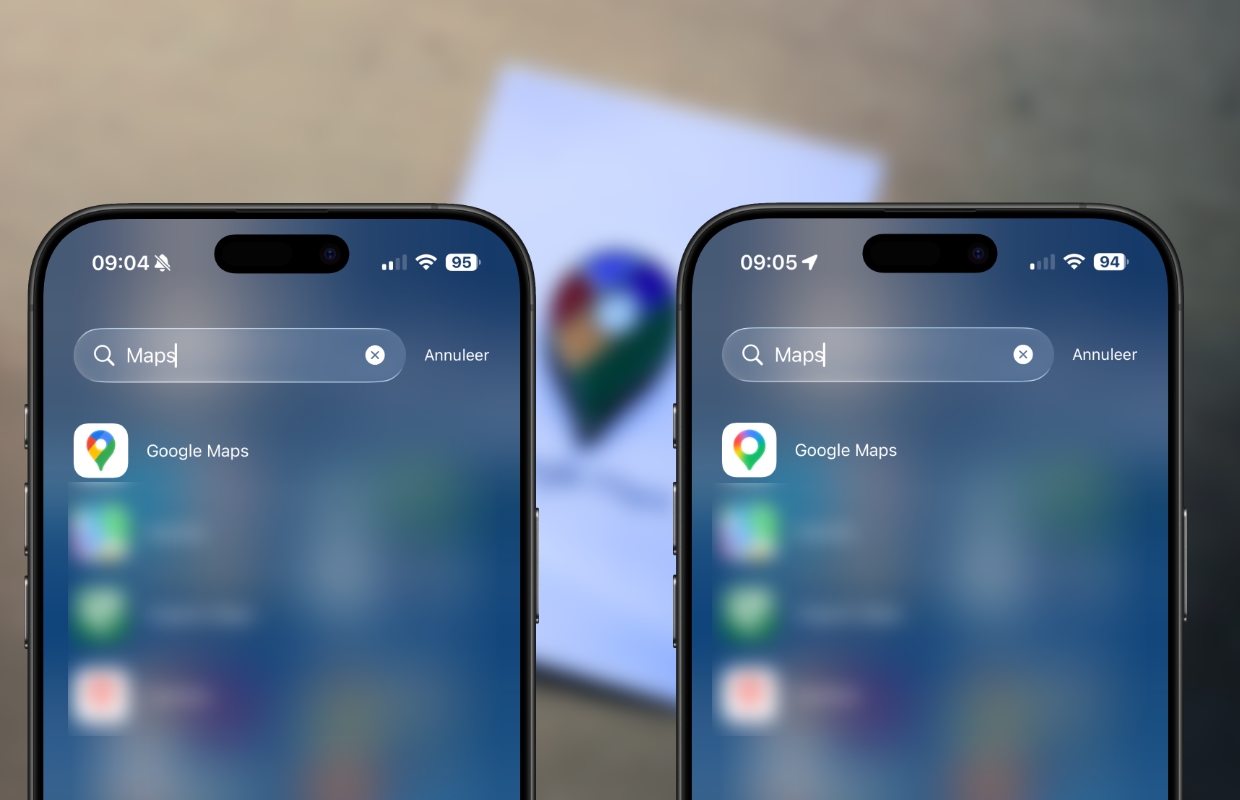
Now when you search for Google Maps, you will see that the icon change is visible. According to Google, the new release also contains several bug fixes with which they have further improved the product. This should make it easy to discover new places and navigate to them.
Do you want to be sure that you don’t miss anything about future changes to Google Maps? Then sign up for our newsletter and we will automatically keep you informed from now on!

Download the iPhoned app
