
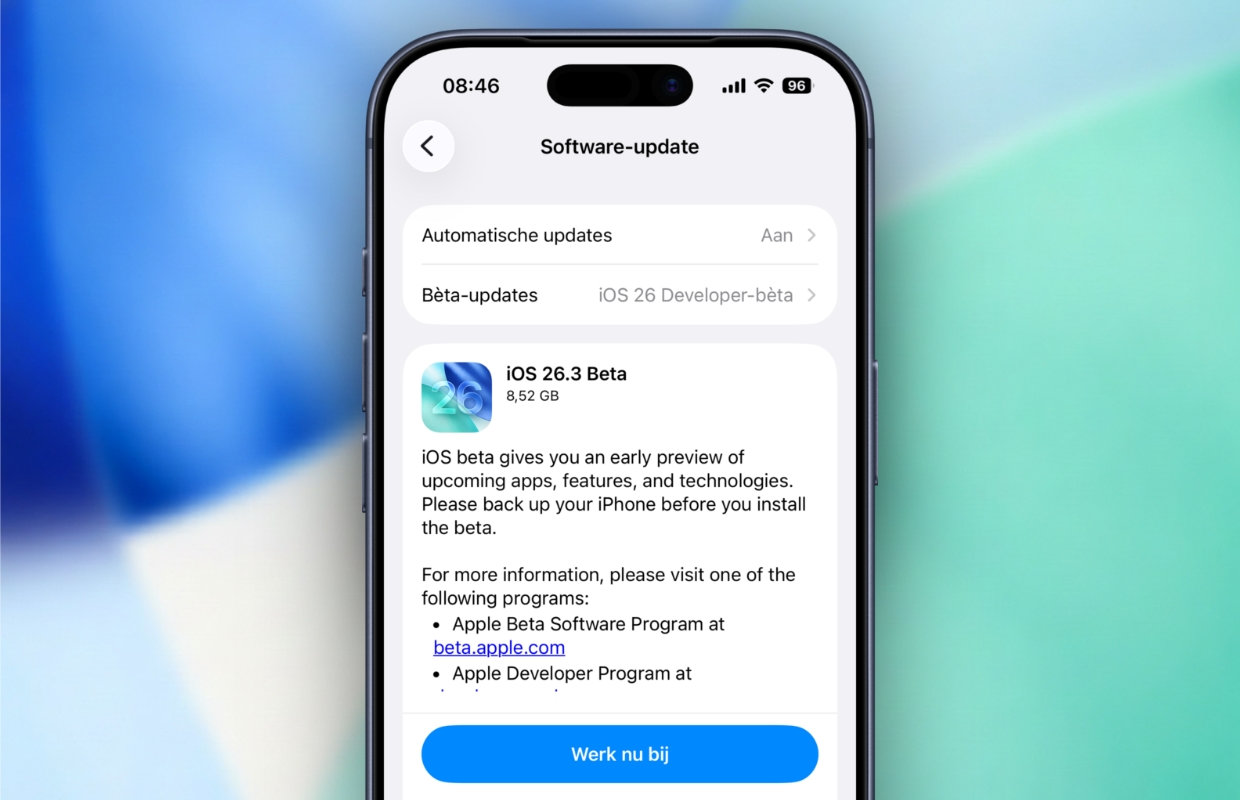
Apple has released the first test version of iOS 26.3! iOS 26.3 beta 1 brings several improvements to your iPhone. This is them!
iOS 26.3 beta 1
The first test version of iOS 26.3 has been released! Apple has released iOS 26.3 beta 1 for developers. In the new software version, Apple introduces the first features that come to your iPhone with iOS 26.3. You get a number of useful features and a new wallpaper. Are you curious about what changes you can expect? These are the first parts of iOS 26.3!
1. Transfer to Android
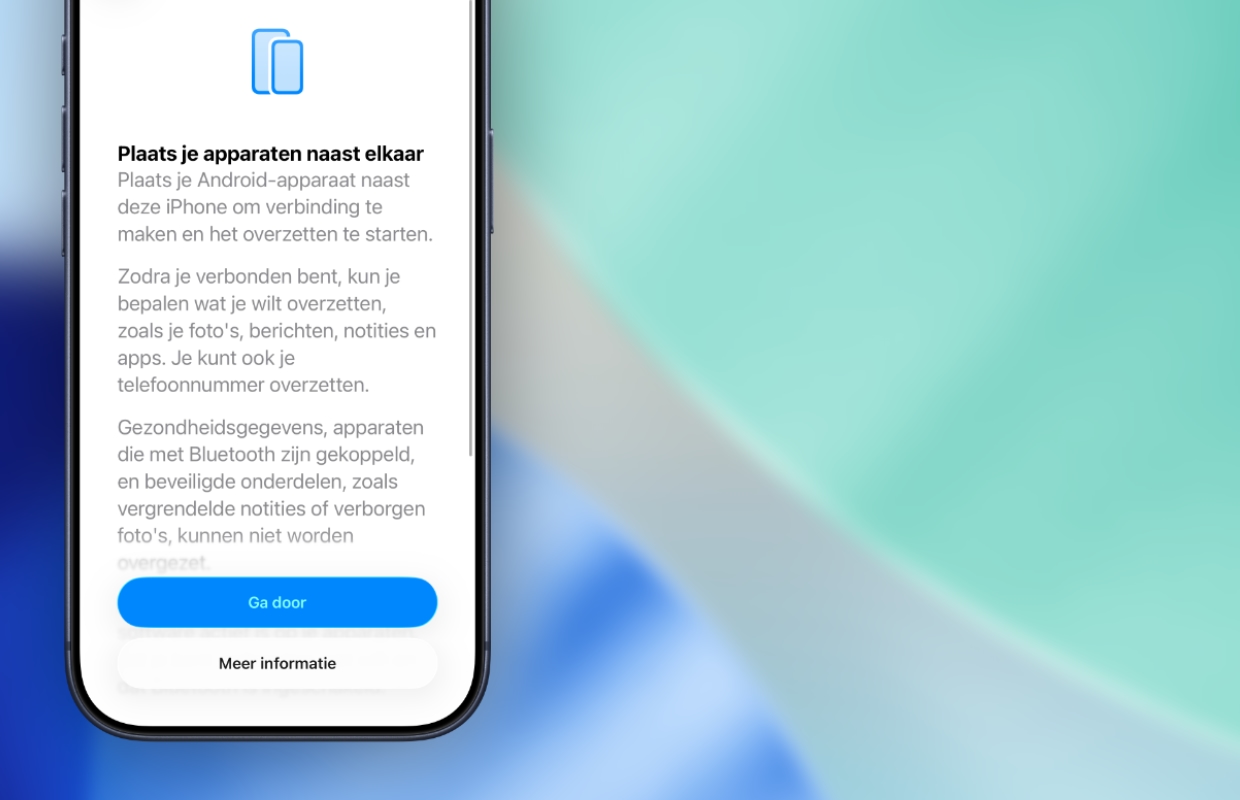
Starting from iOS 26.3, it will be easier to transfer all data from your iPhone to an Android device. Are you switching from an iPhone to an Android device? Then from iOS 26.3 onwards you only have to keep them next to each other. The devices then connect, giving you the option to transfer all photos, messages, notes, applications, passwords and other data.
Google has introduced a similar feature, which also makes it easier to switch from an Android device to an iPhone. The new feature in iOS 26.3 beta 1 does not transfer all data. Health data, previous connections via Bluetooth and protected data such as locked notes will not be transferred to the new device.
2. Forward notifications
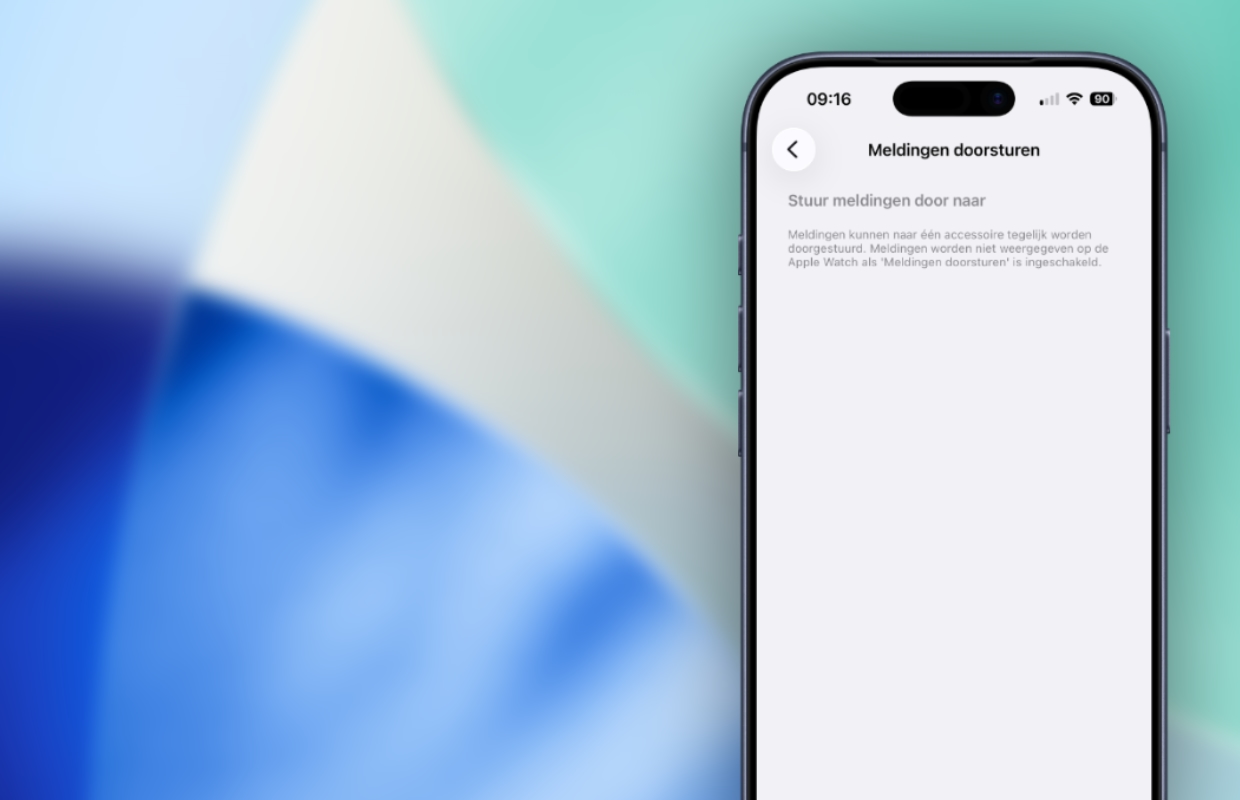
Do you use a smartwatch other than an Apple Watch? In that case, you will get a long-awaited feature with iOS 26.3, because notifications will finally be forwarded to smart watches from third parties. Currently, your iPhone only shares notifications with an Apple Watch. Smartwatches from other brands such as Samsung do not receive notifications from your iPhone, but iOS 26.3 beta 1 changes that.
Starting from iOS 26.3, you will find the new ‘Notification Forwarding’ feature on your iPhone. You can enable this under ‘Settings > Notifications > Notification Forwarding’, where you can choose which accessory your iPhone forwards the notifications to. Do you choose a device other than the Apple Watch? Then your Apple Watch will no longer receive notifications from your iPhone. Notifications can only be shared with one accessory at a time.
3. New wallpaper
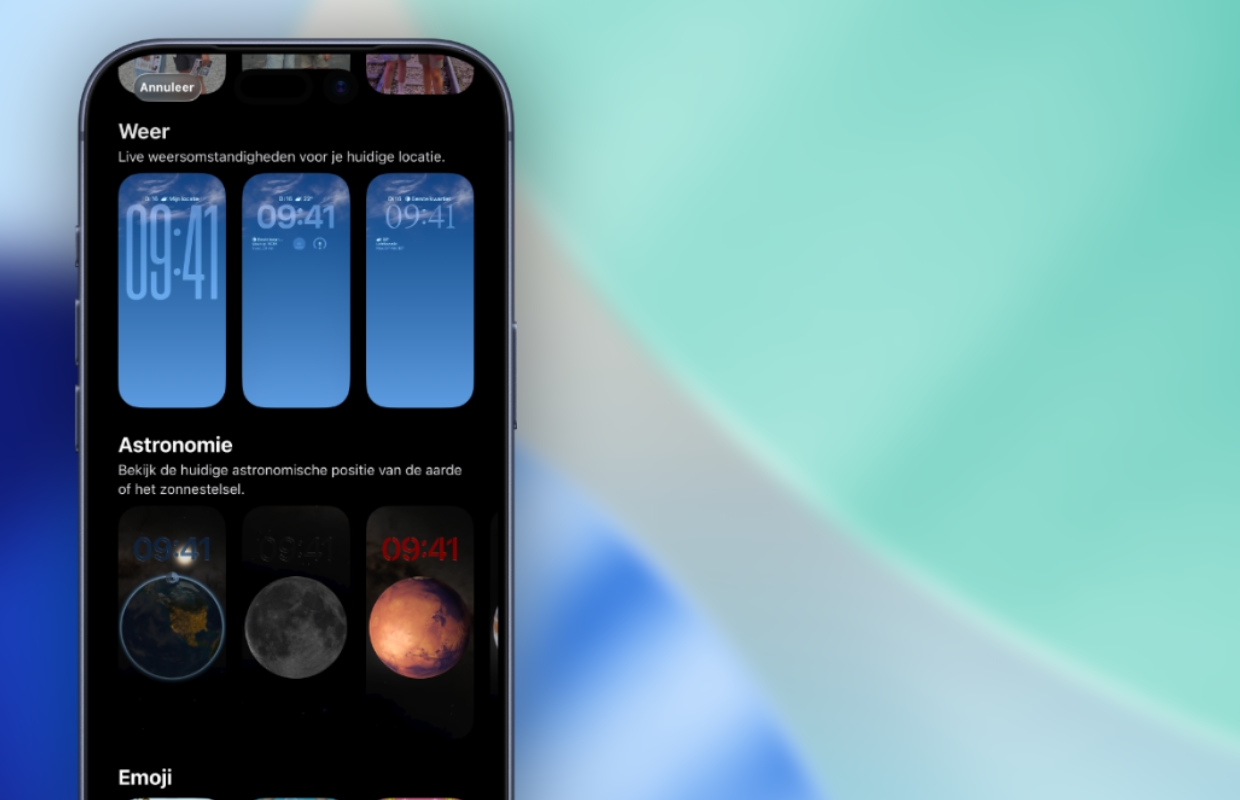
Your iPhone will get new wallpapers! In iOS 26.3 beta 1, Apple added three new wallpapers. These are designed in the theme of the Weather app, so you can see exactly what the weather situation is at your current location on the wallpaper. The three different wallpapers each have their own design, with separate fonts for the time display and widgets that are in a different location.
Several widgets are automatically added to the new backgrounds, in which you will find useful information about the weather forecasts in your location. It is also possible to customize the design of the new wallpapers, so you can move the widgets and change the display of the time. Where your iPhone has one category for all Weather and Astronomy wallpapers in iOS 26.2 and earlier, Apple has opted for two separate groups with different wallpapers in iOS 26.3.
Release of iOS 26.3
With iOS 26.3, two useful improvements and new wallpapers come to your iPhone. This is an initial test version, so there is a good chance that more features will be added in new betas. Apple has released iOS 26.3 beta 1 for developers, but the final update will take some time. iOS 26.3 is not expected to be released until January 2026. Don’t want to miss any of Apple’s updates? Then sign up for our daily or weekly newsletter so you always stay informed!

Download the iPhoned app
