
Apple regularly releases a new version of iOS. But until when will your iPhone receive iOS updates? View the iPhone update overview here!
iPhone update overview per model: until when will your iPhone receive updates?
When you have purchased an iPhone, the device comes with a pre-installed version of the operating system (iOS). Often an update is ready for you immediately. But it is of course more important to know how long you can continue to update your iPhone. Apple usually supports each iPhone for years with updates, but eventually the curtain falls for each device.
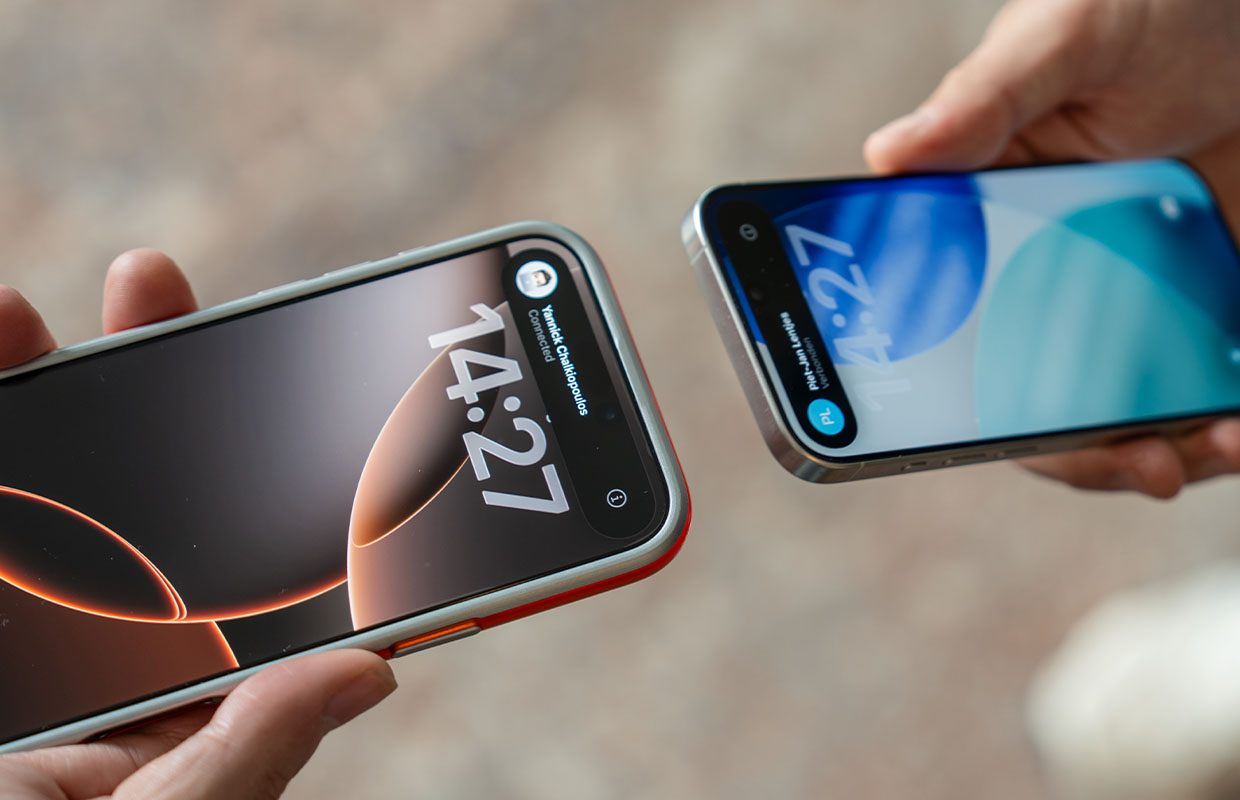
You can usually count on getting iOS updates for about five to six years. After that, you often receive security updates from Apple for a few years.
As you can see below, there are quite a few iPhones that can still run the most recent version of iOS. Do you want to know how long your iPhone will receive updates? Check that out in the iPhone update overview below! The latest version of Apple’s operating system is iOS 26.
- iPhone 17 Pro Max: Support until about 2030;
- iPhone 17 Pro: support until about 2030;
- iPhone Air: Support until about 2030;
- iPhone 17: Support until approximately 2030;
- iPhone 16e: Support until approximately 2029;
- iPhone 16 Pro Max: Support until approximately 2029;
- iPhone 16 Pro: Support until approximately 2029;
- iPhone 16 Plus: Support until approximately 2029;
- iPhone 16: Support until approximately 2029;
- iPhone 15 Pro Max: Support until approximately 2028;
- iPhone 15 Pro: Support until approximately 2028;
- iPhone 15 Plus: Support until approximately 2028;
- iPhone 15: Support until approximately 2028;
- iPhone 14 Pro Max: Support until approximately 2027;
- iPhone 14 Pro: Support until approximately 2027;
- iPhone 14 Plus: Support until approximately 2027;
- iPhone 14: Support until approximately 2027;
- iPhone 13 Pro Max: Support until approximately 2026;
- iPhone 13 Pro: Support until approximately 2026;
- iPhone 13 mini: support until about 2026;
- iPhone 13: Support until approximately 2026;
- iPhone 12 Pro Max: Support until approximately 2025;
- iPhone 12 Pro: Support until approximately 2025;
- iPhone 12 mini: support until about 2025;
- iPhone 12: Support until approximately 2025;
- iPhone SE (2020): Support until approximately 2025;
- iPhone 11 Pro Max: Support until approximately 2025;
- iPhone 11 Pro: Support until approximately 2025;
- iPhone 11: Support until approximately 2025;
- iPhone XS Max (2018) iOS 18.7.1 (latest version);
- iPhone XS (2018): iOS 18.7.1 (latest version);
- iPhone XR (2018): iOS 18.7.1 (latest version);
- iPhone X (2017): iOS 16.7.11 (latest version);
- iPhone 8 Plus (2017): iOS 16.7.12 (latest version);
- iPhone 8 (2017): iOS 16.7.12 (latest version);
- iPhone 7 Plus (2016): iOS 15.8.5 (latest version)
- iPhone 7 (2016): iOS 15.8.5 (latest version);
- iPhone SE (2016): iOS 15 (latest version);
- iPhone 6S Plus (2015): iOS 15.8.5 (latest version);
- iPhone 6S (2015): iOS 15.8.5 (latest version);
- iPhone 6 Plus (2014): iOS 12.4.7 (latest version);
- iPhone 6 (2014): iOS 12.4.7 (latest version);
- iPhone 5S (2013): iOS 12.4.7 (latest version);
- iPhone 5C (2013): iOS 10.3.2 (latest version);
- iPhone 5 (2012): iOS 10.3.2 (latest version);
- iPhone 4S (2011): iOS 9.3.5 (latest version);
- iPhone 4 (2010): iOS 7.1.2 (latest version);
- iPhone 3GS (2009): iOS 6.1.6 (latest version);
- iPhone 3G (2008): iOS 4.2.1 (latest version);
- iPhone (2007): OS 3.1.3 (latest version);
Above you can see in which year an iPhone received the last major update. This does mean that your device will also receive the minor updates that come with this update. For example, iOS 26 also receives updates like iOS 26.2.

If your iPhone no longer receives software updates, you can still use the device. Your iPhone will then continue to run on the previous iOS version with all the basic functions you need, such as emailing, taking photos and surfing the internet.
Keep in mind that third-party apps will require a newer iOS version over time. Especially if you use a lot of apps such as WhatsApp, it is good to check whether they still work on your older model.
Are the apps you want to use no longer working? Or does your iPhone really need to be replaced? Then it’s time to buy a new one. But which one? Then check our iPhone overview. Then you will soon find out which iPhone is best for you and you will be sure that you will not pay too much.
Apple devices work with the iOS operating system (iPhone Operating System). Apple releases a new, major update for its devices almost every year.
To check which iOS version your own iPhone currently has, tap ‘Settings > General > About’. Behind ‘iOS version’ you will see the operating system.
By default, your iPhone indicates when a new update is ready, but that can sometimes take a while. You can also check at any time whether an update is available. You do this by tapping ‘Settings > General > Software update’.
Updates for iOS almost always come with new features and fix bugs. Security updates are solely aimed at closing vulnerabilities in older iOS versions without adding additional features. Usually, old iPhones that no longer receive iOS updates continue to receive these security updates for a few years.
Do you always want to stay informed of the latest Apple news? Then sign up for our daily or weekly newsletter!

Download the iPhoned app
