
You probably arrange your banking affairs via the app. But on some older smartphones, the banking apps will soon no longer work!
Look after! Your banking apps will soon no longer work on these smartphone(s)
Quickly checking your balance or making a payment in the banking app is an everyday occurrence for many people. But if your smartphone or tablet is a bit older, it may suddenly end. Some banking apps will soon stop working on outdated Android and iOS devices.

It does differ per bank which versions are still supported. The date of support is also different per bank. Below you can read which software version you need at the most important banks in the Netherlands, for both Android and iPhone:
- ABN AMRO (March 2)
- Android: only Android 12 to 16 is still supported;
- iPhone/iPad: only on iOS/iPadOS 16, 17, 18 or 26;
- ING (March 30)
- Android: support for Android 11 to 16;
- iPhone/iPad: only from iOS/iPadOS 16, 17, 18 or 26;
- Rabobank
- Android: works on Android 10 to 16;
- iPhone/iPad: works on iOS/iPadOS 15, 16, 17, 18 and 26;
- ASN Bank
- Android: still works on Android 8 to 16;
- iPhone/iPad: you need iOS/iPadOS 15, 16, 17, 18 or 26.
Smartphone too old, what now?
But what can you do if the software on your smartphone is too old? First check whether you can still update. Doesn’t that work? Then you will really have to purchase a new smartphone to continue using the banking app. If you don’t want that, you can always arrange your internet banking on the computer.
Are you planning to buy a new iPhone? In any case, check our price lists. Then you can be sure that you will get the best price.

Compare iPhone 17 prices
iPhone 17 with subscription
Compare iPhone 17 Pro prices
iPhone 17 Pro with subscription
Updating a smartphone: this is how you do it
It is therefore important to always update your smartphone. You can read exactly how to do this on the iPhone and Android below.
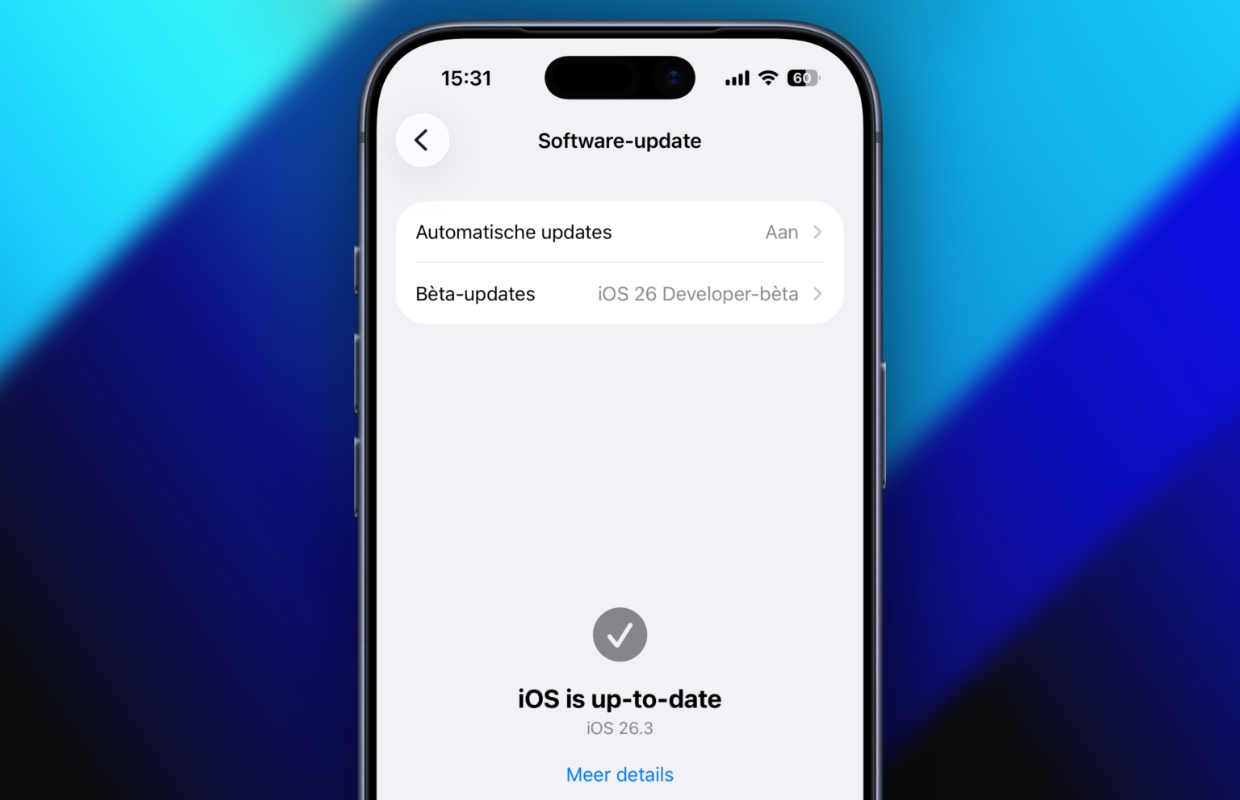
To update your iPhone, follow the steps below.
- Open the ‘Settings’ app and choose ‘General’;
- Tap ‘Software Update’;
- Choose ‘Download and Install’ and follow the on-screen instructions.
To update your Android device, follow the steps below. Please note that the steps may be slightly different for your device.
- Open the ‘Settings’ on your smartphone;
- Choose ‘About this phone’;
- Select ‘System updates’;
- Choose ‘Check for updates’;
- Download and install the update.
Do you want to know more about the latest iOS versions? Then sign up for our newsletter and we will automatically keep you informed!

Download the iPhoned app
