
Whether it’s Zoom, Teams or any other video call, Camo lets you use your phone as a web camera. You then operate the camera from the computer.
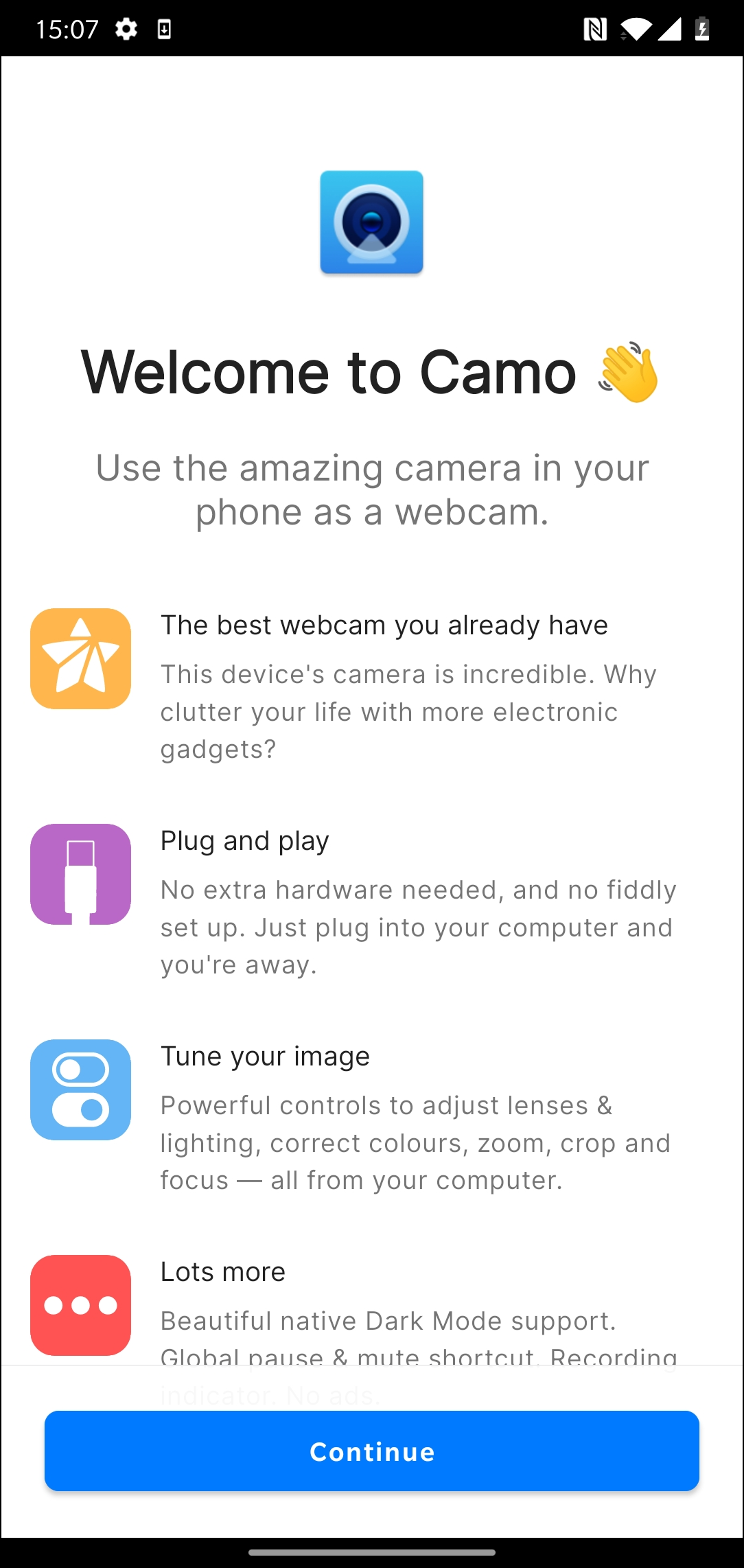 Via the app you can see a preview of the image and you can make various adjustments. This way you can use the different lenses of the phone and apply filters to the image. In practice, compared to a web camera, you often get better images without any adjustments. The average phone camera delivers significantly better quality than a web camera.
The makers maintain a list of apps that are compatible with Camo. In the overview we now find Zoom, Teams, Skype, Twitch and OBS Studio. Camo also offers a built-in recording function, so that you can also review streamed images later or save them in an archive.
The software lends itself especially well to situations where you quickly need a setup for a professional-looking video session. At the time of writing, the app is already available for Apple, but the Windows version is still in beta.
camo, reincubate.com/camo

Price: Free (includes in-app purchases)
System Requirements: Android (varies by device), iOS 12.0
Language: Dutch, English