
Keep your energy bill low with the smart HomeWizard P1 Meter. You can easily click this compact gadget into your smart meter and provide immediate live insight into electricity, gas consumption and feed-in from solar panels. We have listed all the details for you below
What is the P1 Meter from HomeWizard
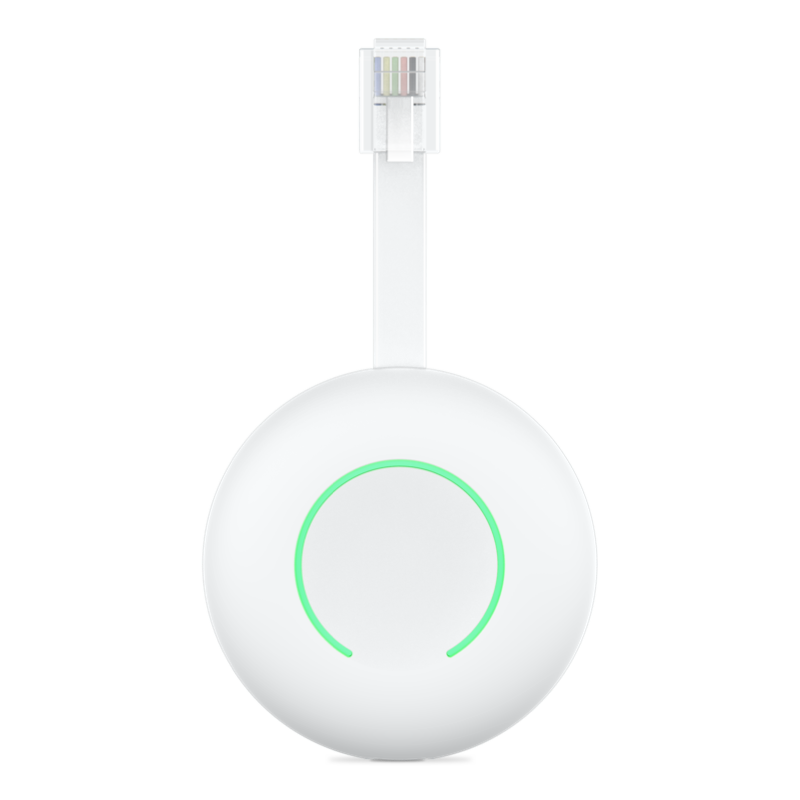
The HomeWizard P1 Meter is a small box that you click into your smart meter for direct insight into your electricity, gas consumption and solar panels. He costs only 24.95 eurosworks on WiFi and you see everything live in the clear app on your phone: such as graphs per second, day or year. This way you can easily find standby consumption at night or peaks when you shower, without the hassle of all kinds of cables.
With this meter you can save a lot on your energy bill by using appliances more intelligently, such as switching off standby or washing during off-peak hours. Many people can easily save around 50 to 200 euros per year. The device fits almost all meters in the Netherlands. Handy for those who want to live more sustainably without the need for a complicated installation.
View the P1 meter at HomeWizard

View all gadgets from HomeWizard
How do I install this handy P1 meter
You can install this P1 Meter in five minutes without tools. Go to your meter cupboard, find the P1 port on your smart meter (often on the right or under a cover), click the meter firmly until the status ring flashes white. For older meters, use the USB-C adapter.
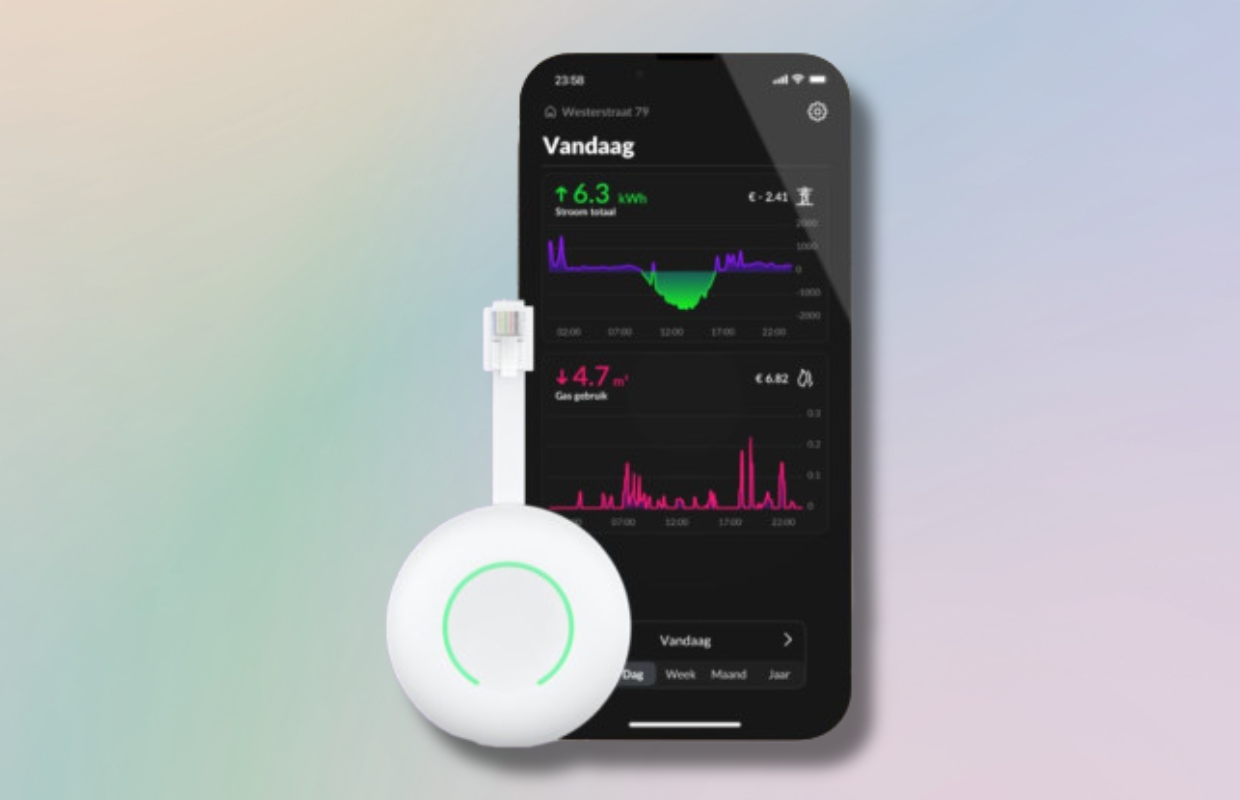
Linking the P1 Meter is as follows:
- Download the HomeWizard Energy app;
- Create an account;
- Press ‘Add new device’ and choose ‘P1 Meter;
- Press and hold the button on the meter until it flashes blue;
- Connect to the temporary network ‘P1meterSetup’;
- Finally, choose your own WiFi with password.
The application then completes the setup. Check that the ring turns green for a successful installation. This way you can install the HomeWizard smart device in a short time!
Even more smart home gadgets from HomeWizard
In addition to this handy P1 meter, HomeWizard offers many more smart gadgets for your home. Take the Energy Socket, for example: this smart plug gives you direct insight into the power consumption of every connected device. You can use it to switch off unnecessary standby use and set timers so that devices only turn on when you want them to, perfect for saving extra on your energy bill.

View the Energy Socket at HomeWizard
View all products at HomeWizard
All products recommended in this article have been selected by the iPhoned editors without commercial influence. These products may be referenced with an affiliate link. If you purchase something through this link, iPhoned may receive a commission. Want to know more? Then view our editorial statute.