
Of course, WeTransfer has been around for many years. Still, the official app from the makers has only recently appeared.
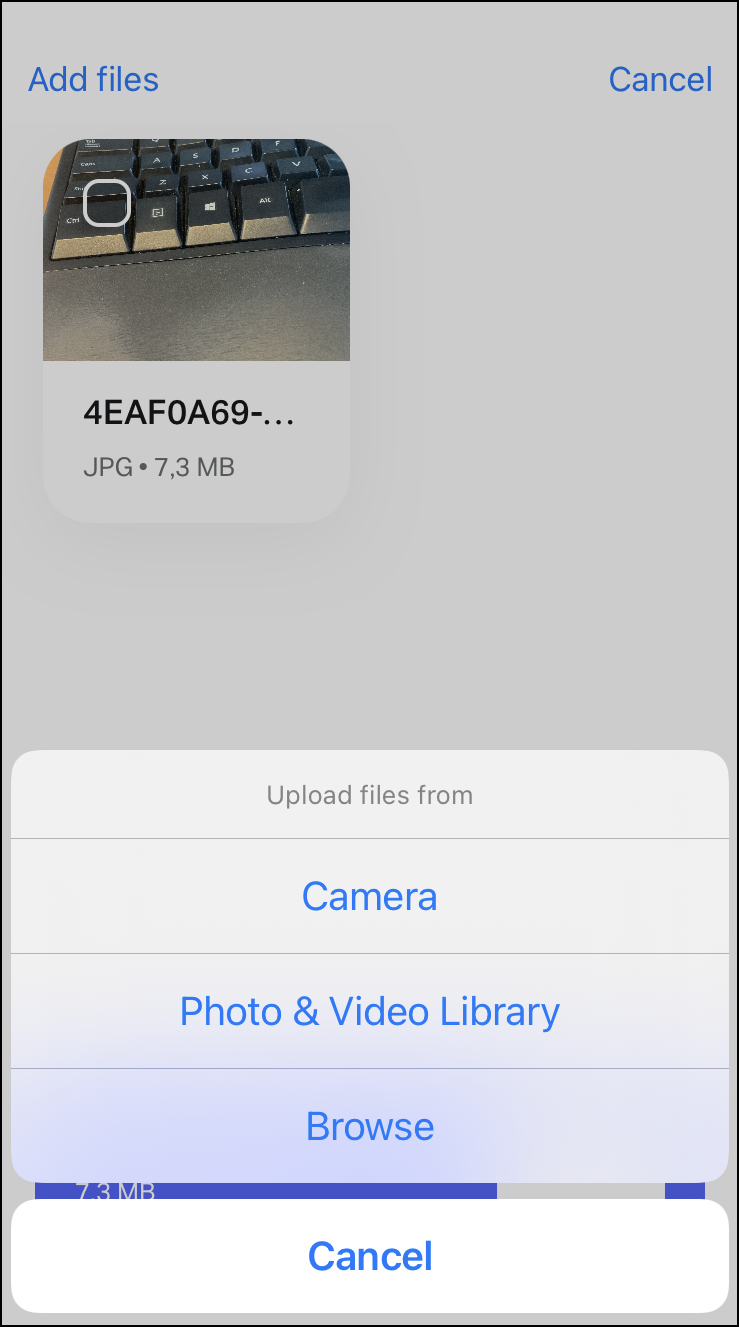 The app allows you to share files via your iPhone. You can send up to 200 GB per file. As soon as you receive a file via WeTransfer, the app shows a notification in the home screen of the iPhone. Before downloading the files, in some cases you can already preview them. This is useful, for example, for large images. WeTransfer shows them as thumbnails, so you can immediately judge whether you want to download the original files.
Via the options at the bottom of the screen you can download the files and share the file directly with others. Furthermore, the app works as you are used to via the online environment: you can share files via e-mail, but also generate a download link. You can then use this to distribute via other channels, for example via chat.
The app includes a separate section for managing the files. This comes in handy if you want to forward previous downloads, but also to send previous files.

WeTransferwetransfer.com

Price: free
System requirements: iOS 13.4 and above
Language: Dutch, English