
Apple has released new firmware for the AirPods Pro 2 and Pro 3 – here’s how you can tell if your AirPods are updating or not.
This way you can see whether your AirPods have been updated
If you want to update your iPhone, iPad or Mac to the latest software, it’s always very easy. You simply go to ‘General’ in the Settings app and tap ‘Software update’. If an update is indeed available, you can install it there. With new AirPods firmware, it’s not that simple.
To start with there is one long list with conditions that must be met before your AirPods are updated. Only then can new firmware be downloaded and installed. What it basically boils down to is that you need to make sure the charging case is charging, that Wi-Fi and Bluetooth are turned on, and that you perform a number of steps.
But even if you follow this process completely, there is no guarantee that the firmware will actually be installed. It just says: “Wait at least 30 minutes for the firmware to update.”
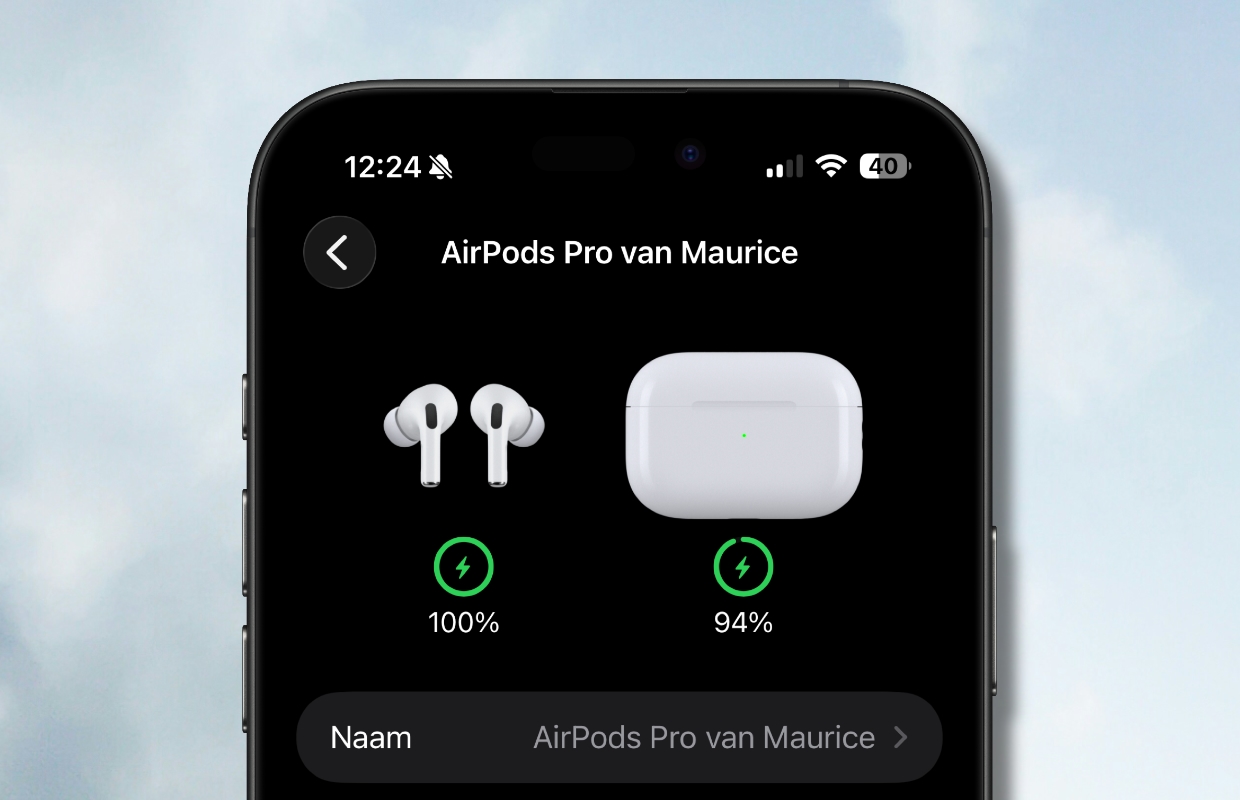
This way you can see if an update is taking place
But according to a new report on Macworld, there’s a hidden trick to finding out if your AirPods are updating. This trick has to do with the AirPods settings in the Settings app on your iPhone. Mahmoud Itani of Macworld has this to say:
“When you return your AirPods to their charging case and close its lid, the AirPods panel disappears from the Settings app’s main page within a few seconds. However, I’ve discovered a deviation in this behavior that appears to occur only when an AirPods firmware update is in progress. On two separate occasions, the AirPods panel persisted in my Settings app even after I returned my AirPods Pro 3 to their case and closed the lid. The panel stuck around for a few minutes (as opposed to seconds) until the firmware installation completed. Both instances occurred right after Apple had released new AirPods firmware, and I verified the change in build numbers immediately after.”
“When you place your AirPods back in the charging case and close the lid, the AirPods panel disappears from the main Settings app page within seconds. However, I’ve noticed an anomaly in this behavior that only seems to occur when a firmware update is in progress for the AirPods. On two separate occasions, the AirPods panel remained in my Settings app. Even after I placed my AirPods Pro 3 back in the case and closed the lid. The panel remained for a few minutes (instead of seconds) until the firmware installation was completed. Both cases occurred shortly after Apple released new AirPods firmware, and I checked the change in build numbers immediately afterward.”
Itani further explains that the presence of the AirPods menu in the Settings indicates that there is an active connection between your iPhone and AirPods. So it makes sense that the menu remains available while a firmware update is in progress and only disappears when it is completed.
Don’t want to miss any future software updates from Apple? Then sign up for our newsletter and we will automatically keep you informed from now on!

Download the iPhoned app
