
2026 is now two days old, so your good intentions may already have been lost. If not, these iPhone tips will help you persevere!
5 iPhone tips to help you with your New Year’s resolutions
Whether you want to exercise more, snack less, or quit smoking, good intentions are always difficult to keep. We therefore recommend that you use all the tools you can find. These iPhone tips are certainly part of that, so take advantage of them!
1. Smoke Free – Stop Smoking Now
We start with probably the best-known resolution there is: quitting smoking. The Smoke Free app uses various ways to help you with this. You can keep track of and analyze difficult moments clearly, and you can keep a diary. The app also keeps track of how much money you save by not smoking and to what extent your health has improved.
You will also receive a mission every morning that you can focus on that day. The missions help you change unhealthy attitudes about smoking, deal with cravings and improve your self-esteem. These missions start 7 days before the actual stop.

2. Goal & Habit Tracker: Griply
Do you have several good intentions? Then Griply is a very useful app. With Griply you can easily and clearly keep track of your personal goals. And you can easily break down (too) large goals, so that it is easier to keep track of them and to maintain them.
You start with a main goal, such as ‘running 10 kilometers’. You can then divide that goal into several sub-goals. You do this by tapping on the main goal and creating multiple sub-goals under ‘Action plan’. For example, consider running 2.5 kilometers and walking 1 kilometer in the first week. You can then set a different sub-goal for the following week. Griply then keeps track of how far you have progressed for each sub-goal. This way you slowly work towards your ultimate goal and at the same time keep an overview.

3. Meditation Moments
It is important to also take some more time for yourself. If you plan to take things a bit more relaxed in 2026, the Medidition Moments app will come in handy. When you start the app, first choose your goal. This can include reducing stress, improving your focus or getting a better night’s sleep. A combination of different goals is of course also possible.
During installation, the app asks if you want to take out a subscription, but you don’t have to. Simply tap the cross to use the free version. It may not be possible to use all functions, but the app has enough free content to help you.

4. Lifesum
Is losing weight one of your New Year’s resolutions? Then, in addition to exercise, healthy eating is by far the most important. However, putting together a good diet is still quite a job. Fortunately, there are several apps that provide insight into what you eat and how you can eat even healthier. Our favorite is Lifesum, an incredibly extensive calorie counter.
The great thing about the app is that you can choose from multiple goals, including losing weight, growing muscle mass or gaining weight. Then Lifesum encourages you with nutritious recipes for breakfast, lunch and dinner. In addition, the app contains a wealth of information, such as the specific nutritional value of a product.

5. BetterSleep
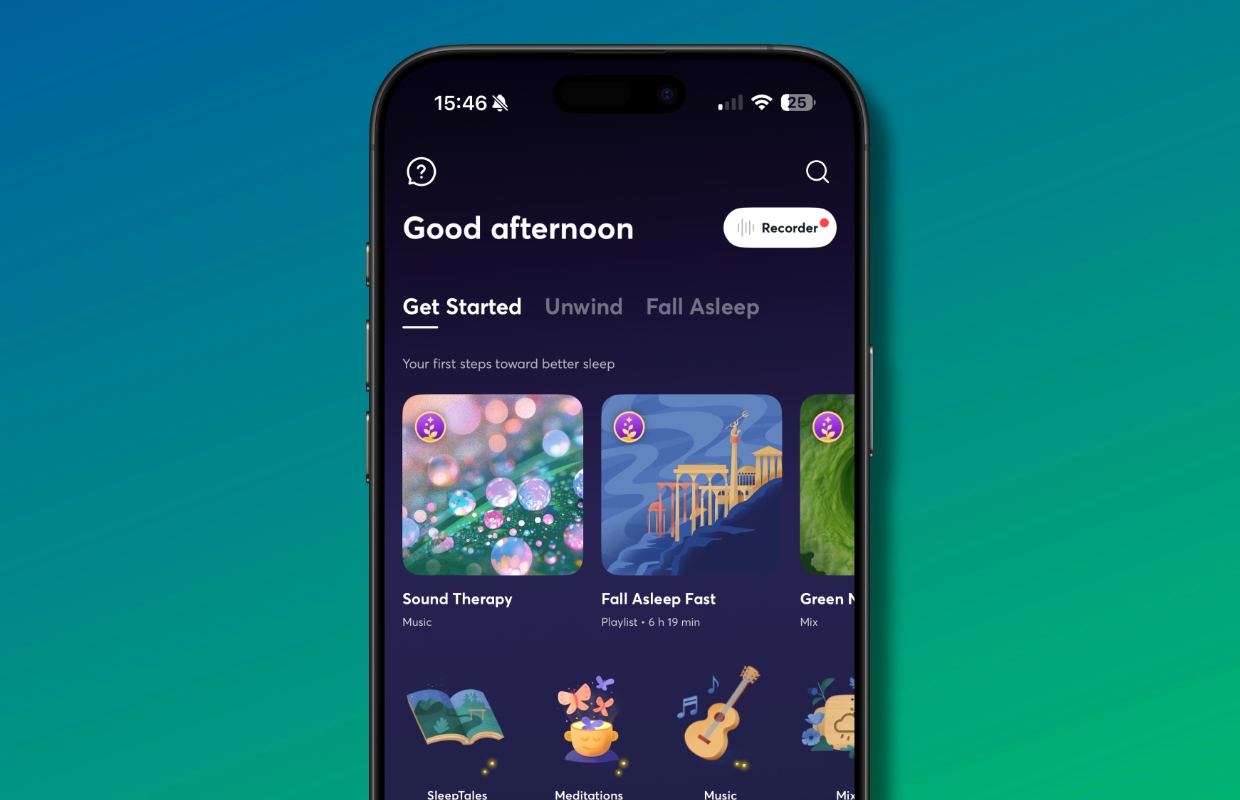
Whatever else you have planned in terms of resolutions for 2026, it is always a good idea to improve your night’s sleep. And the BetterSleep app can help you with that. The app promises a better night’s sleep thanks to an extensive library of sleep sounds, stories and guided meditations. Calming exercises and a sleep tracker are also available.
Furthermore, there are isochronous sounds, which have frequencies that, according to the app, are intended to affect the brain in different ways. For example, try the ‘Low alpha 8 Hz Pre-Sleep’ option. If you wish, you can overlay another sound, for example ‘Tokyo Bedroom on a Rainy Night’. The app has a lot to offer and you can try many of them for free first.
More iPhone tips?
Did you find these iPhone tips useful and want more? On iPhoned you can read useful tips and tricks for your iPhone every week. Check out the most recent tips below!
-
5 iPhone tips that will help you keep your good intentions
-
3x this way you can easily free up storage space in your iCloud in iOS 26
-
Scanning unknown QR codes with your smartphone: it is better not to do that
-
2 smart ways to quickly check the battery status of your AirPods
-
You must know these 3 useful iPhone functions of 2025 (and this is how they work)