
Do you travel a lot by car? Then turn on this hidden setting to make CarPlay in your car much safer!
Hidden setting of CarPlay
CarPlay is the way to use your iPhone safely in your car. The most important applications of your iPhone are shown on the larger screen of your car. This way you can navigate smoothly via Apple Maps, control the music via Apple Music and record messages in WhatsApp. You no longer need to take out your iPhone for these functions, instead you use CarPlay on your car’s screen.
Unfortunately, not all applications on your iPhone work with CarPlay. Apple selects which apps from your iPhone are suitable for the car screen. Apple tries to keep CarPlay safe, but this limited selection of applications also has a disadvantage. It is sometimes tempting to reach for your iPhone for apps that you cannot use in CarPlay. Do you want to prevent that? Then turn on this hidden setting to make CarPlay even safer!
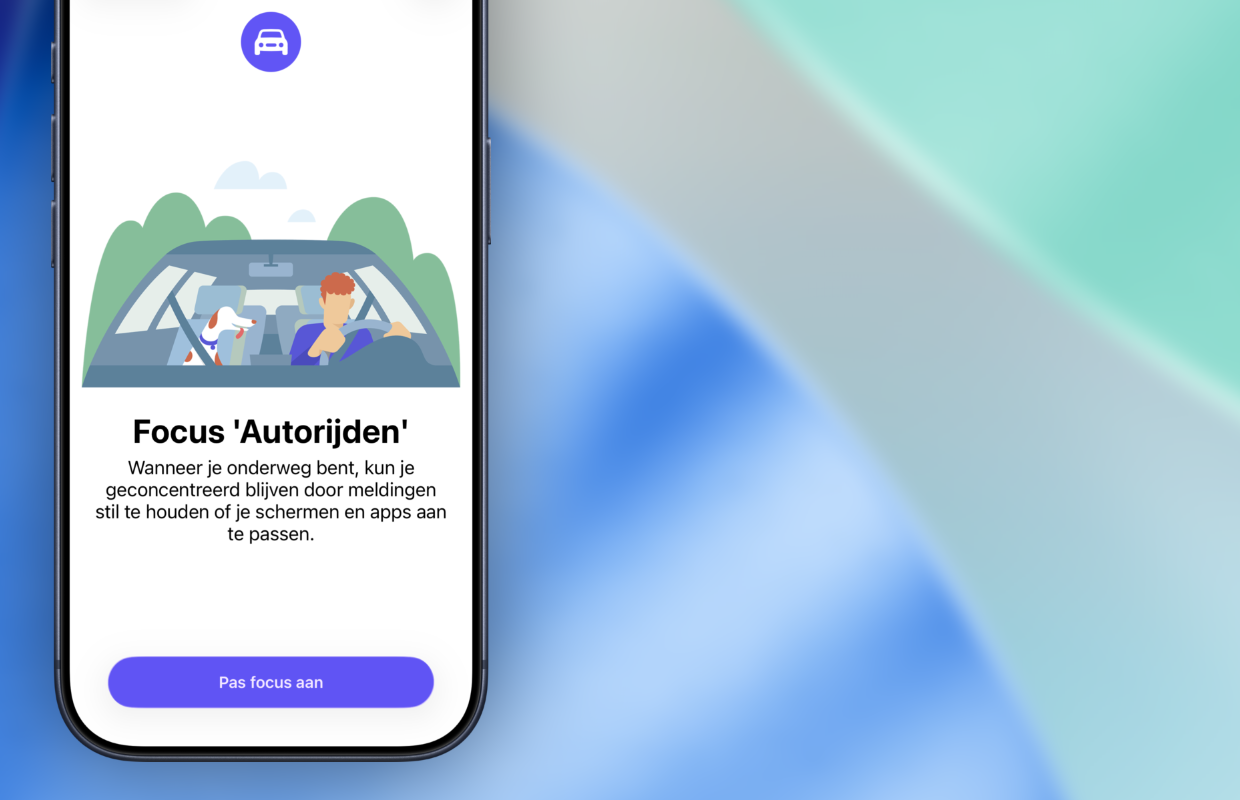
Enable Focus Driving
A simple way to make CarPlay safer is to set a special focus. It has been possible for some time to set a focus on your iPhone, so that, for example, you do not receive notifications while sleeping or only see work-related notifications at work. For CarPlay, Apple has added a similar focus to the iPhone, so you won’t be distracted while driving. This is how you set it up:
- Open the Settings app on your iPhone;
- Swipe down and tap Focus;
- Press the plus button (+) at the top right of the screen;
- Choose ‘Driving’;
- Tap ‘Adjust focus’;
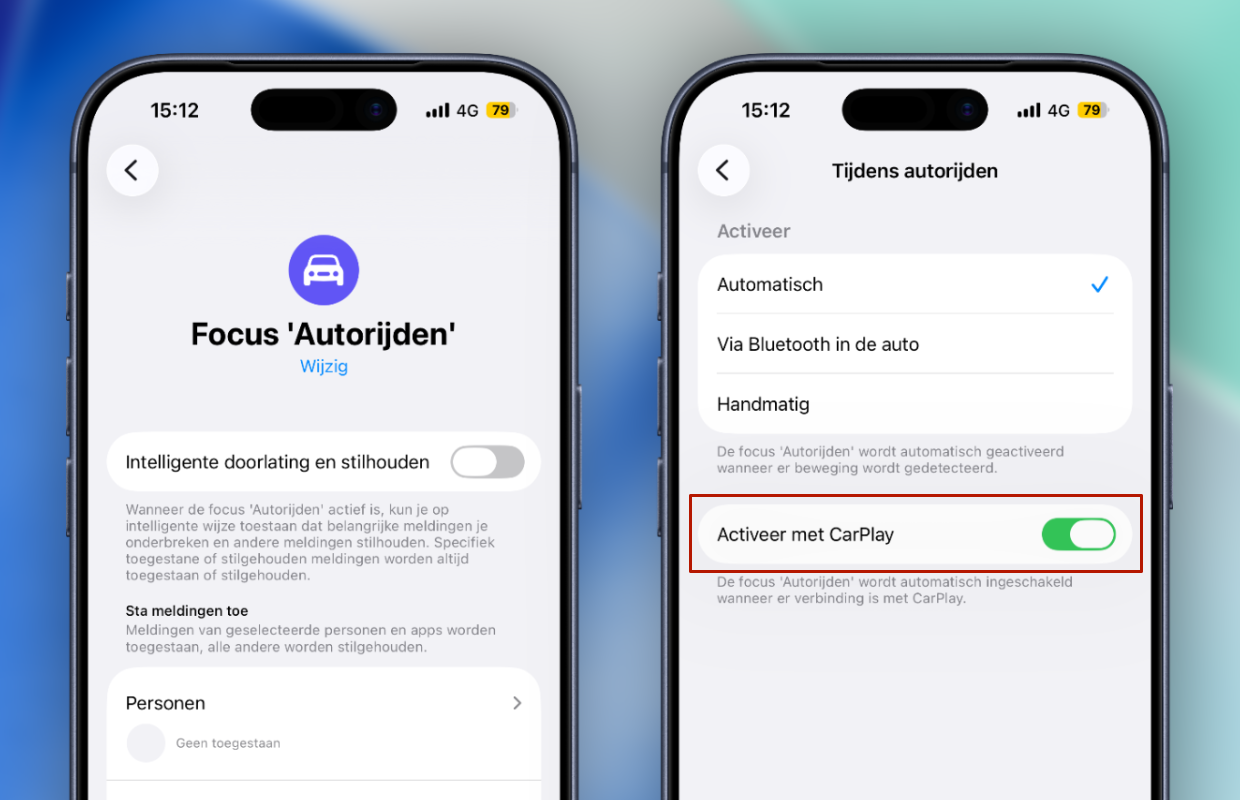
- Scroll down and go to ‘While driving’;
- Finally, enable ‘Activate with CarPlay’.
Have you added the new focus to your iPhone? The ‘Driving’ focus will then be automatically enabled when connected to CarPlay. It is also possible to set a separate background on your iPhone, so that you are even less distracted while driving. With this focus, notifications are kept quiet and you cannot simply access apps on your iPhone. This makes CarPlay a bit safer, because you no longer see these notifications on the car screen.
More about CarPlay
With the focus ‘Driving’ you will receive far fewer notifications on your iPhone, so CarPlay no longer shows them on the display in the car. This is not only safer, it also prevents fellow passengers from unintentionally reading the notifications on your iPhone. Do you still take your iPhone with you while driving, for example when you are waiting at a traffic light? Then the focus ‘Driving’ ensures that you cannot simply open all apps.
The focus is a useful tool to prevent phone use behind the wheel. You are limited to the screen with CarPlay and are much safer on the road. It is advisable to add focus directly to your iPhone, so that you are no longer distracted when you are traveling by car. You can allow notifications from important people, you can set this under ‘Settings > Focus > Driving’. Under ‘Persons’, select who should receive notifications.
Did you find this tip useful and would you like to know more about CarPlay? Then sign up for our daily or weekly newsletter so you always stay informed!

Download the iPhoned app
