
Do you use the Calendar app on your iPhone regularly? Then you need to enable this hidden feature directly in your iPhone calendar!
iPhone calendar feature
One of the applications that comes standard on your iPhone is the Calendar app. This app makes it incredibly easy to keep track of appointments, meetings and other events on your iPhone. For many users, a physical agenda is therefore no longer necessary, and the Calendar app on the iPhone is used instead. You can link multiple calendars to this application, so that you can see them all in one overview.
This is especially useful if you have different schedules for, for example, your business and private life. You can link these calendars in the Calendar app, so that you no longer have to search for your appointments in different applications. That’s not all, as Apple has a number of default calendars that users can subscribe to. You should therefore enable this hidden function immediately in your iPhone calendar!
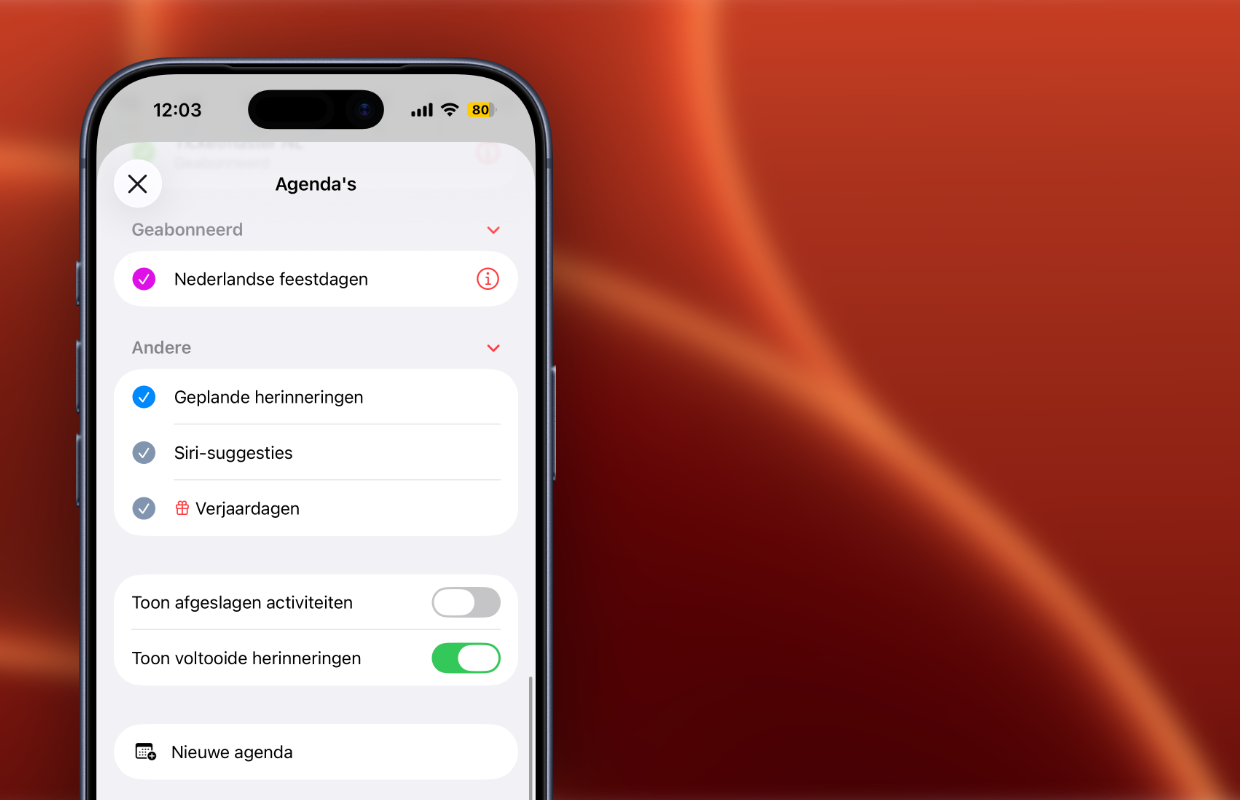
Add Dutch holidays
Do you regularly plan far ahead in the Calendar app on your iPhone? It is then important to know when certain holidays fall. This way you can easily see which days (of the week) you are free, for example on days such as King’s Day or Ascension Day. Apple has a special feature for Dutch holidays, so that they automatically appear in the Calendar app on your iPhone. You add holidays as follows:
- Open the Calendar app on your iPhone;
- Tap the calendar symbol at the bottom right of the screen;
- Finally, turn on ‘Dutch holidays’.
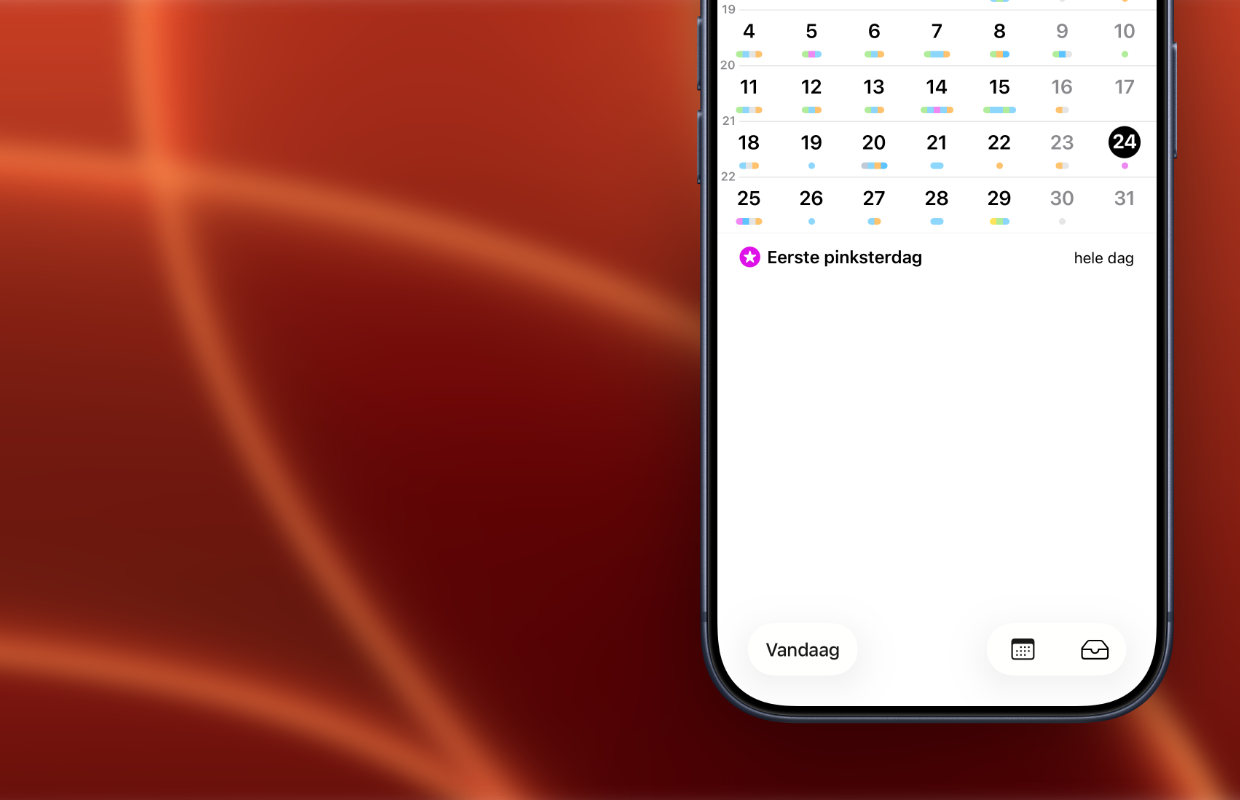
Have you tapped Dutch holidays in the Calendar app on your iPhone? All Dutch public holidays will then automatically appear in the calendar. This way you can see exactly when Easter, Ascension Day and Pentecost fall. With this hidden function on the iPhone calendar, you no longer have to look up all the holidays. Instead, they are in the Calendar app by default. On the iPad you can find the holidays in the same way in Apple’s Calendar app.
More iPhone tips
Adding Dutch holidays to the Calendar app on iPhone is an easy way to make planning activities more manageable. Please note, because not all Dutch public holidays are working days. Check in your collective labor agreement which holidays mean a day off, because the iPhone calendar function does not take this into account. For example, Liberation Day is not a day off every year for all Dutch people.
Are the Dutch holidays already enabled in your iPhone calendar? In that case you don’t have to do anything, they appear in the agenda every year. The holidays also appear on your iPad and Mac, provided you have linked the Calendar app to iCloud. Did you find this tip useful and would you like to know more? Then sign up for our daily or weekly newsletter so you get even more out of your Apple device!

Download the iPhoned app
