
Apple has released iOS 26.2 and related updates, including watchOS 26.2. These are all the innovations coming to your Apple Watch.
This brings watchOS 26.2 to your Apple Watch
watchOS 26.2 is now available. You can install the update via the Watch app on your iPhone. To do this, go to ‘General > Software update’. First, make sure you have already updated your iPhone to iOS 26.2. Only then can you install watchOS 26.2 on your Apple Watch.

Sleep score
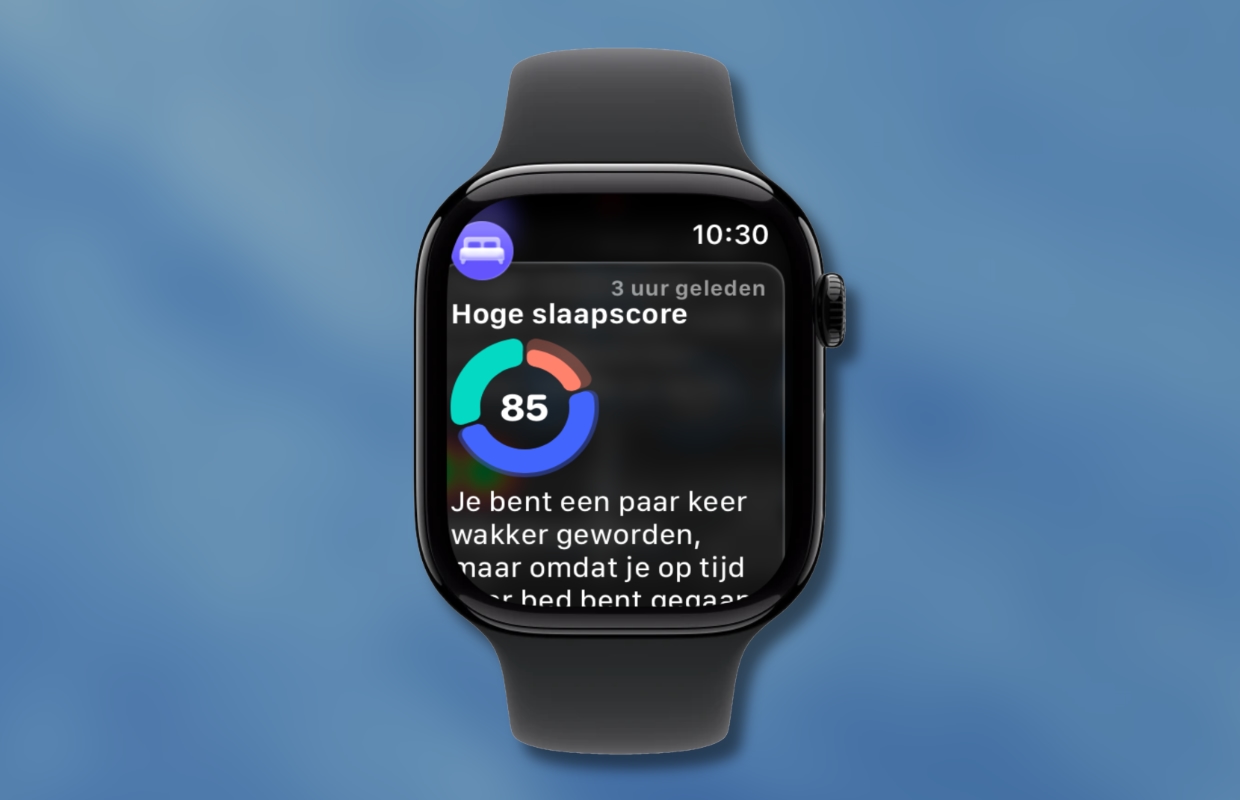
An important innovation in watchOS 26.2 is that the Sleep Score has undergone a number of adjustments. Apple has updated the Sleep Score rating system. The highest score is now no longer called ‘Excellent’ but ‘Very high’. In addition, the different score ranges have been updated. Below you can see a comparison of the new and old reviews:
| iOS 26 | iOS 26.2 | |
|---|---|---|
| Excellent/Very high | 90-100 | 96-100 |
| High | 70-89 | 81-95 |
| OK | 50-69 | 61-80 |
| Low | 30-49 | 41-60 |
| Very low | 0-29 | 0-40 |
Apart from the high score name change and rating scale change, Sleep Score still works the same way as before. It is based on the same measurement criteria: duration, bedtime and interruptions.
Apple Music
The update also fixes a bug Apple Music on, which sometimes prevented songs from being played any further. An important change is also being implemented for users in the EU. Due to the EU’s Digital Markets Act (DMA), the iPhone and Apple Watch can no longer share Wi-Fi network data in the same way as before. Here you will find all the details about the changes.
Enhanced safety warnings (in the US)
watchOS 26.2 also introduces another new feature in the US: ‘Improved Security Alerts’. Apple describes this feature as follows:
“Enhanced safety alerts can inform you of impending hazards, such as floods, natural disasters and other emergencies, with comprehensive information such as a map of affected areas and links to additional safety guidelines (available in the US).”
It is currently unclear whether (and when) this function will also be added in the Netherlands. When something becomes known about this, you will of course read it immediately iPhoned. Never want to miss anything about Apple’s software updates? Then sign up for our newsletter. Then we will automatically keep you informed from now on!

Download the iPhoned app
