
The Apple Watch has received two new health features in the latest update. This is how you use them and turn them on!
Your Apple Watch has two new health features (here’s how to use them)
With the latest watchOS 26 update, your Apple Watch has received two useful health functions. With these functions you will receive a notification if high blood pressure is detected. You can also check whether you slept well.
Receive hypertension notifications on the Apple Watch
The new hypertension notification uses your Apple Watch’s heart rate sensor. Is there a pattern that indicates persistently elevated blood pressure? Then your Watch will warn you with a notification. This way you can see sooner whether something is wrong, possibly before the symptoms appear.
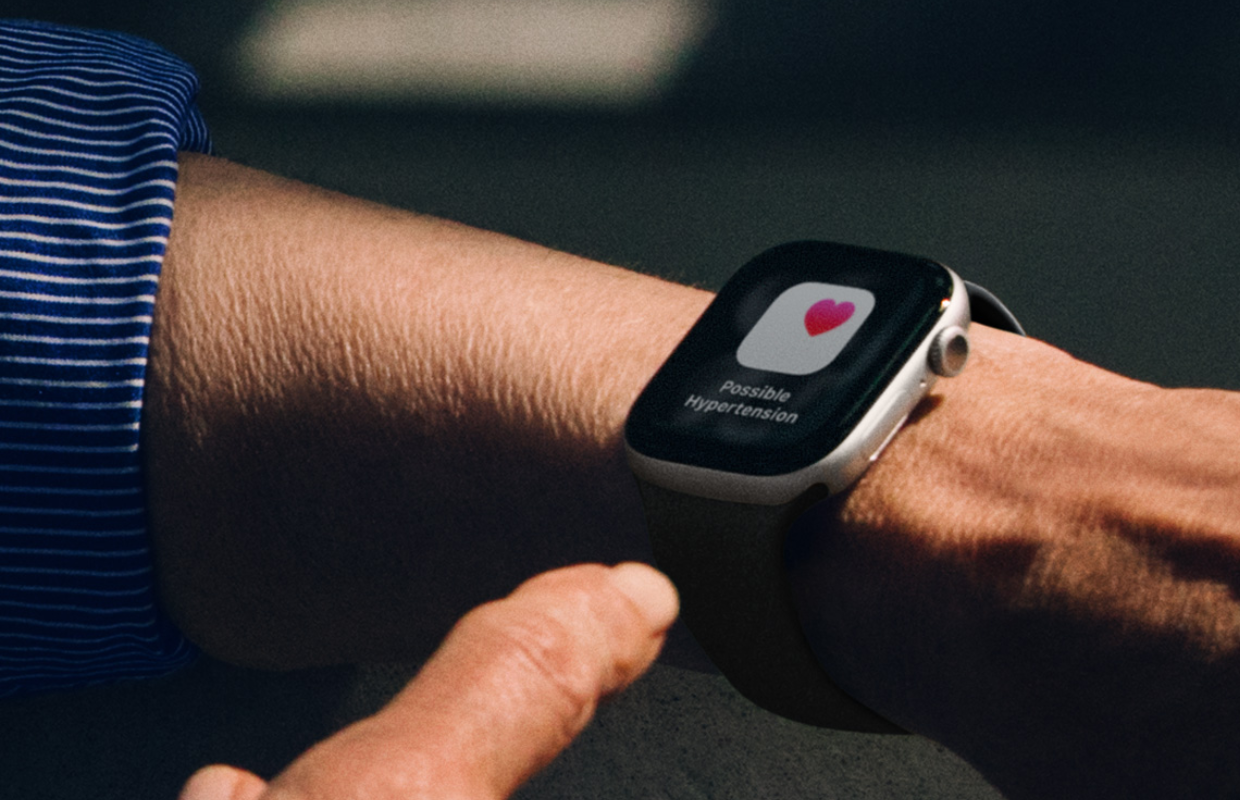
The Apple Watch needs thirty days to analyze your heart rate. So if you turn the feature on now, you can get hypertension notifications from your Apple Watch a month later. Is nothing wrong? Then you will not receive a notification from your Apple Watch.
This does not mean that you are certain that you do not have elevated blood pressure. It is always wise to check this every now and then with a blood pressure monitor or with your doctor.
To use these health features, you need an Apple Watch Series 9, Series 10, or Series 11. The function is also available on the Apple Watch Ultra 2 or Ultra 3.
You do have to enable the function. You do this in the following way.
- Open the ‘Health’ app on your iPhone;
- Tap your profile photo at the top right of the screen;
- Go to ‘Health Checklist’;
- Under ‘Hypertension notifications’, select ‘Configure’;
- Set the notifications according to the steps on the screen.
Have you turned it on before? Then in the fourth step you tap ‘Hypertension notifications’ and you can switch the notifications on or off.
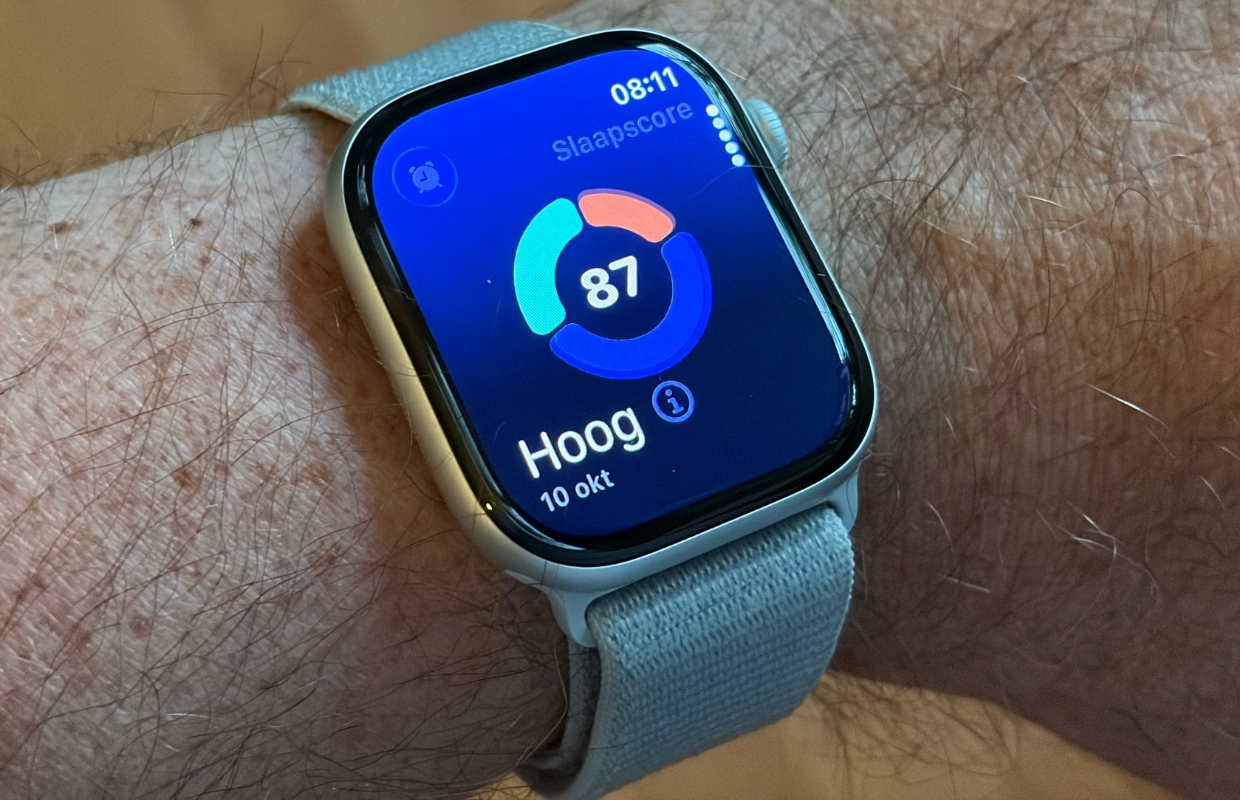
View sleep score and sleep history on the Apple Watch
Everyone knows how important sleep is for your health, but it is often difficult to measure how well you actually slept. With watchOS 26 this becomes a lot easier thanks to the new sleep score.
This score takes into account how long you slept, how regularly you go to bed and how often you woke up during the night. After waking up, you can immediately see in the app how your sleep was. This way you get concrete feedback about your sleep rhythm.
To get the sleep score, all you need to do is wear your Apple Watch at night and occasionally check the Sleep app on your Apple Watch or the Health app on your iPhone. You need an Apple Watch Series 6 or later to view the sleep score.
Do you always want to stay informed of all the new features for your Apple Watch or iPhone? Then sign up for our newsletter!

Download the iPhoned app
